
PHP-FPM Monitoring
Monitor PHP-FPM process pools, slow requests, memory usage, and worker states in real time with zero configuration.
Why monitor PHP-FPM?
PHP-FPM (FastCGI Process Manager) handles PHP request processing for millions of web applications. Monitoring PHP-FPM is essential to detect slow scripts, manage process pool sizing, prevent memory exhaustion, and maintain application responsiveness.
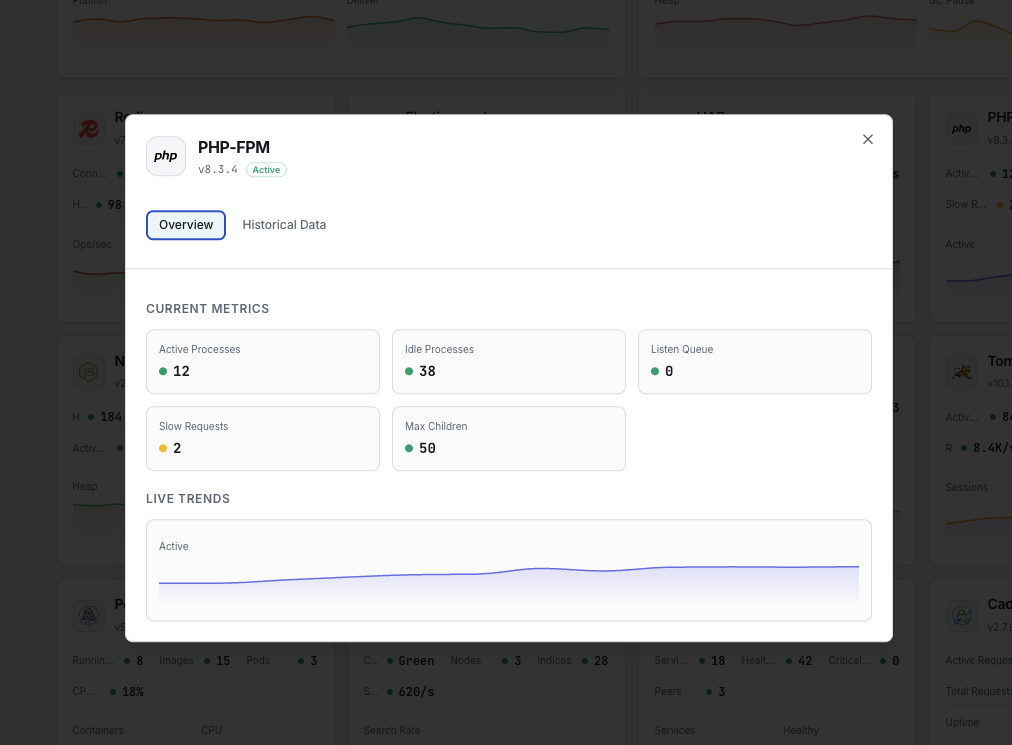
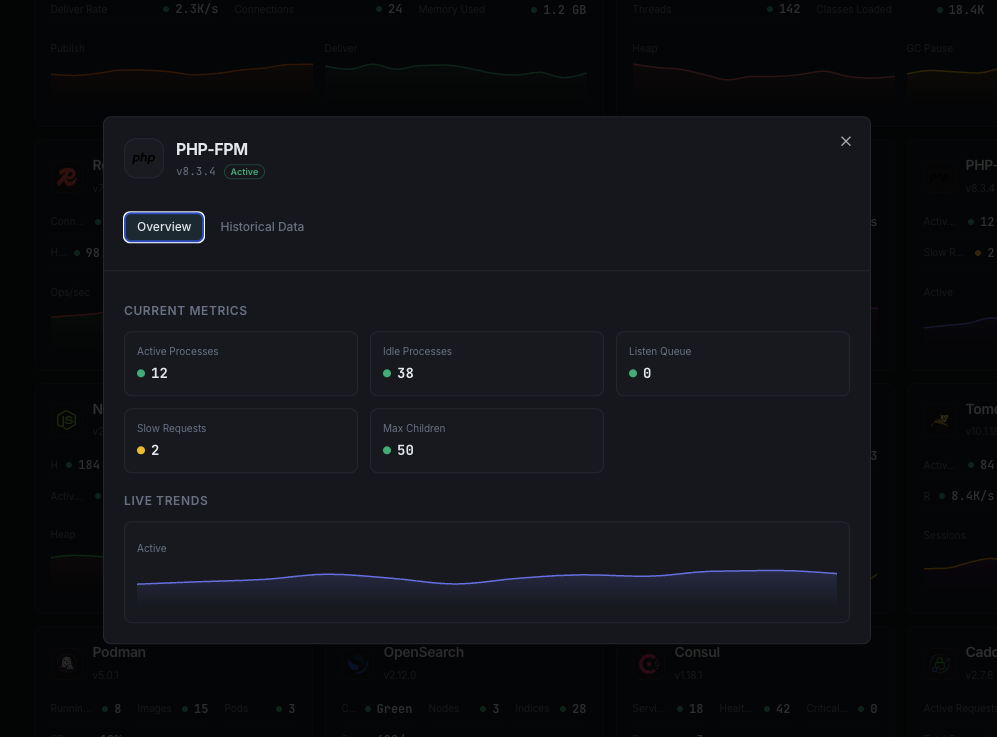
What we monitor
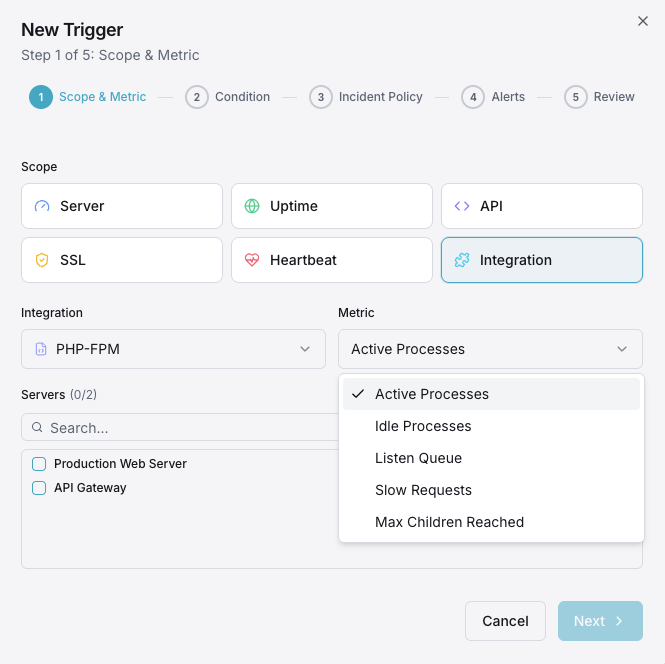
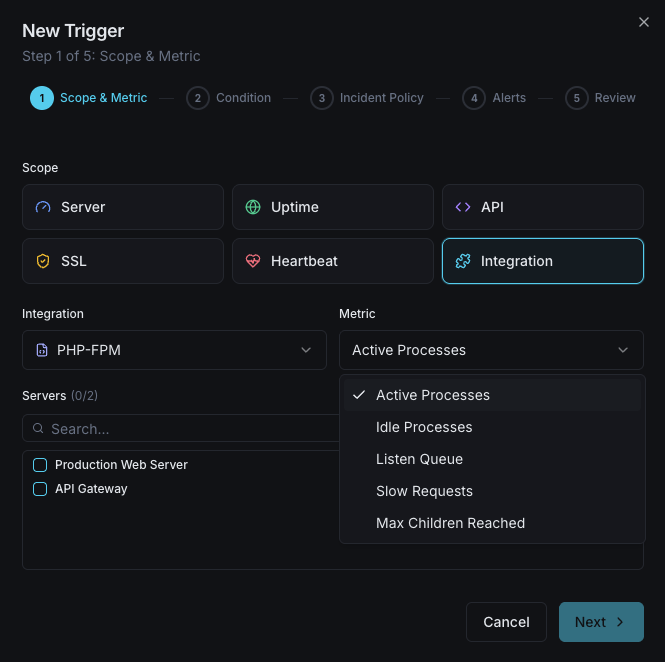
Active Processes
Currently processing PHP requests.
Idle Processes
Workers waiting for requests.
Slow Requests
Requests exceeding slow_log threshold.
Listen Queue
Requests waiting for a free worker.
Max Children Reached
Times process limit was hit.
Memory per Process
Average memory per PHP-FPM worker.
Request Duration
Average request processing time.
Total Processes
Total spawned PHP-FPM workers.
Configurable alert triggers
Set up custom triggers in your dashboard to get notified the moment PHP-FPM metrics cross your defined thresholds.
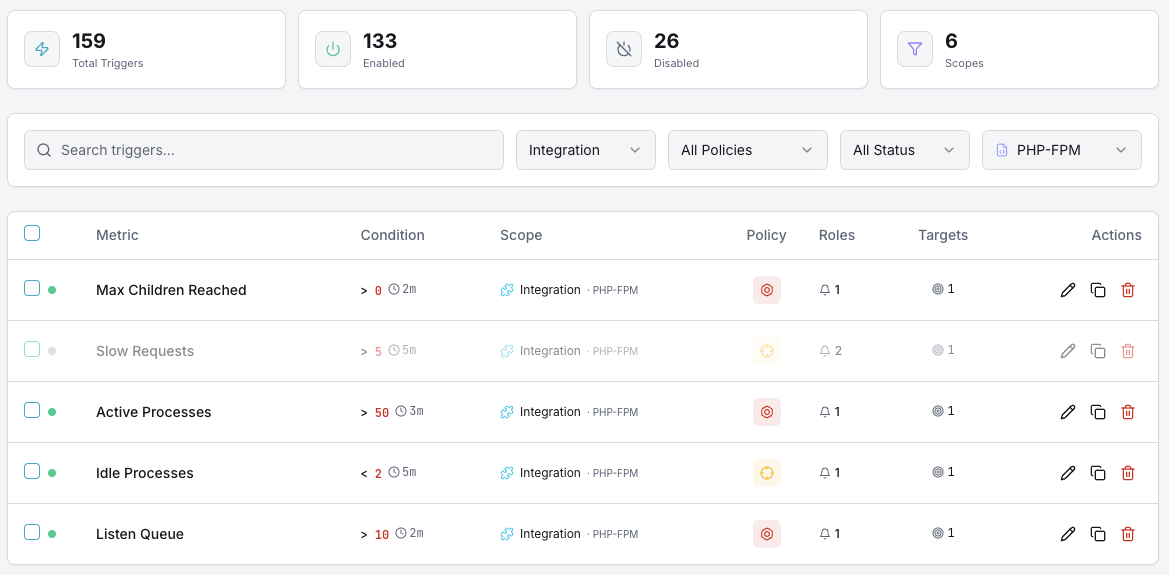
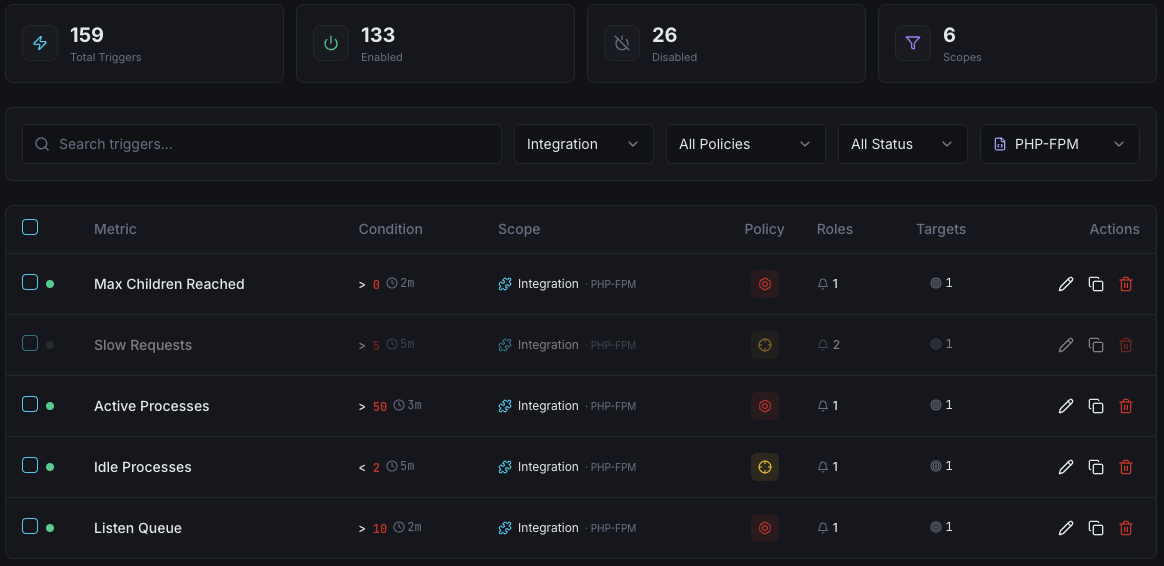
Slow Requests
warningFires when slow request count exceeds threshold.
Listen Queue
criticalTriggers when requests are queuing, indicating insufficient workers.
Max Children
criticalAlerts when process limit is reached repeatedly.
Memory Usage
warningFires on high per-process memory usage.
Active Processes
warningTriggers when all workers are busy.
Importance of PHP-FPM Monitoring
PHP powers 77% of websites. Without monitoring, slow scripts, memory leaks, and worker exhaustion can bring applications to a halt.
- Detect slow PHP scripts before they impact users
- Right-size process pools based on real data
- Prevent memory exhaustion from leaky scripts
- Monitor listen queue to avoid request drops
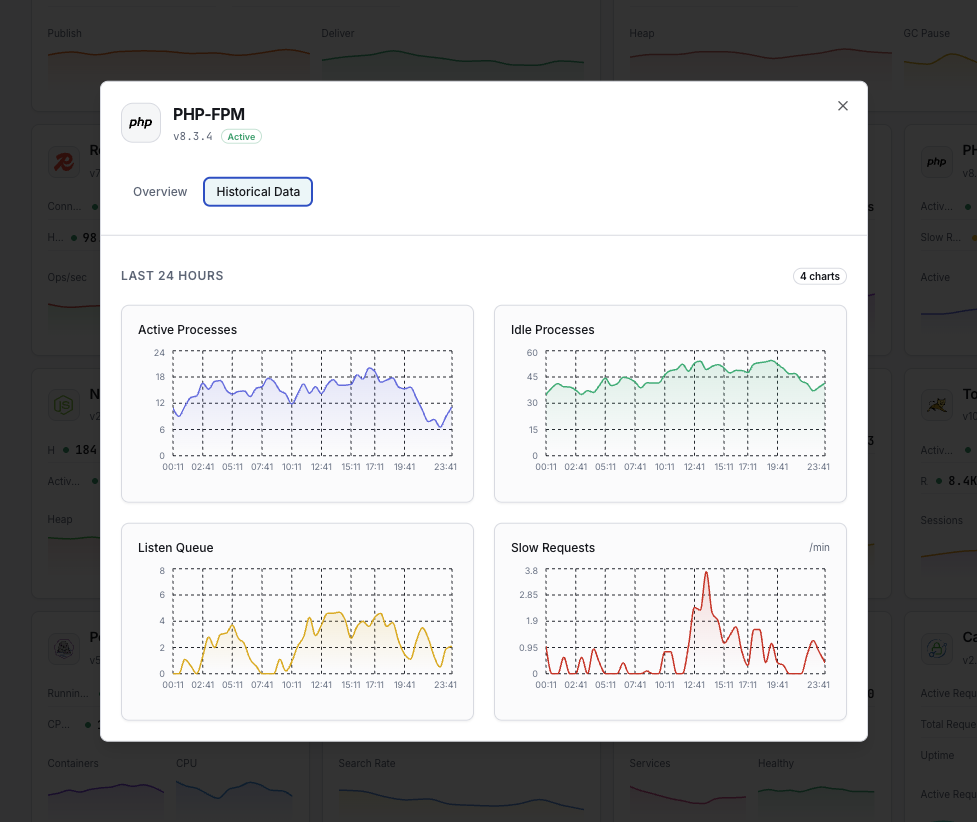
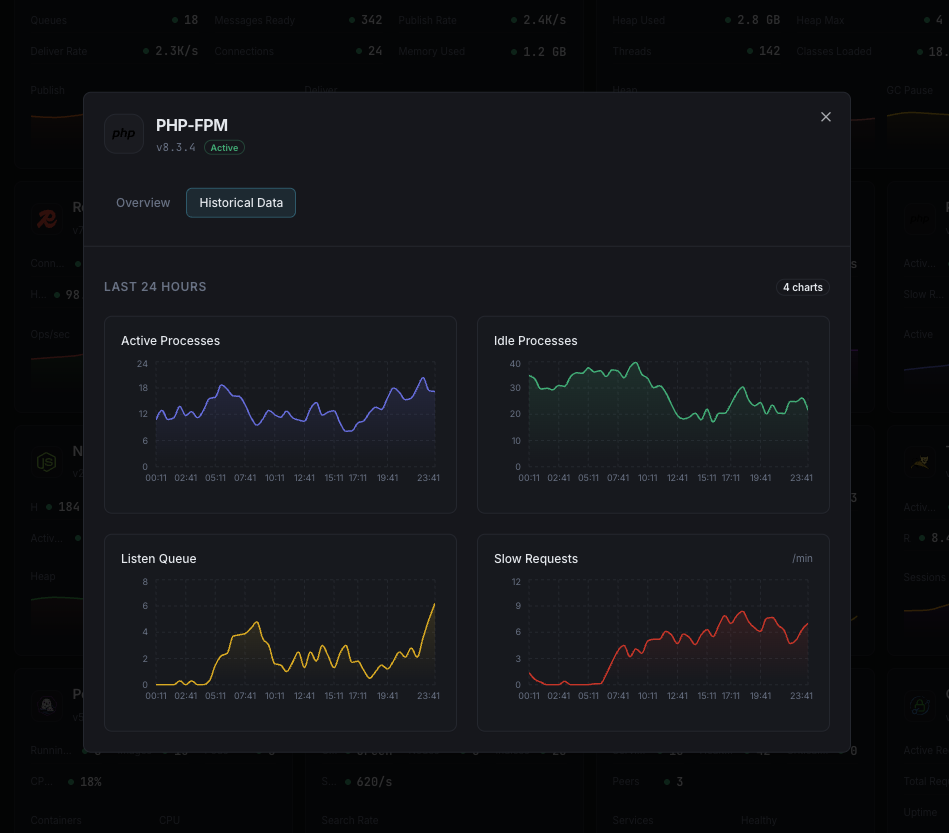
Why Choose Xitoring
Seamless PHP-FPM monitoring with zero-config setup and multi-pool support.
- One-command install
- Multi-pool monitoring support
- Unified dashboard
- Multi-channel alerting
- Historical data retention
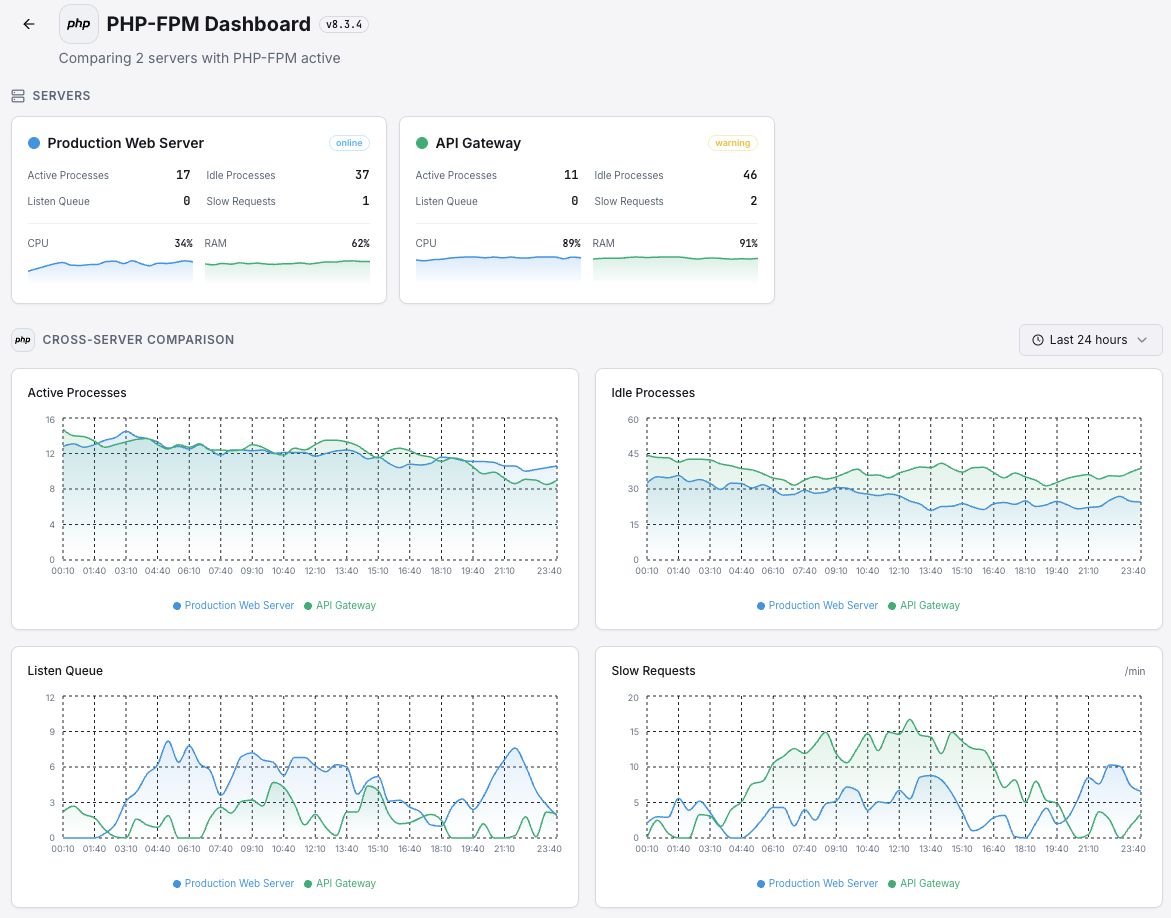
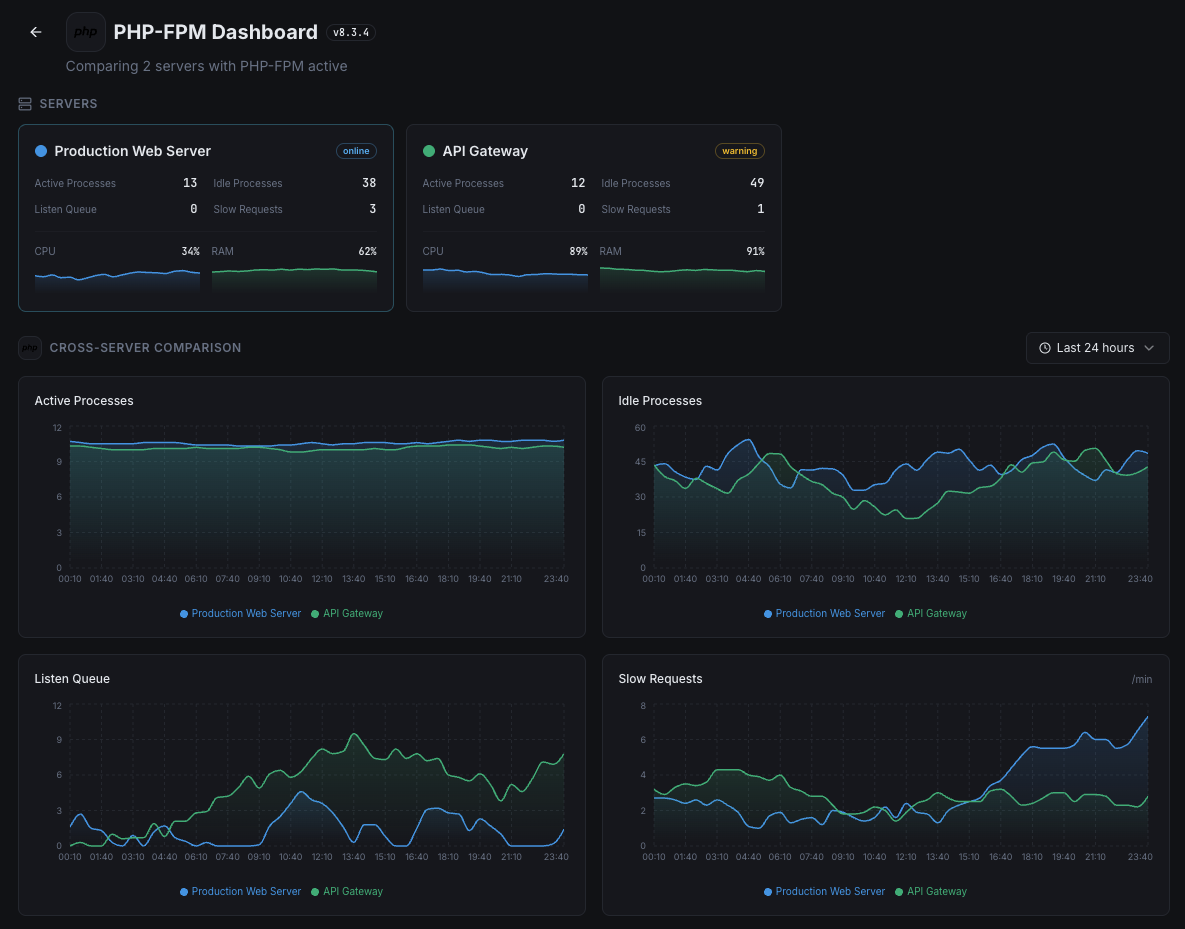
Get started in minutes
Install Xitogent
Install the monitoring agent.
curl -s https://xitoring.com/install.sh | sudo bashEnable PHP-FPM status page
Add status configuration to your PHP-FPM pool.
pm.status_path = /statusEnable the PHP integration
Enable via CLI.
sudo xitogent integrate php --enableFrequently asked questions
Start monitoring PHP-FPM today
Set up in under 60 seconds. No credit card required. Full metrics from day one.
Start Free Trial