Maintenance
Management
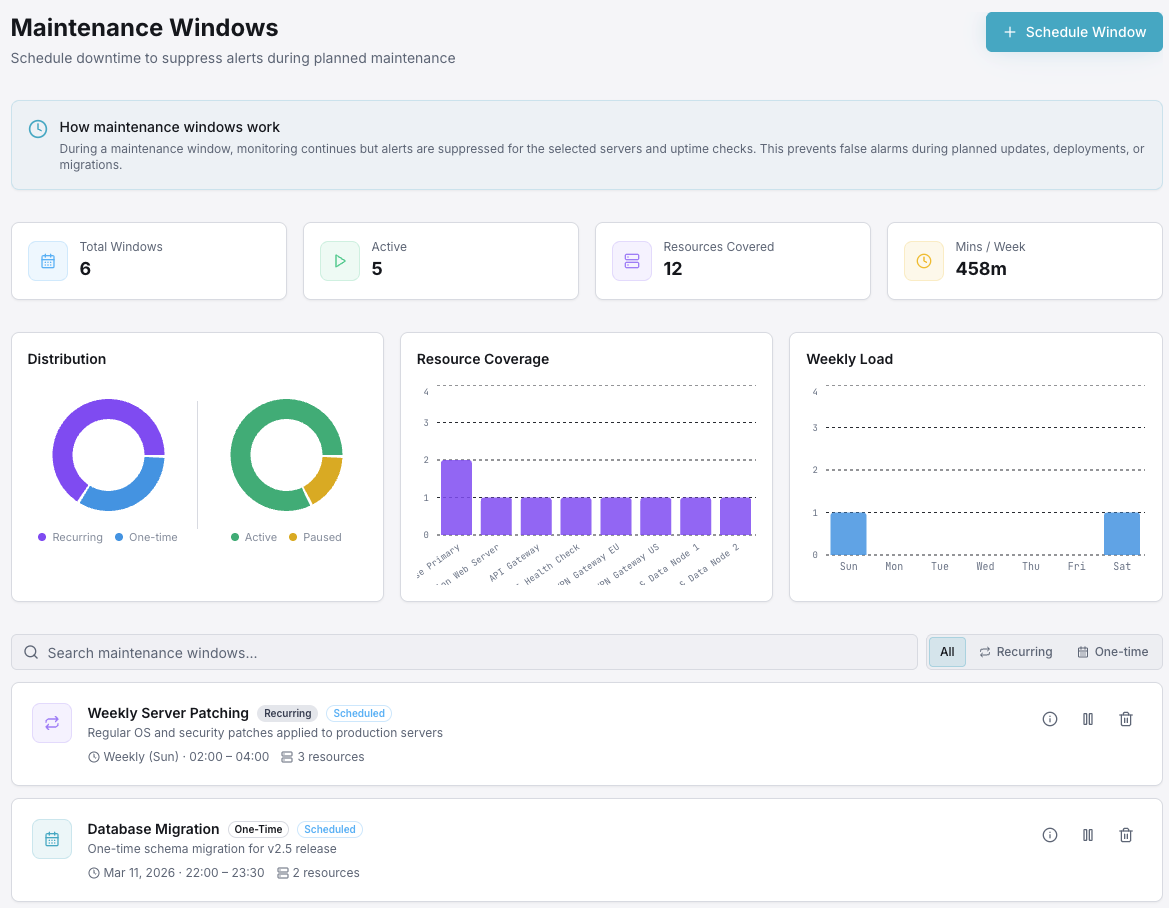
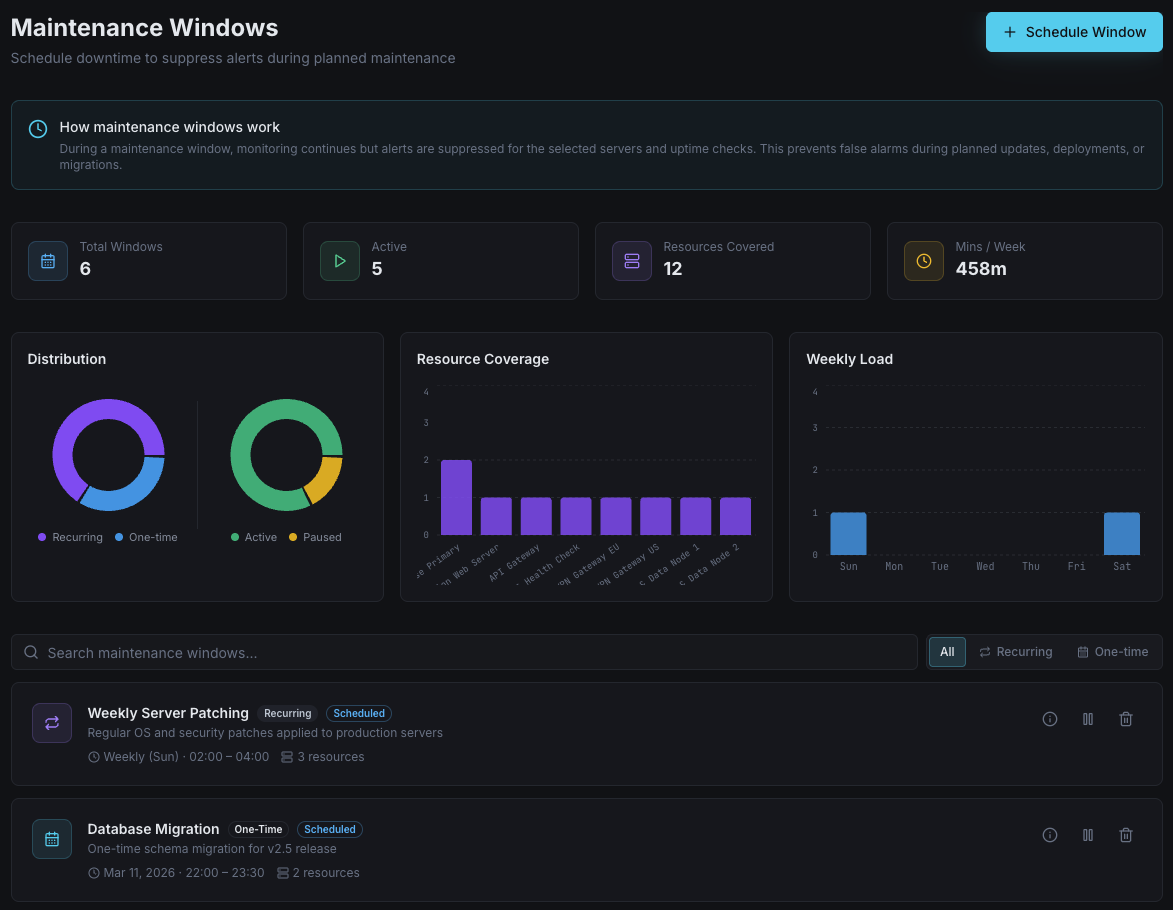
Schedule maintenance windows, suppress alerts, notify subscribers, and keep your status page accurate — all from one dashboard. No more false alarms during planned work.
Social Proof
Trusted by thousands — rated on
See what real users say about Xitoring on the world's top review platforms.




Key Features
Everything you need for Maintenance Management.
Window Scheduling
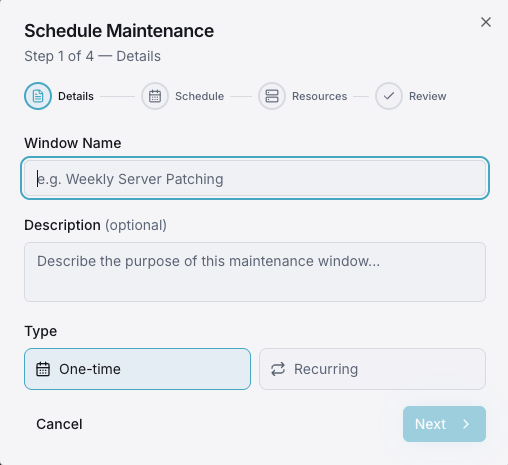
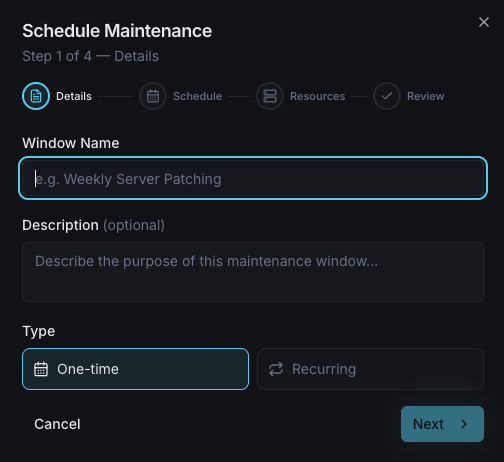
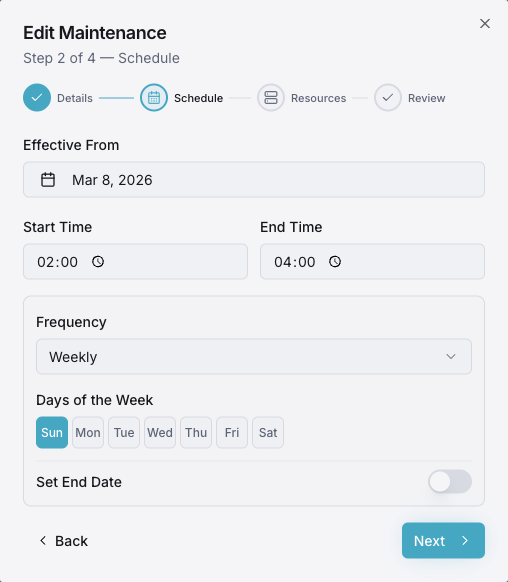
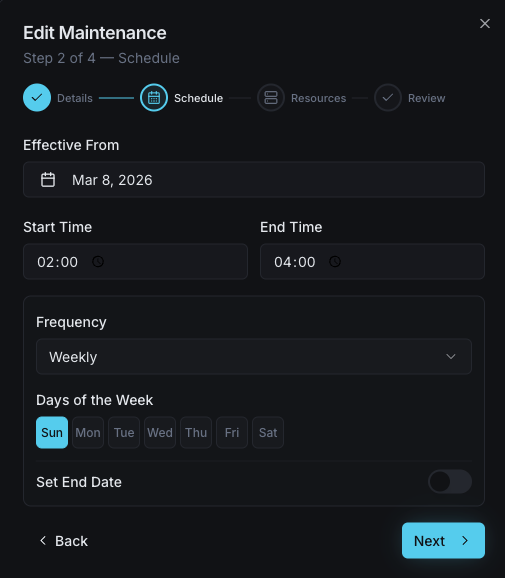
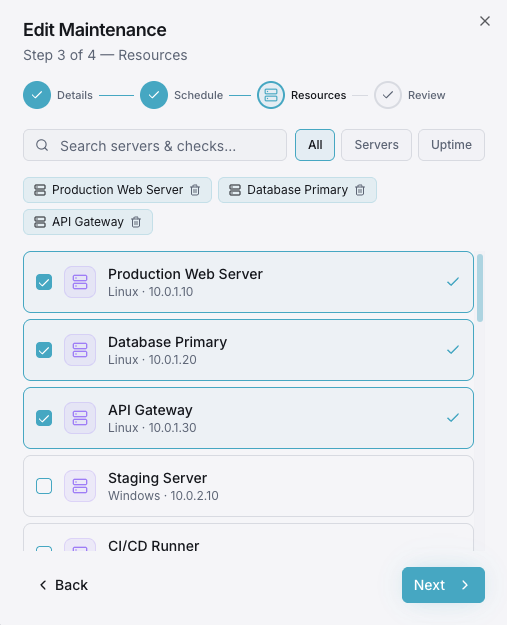
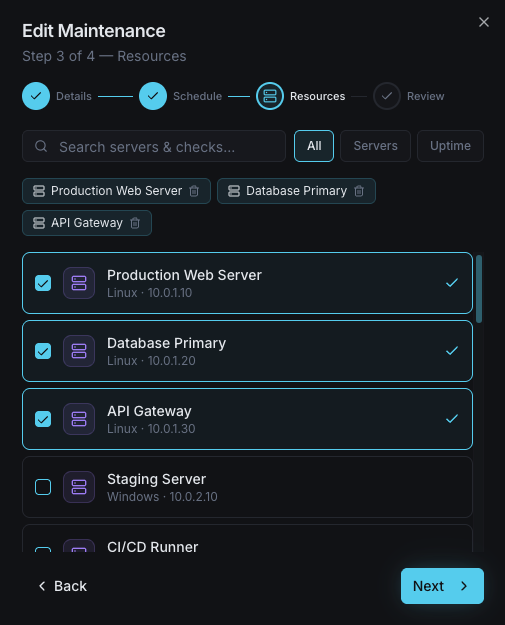
Define precise start and end times for maintenance. Select specific monitors or components, add a description, and schedule one-time or recurring windows.
Alert Suppression
All alerts for monitors in the maintenance window are automatically silenced. No false-positive pages, no noise — alerts resume the moment maintenance ends.
Subscriber Notifications
Automatically notify status page subscribers before maintenance starts, when it begins, and when it completes. Keep your users informed at every stage.
Status Page Integration
Your status page automatically reflects scheduled maintenance with visible banners and per-component indicators. No manual updates required.
SLA-Aware Calculations
Maintenance windows are excluded from uptime and SLA calculations. Your reliability metrics reflect actual incidents, not scheduled work.
Recurring Schedules
Set up daily, weekly, or monthly recurring maintenance windows for routine tasks like backups, patching, and deployments.
Planned Downtime, Zero Surprises
Maintenance Management eliminates the chaos of planned downtime. Schedule windows, suppress alerts, notify subscribers, and update your status page — all automatically.
- Schedule one-time or recurring maintenance windows
- Automatic alert suppression during maintenance
- Subscriber notifications before, during, and after
- Status page reflects planned downtime automatically
- SLA-aware uptime calculations exclude maintenance
- Timezone-aware scheduling with DST support
- Recurring schedules for routine maintenance
- Per-component or global maintenance scoping
- +15 Notification Channels
Who it's for
Maintenance Management Use Cases
See how teams across industries use Xitoring to keep their infrastructure reliable.
SaaS Companies
Schedule regular deployment windows and database migrations without triggering false alerts or alarming customers on your status page.
E-Commerce Platforms
Plan payment gateway updates and inventory system maintenance during low-traffic hours. Keep shoppers informed with automated advance notices.
Hosting & Cloud Providers
Coordinate network upgrades, firmware patches, and hardware replacements across regions with per-component maintenance windows.
Healthcare & Telehealth
Schedule EHR system updates and telehealth platform maintenance during off-hours. Notify providers and patients automatically.
EdTech & Universities
Plan LMS upgrades and registration system maintenance during breaks. Keep students and faculty informed with automated subscriber alerts.
Financial & Government
Document planned downtime for audit compliance. Notify stakeholders in advance and maintain clean SLA reports that exclude scheduled work.
Why Maintenance Management Matters
Every infrastructure team performs planned maintenance — but without proper tooling, maintenance windows trigger false alerts, confuse customers, and pollute uptime metrics. A dedicated maintenance management system turns scheduled work into a controlled, transparent process.
- Eliminate false-positive alerts during planned downtime
- Keep uptime SLAs accurate by excluding scheduled maintenance
- Proactively inform customers before maintenance begins
- Maintain a clean audit trail of all planned work
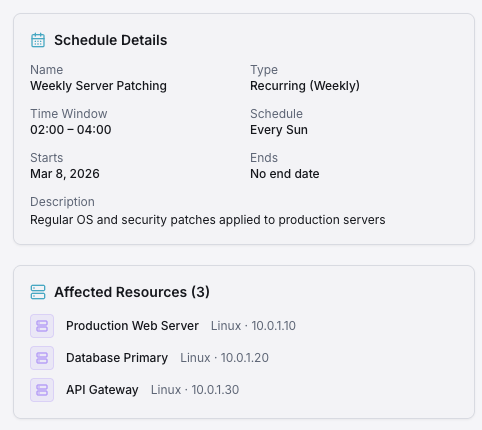
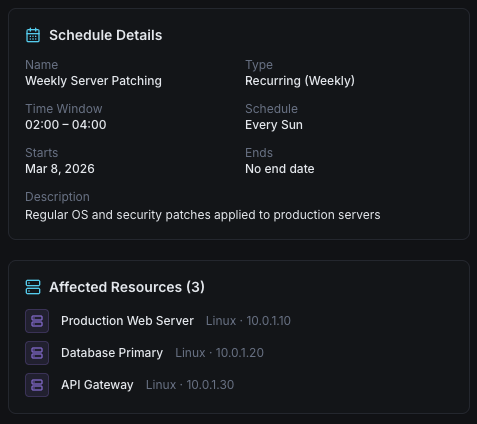
Xitoring's Maintenance Scheduler
Schedule maintenance windows in seconds. Choose which monitors or components are affected, set the time range, enable subscriber notifications, and let Xitoring handle the rest — alert suppression, status page updates, and SLA adjustments happen automatically.
- Visual calendar with drag-and-drop scheduling
- Per-component or global maintenance scoping
- Automatic status page banners and subscriber emails
- Recurring schedules for routine maintenance tasks
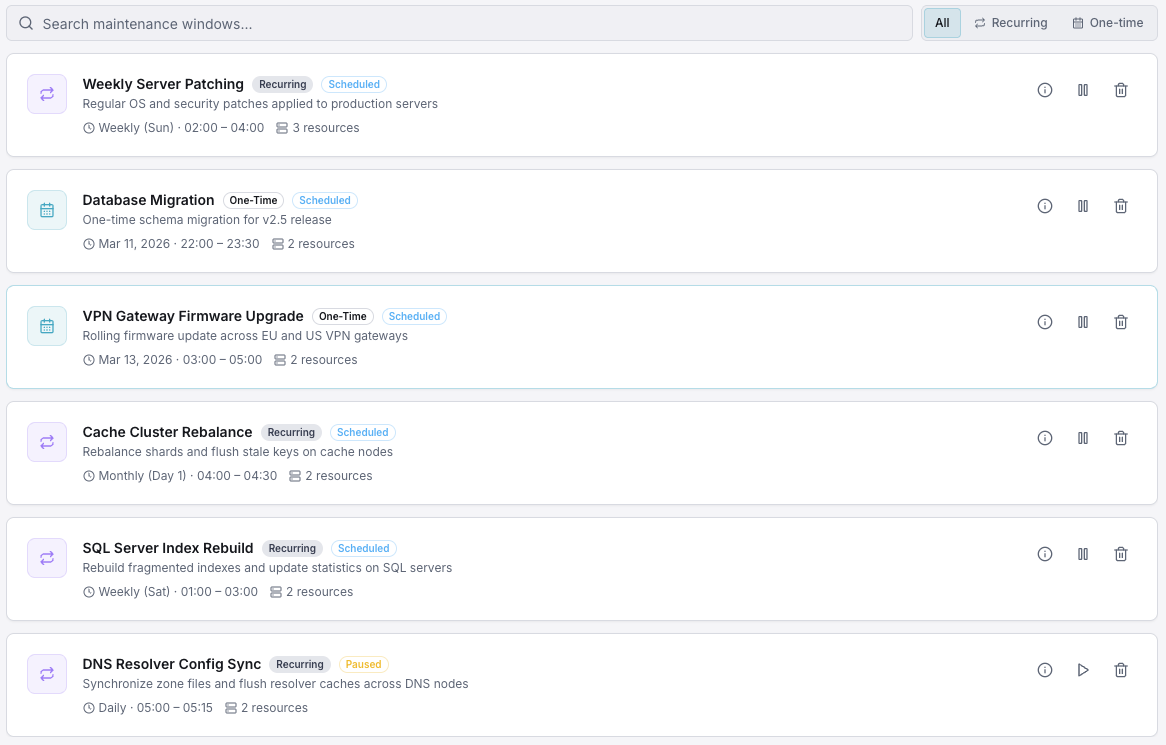
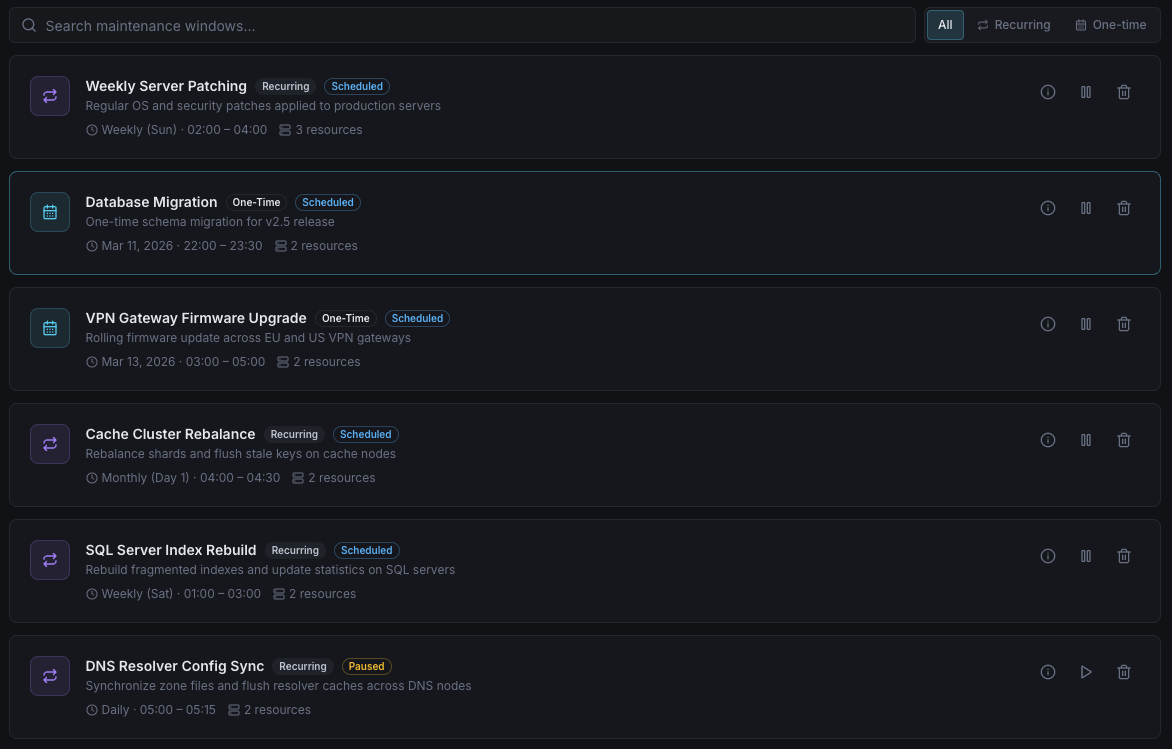
Additional Capabilities
Per-Component Scoping
Apply maintenance windows to specific components, groups, or your entire infrastructure. Granular control for complex environments.
Advance Notice Emails
Send automated advance-notice emails to subscribers hours or days before scheduled maintenance begins.
Maintenance History
Full audit log of all past maintenance windows with timestamps, affected components, and completion status for compliance reporting.
Frequently asked questions
Common questions about Maintenance Management.
Take Control of Your Maintenance Windows
Schedule your next maintenance window in under a minute. Alerts are suppressed, subscribers are notified, and your status page updates automatically — zero manual effort.
Start Free Trial