All Your Monitoring in One Place
Stay in control of your servers, websites, and applications anywhere, anytime. Monitor uptime, track server health, manage incidents, and receive real-time notifications — all from your pocket.


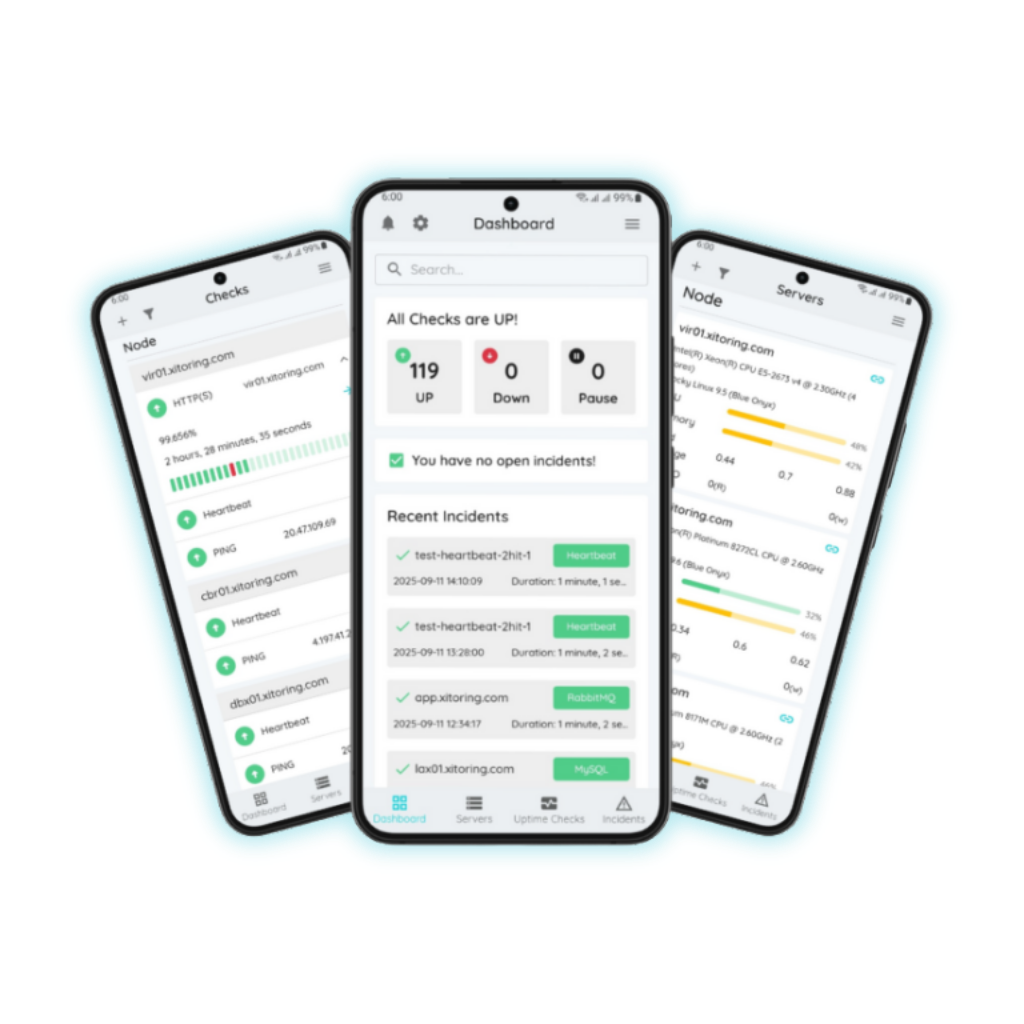
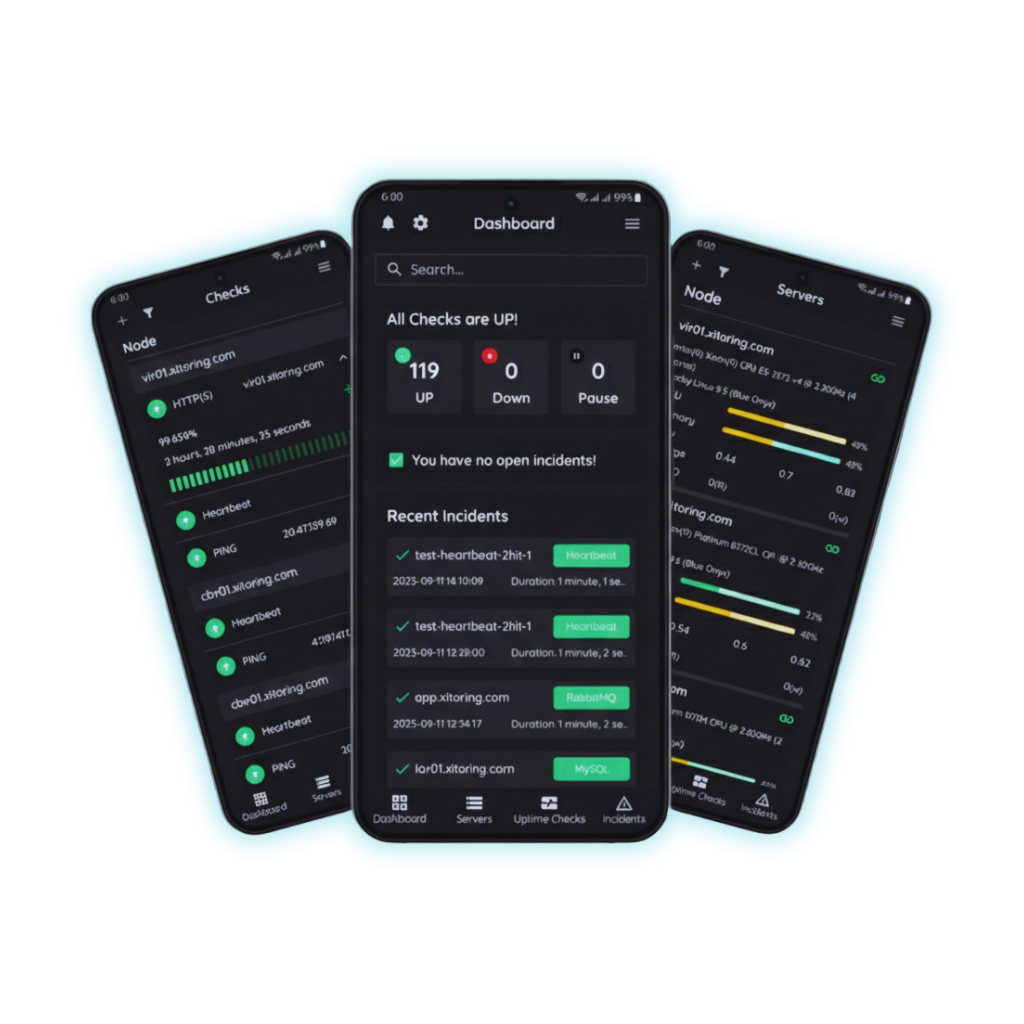
Everything you need, in your pocket
Powerful monitoring features designed for mobile — fast, intuitive, and always connected.
On-the-Go Server Monitoring
Bring server monitoring to your fingertips. Whether you're in a meeting, commuting, or away from your desk, stay connected with real-time status updates.
Instant Incident Management
Respond to incidents swiftly with the dedicated Incidents tab. Receive timely notifications, investigate issues, and take action from the palm of your hand.
Push Notifications
Receive alerts directly on your mobile device, ensuring you're promptly informed about any changes or issues. Stay proactive and maintain system reliability.
Seamless Navigation
Explore key functionalities through dedicated tabs — Servers, Checks, Incidents, 2FA, and Dark Mode — mirroring the web interface for consistency.
Quick Actions
Pause, resume, or acknowledge alerts directly from your phone without logging into the web app. Take control with minimal effort.
Secure Access
Enable Two-Factor Authentication and biometric login directly from the app. Your monitoring data stays protected wherever you go.
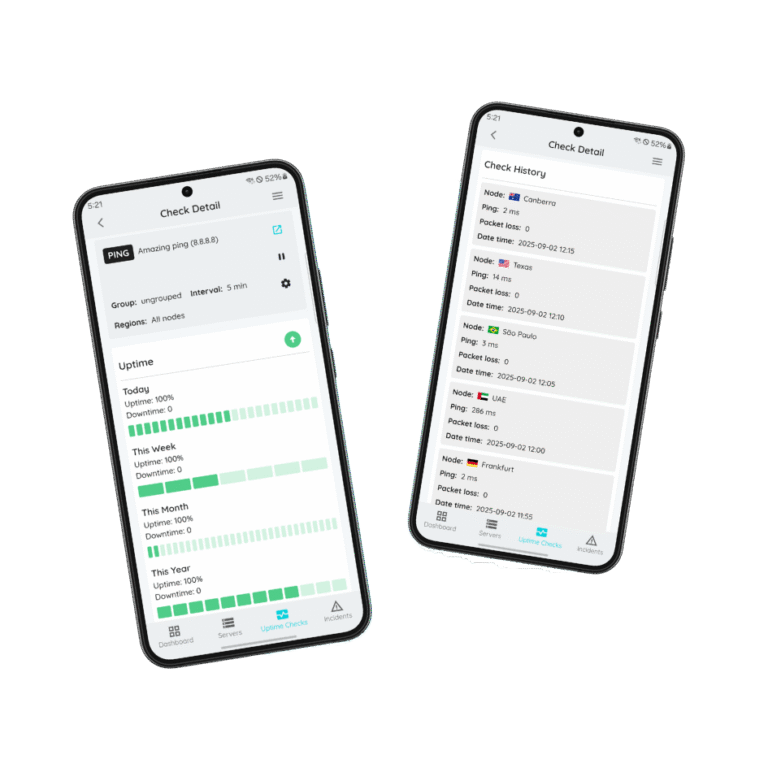
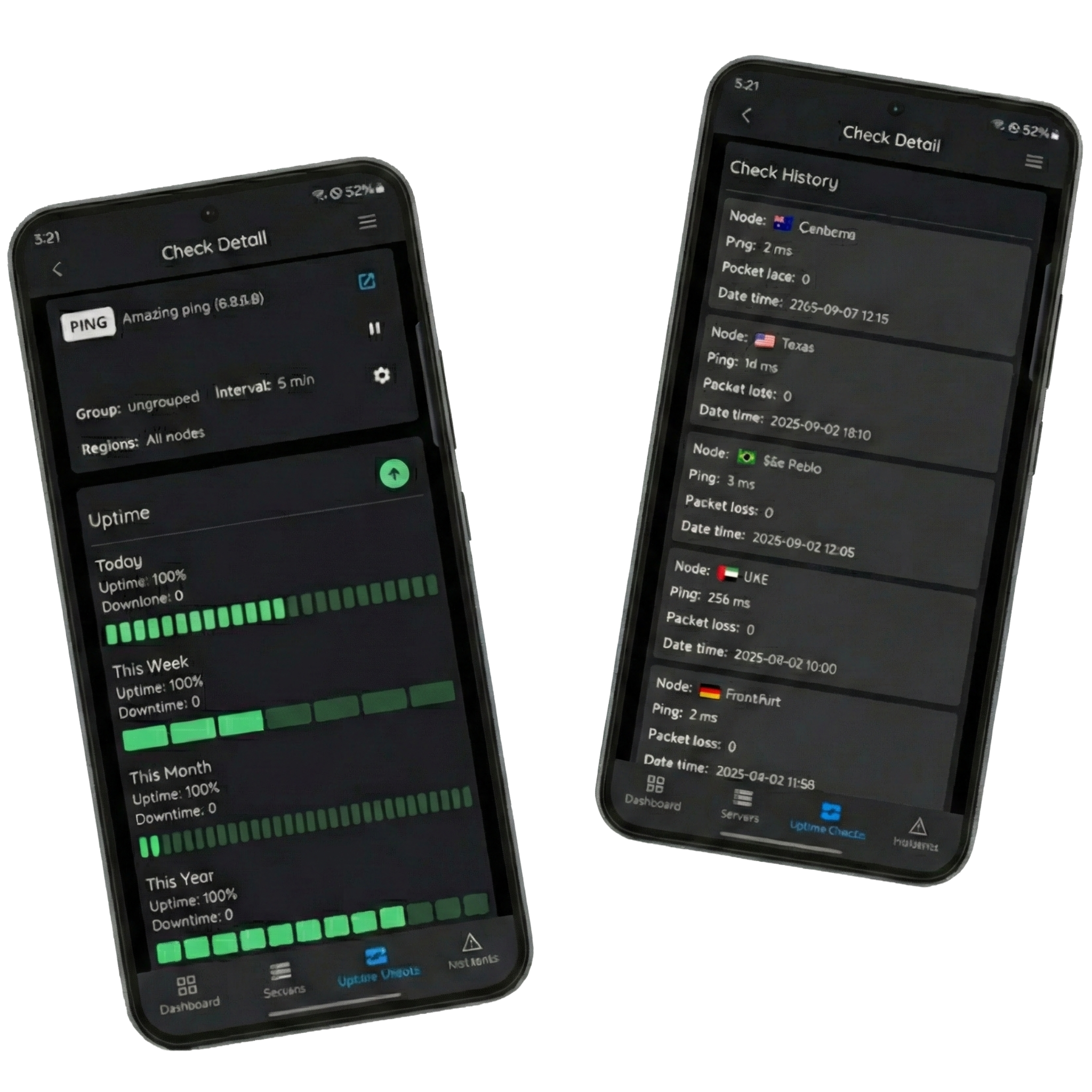
Complete Uptime Monitoring
Add and monitor all types of checks — Ping, HTTP, DNS, FTP, POP3, IMAP, SMTP, TCP, UDP, Heartbeat, and SSL. Track performance with uptime history graphs and detailed check logs, powered by 15+ global probing nodes for accurate results.
- Pause & unpause uptime checks anytime
- 1-minute monitoring interval
- Uptime history graph & detailed logs
- Multiple trigger conditions for flexibility
- 15+ global probing nodes for accuracy
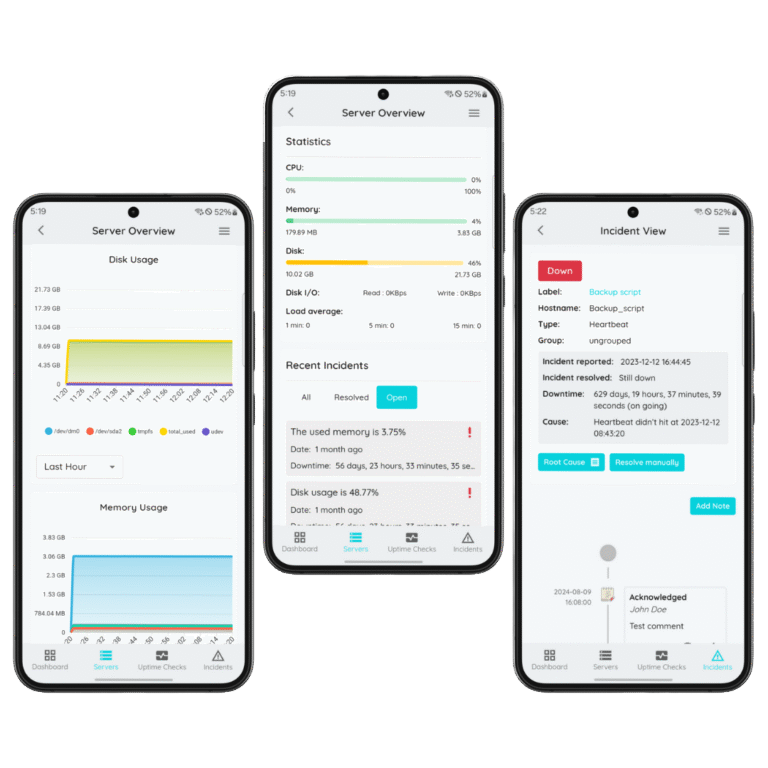
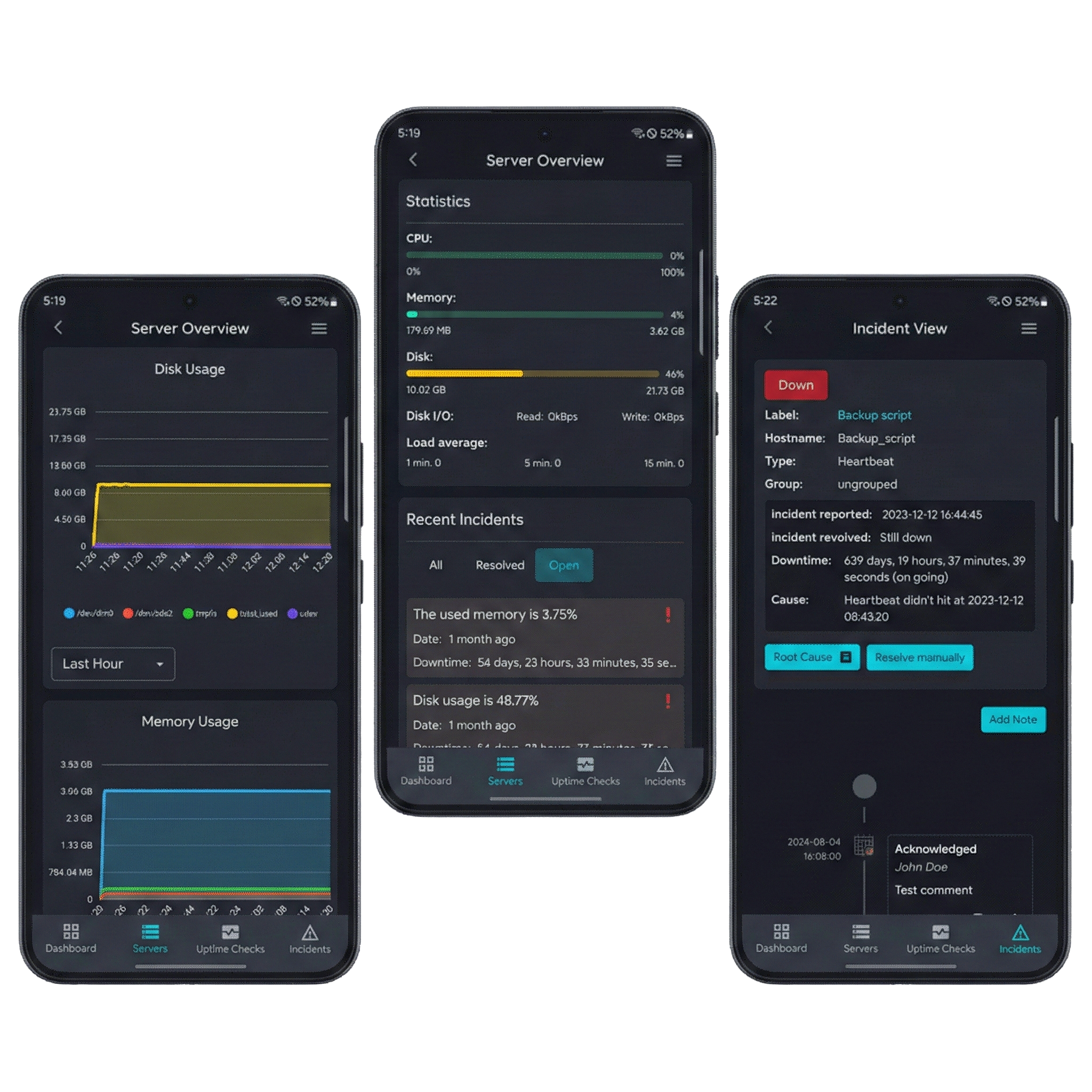
Powerful Server Monitoring
Easily add Linux or Windows servers and monitor key metrics in real time. Explore detailed graphs, view statistics, and receive instant notifications whenever a server goes down — all from your mobile app.
- Pause & unpause server monitoring
- Full server details at your fingertips
- Monitor statistics & metrics with graphs
- Recent incidents list for quick context
- One-click access to advanced web tools
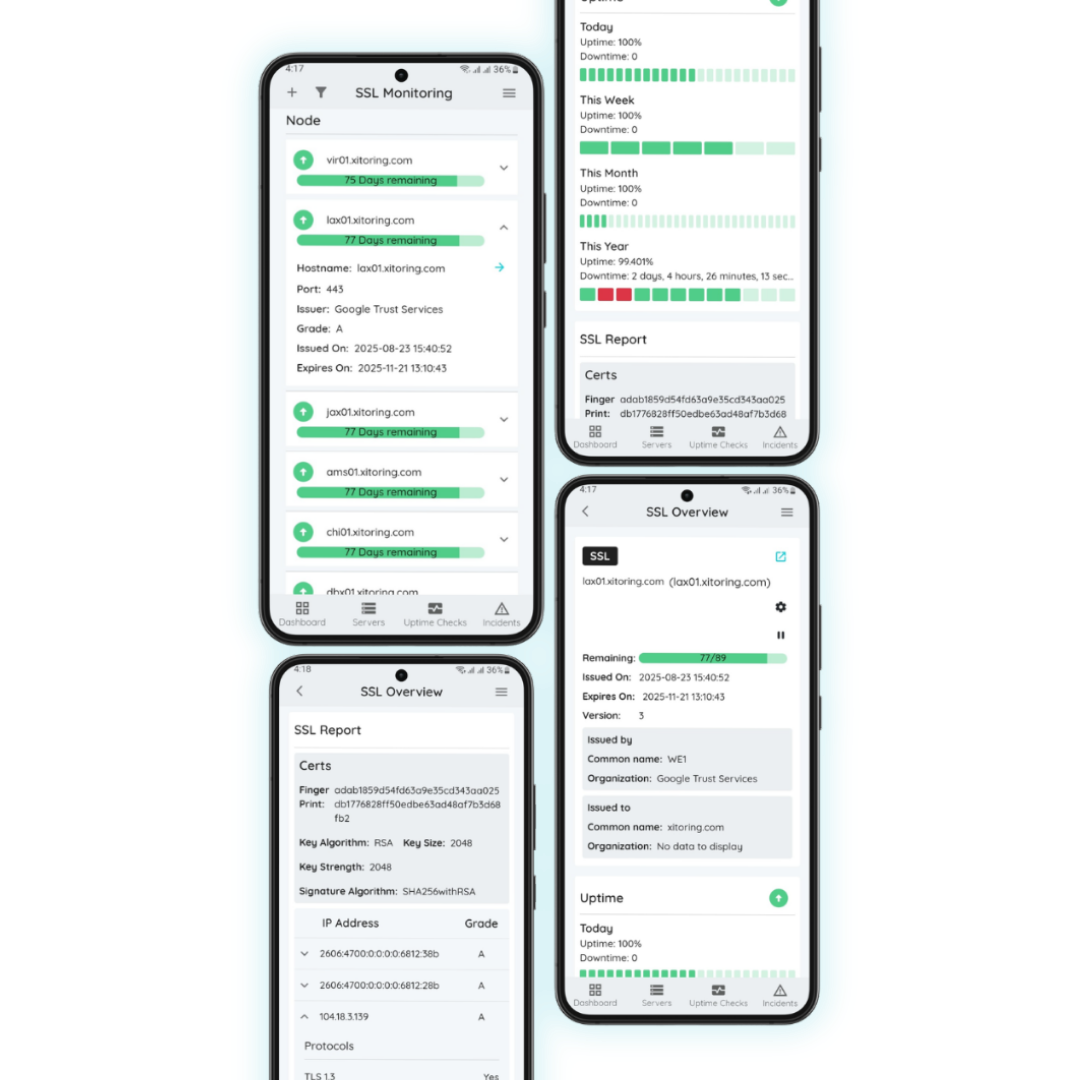
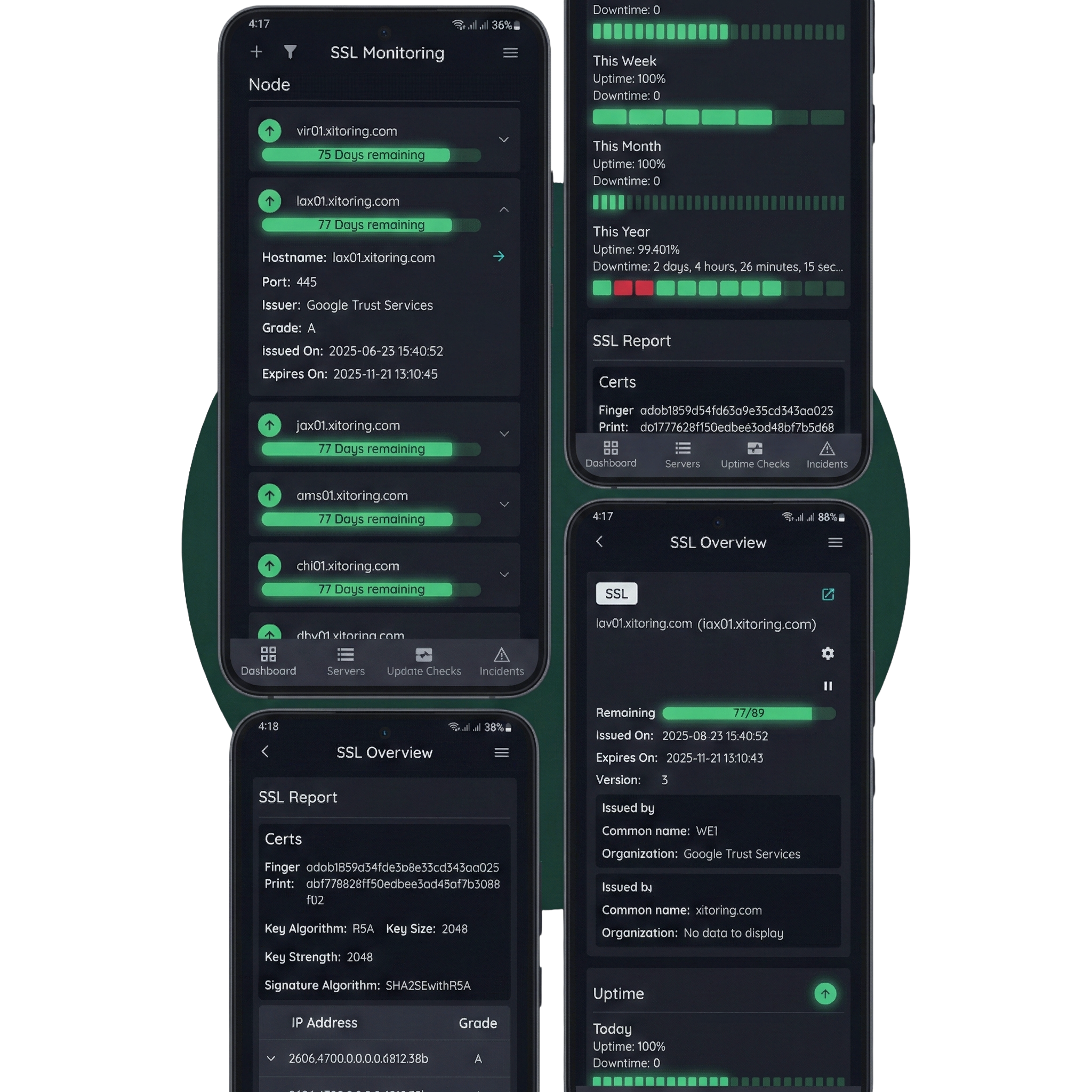
SSL Certificate Monitoring
Never let an SSL certificate expire unnoticed. Track your certificates in real time and get alerts before they expire, ensuring your websites stay secure and trusted.
- Pause & unpause SSL checks anytime
- View full SSL certificate details
- Generate SSL reports with certificate info
- Access check history for past results
- Set custom warning days before expiry
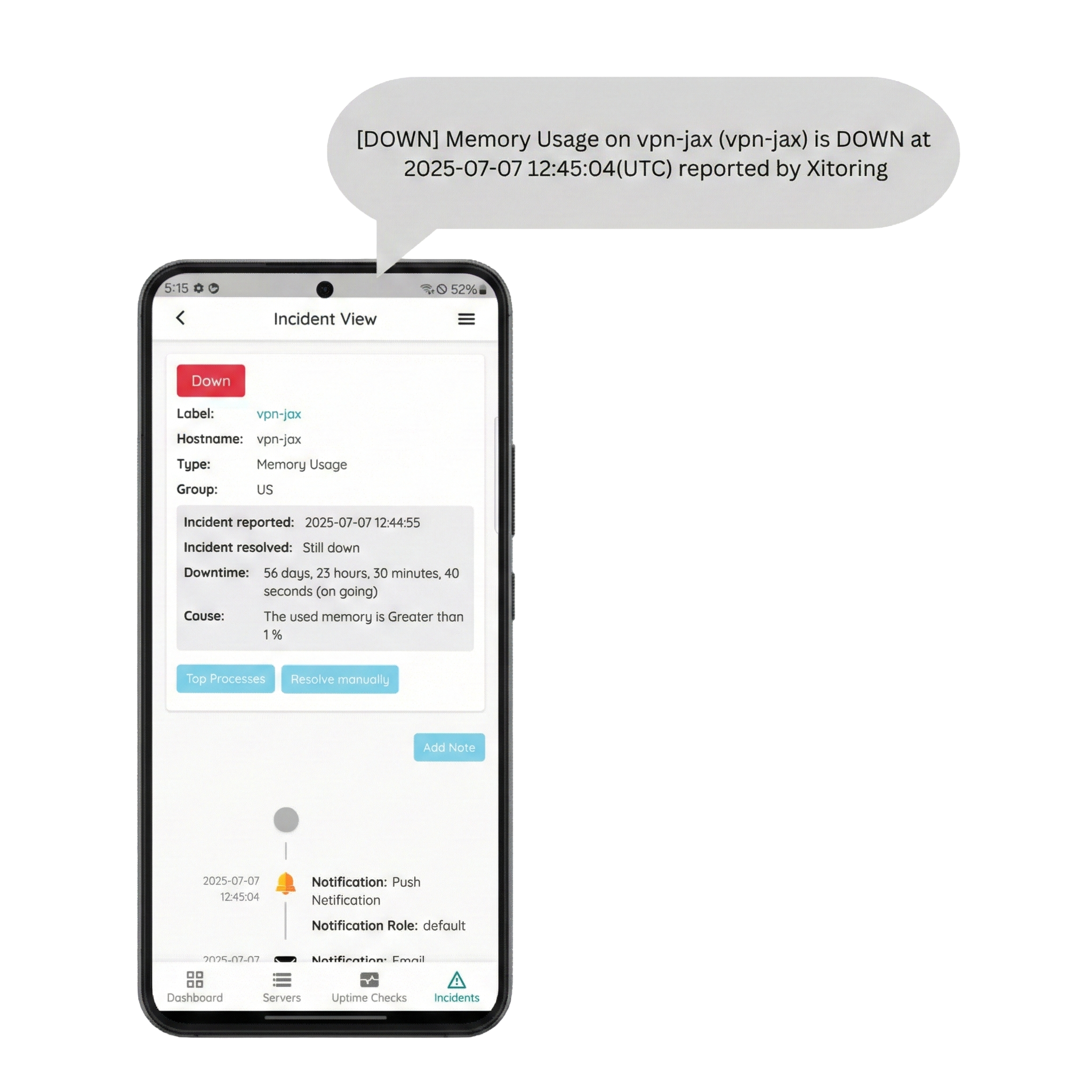
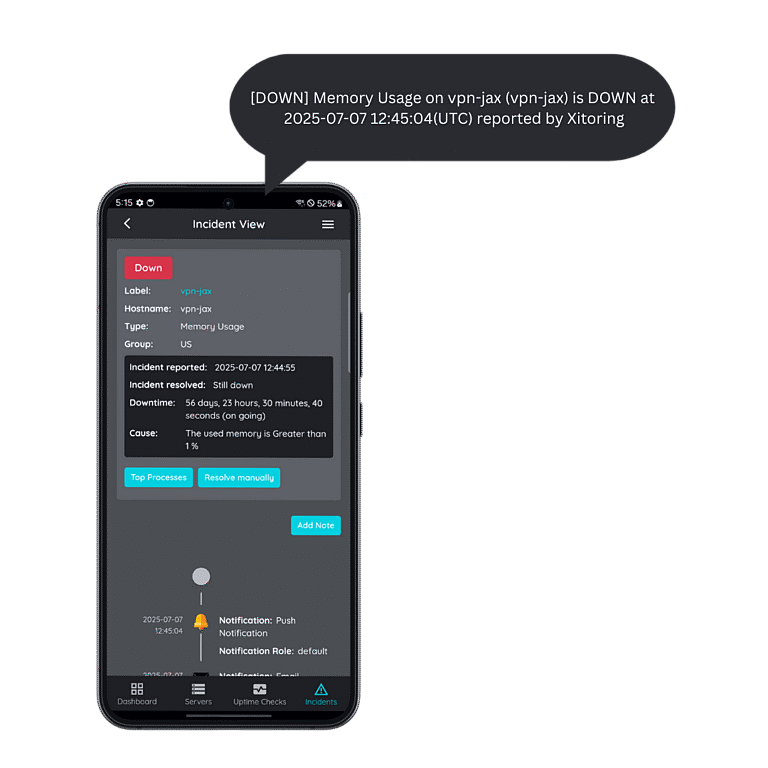
Never Miss a Critical Event
Receive real-time alerts directly on your phone and take action immediately. Manage incidents on the go to keep your systems stable and your users happy.
- Add notes to incidents for team context
- Timeline view for full incident history
- Manage push notification preferences
- Filter incident list to focus on what matters
- Configure notification channels in the web app
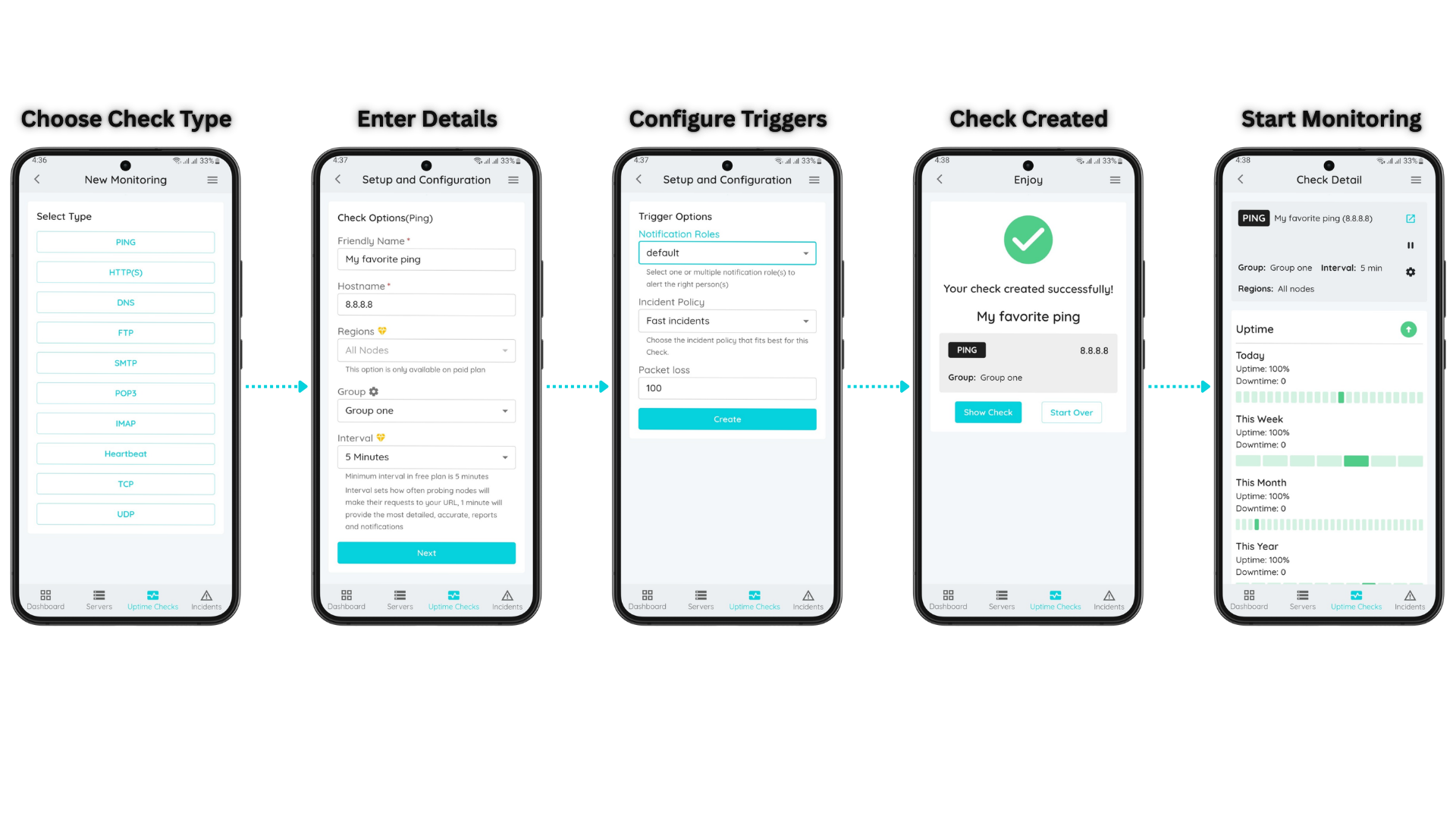
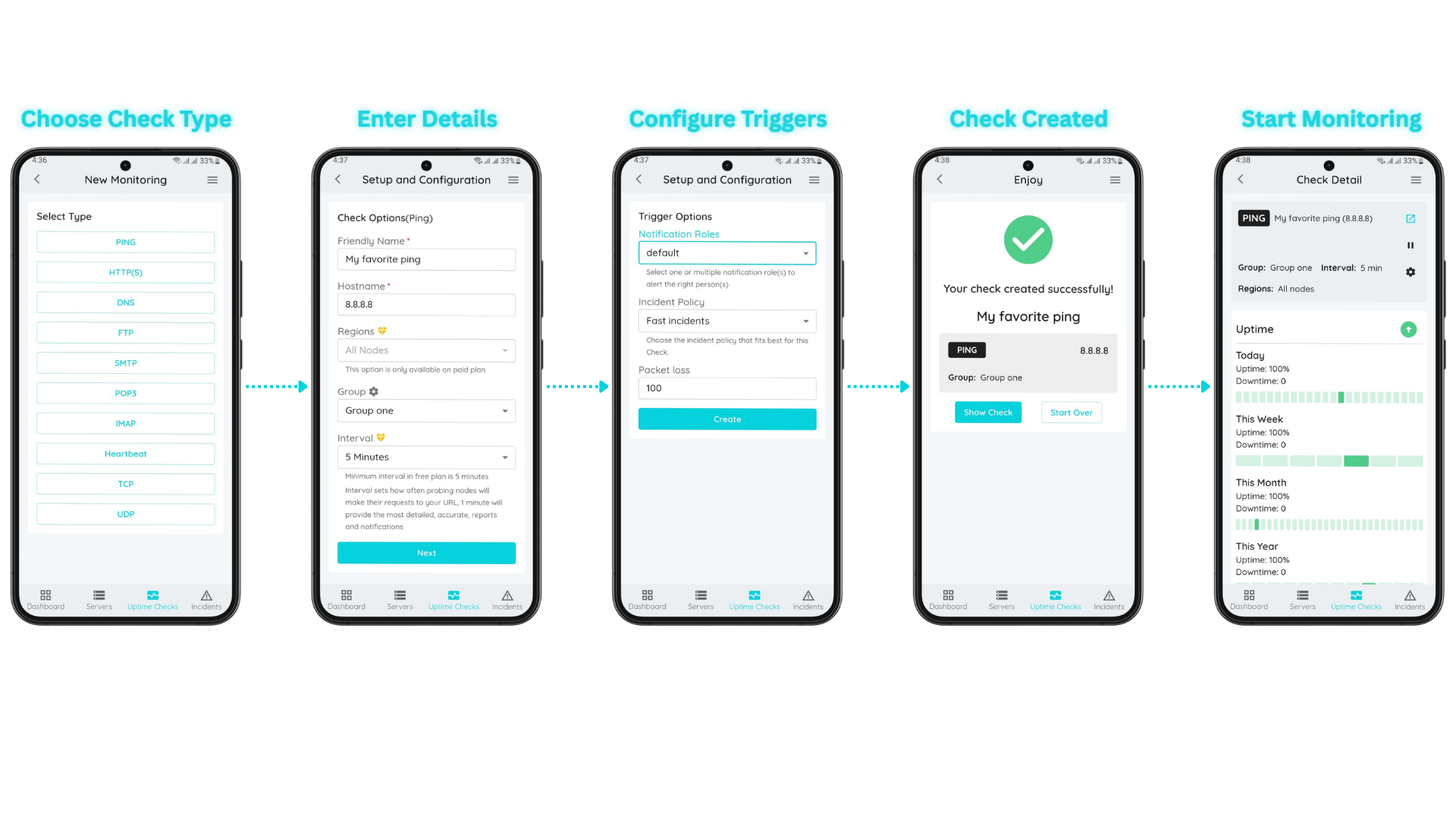
Create Your Uptime Check in Under 1 Minute
Choose from 11 different check types, configure your settings, and start monitoring instantly from your phone.
Ready to stop guessing?
Start monitoring your infrastructure in under 60 seconds. No credit card required.
Free plan available • No credit card required • Setup in 60 seconds