MariaDB Monitoring
Monitor MariaDB query performance, InnoDB buffer pool, replication health, and connection metrics in real time with zero configuration.
Why monitor MariaDB?
MariaDB is a community-driven fork of MySQL, used by millions for web applications, data warehousing, and enterprise workloads. Monitoring MariaDB is essential to optimize query throughput, track InnoDB buffer pool efficiency, detect replication lag, and manage connection pools. Xitoring's MariaDB integration provides deep visibility into your database performance.
What we monitor
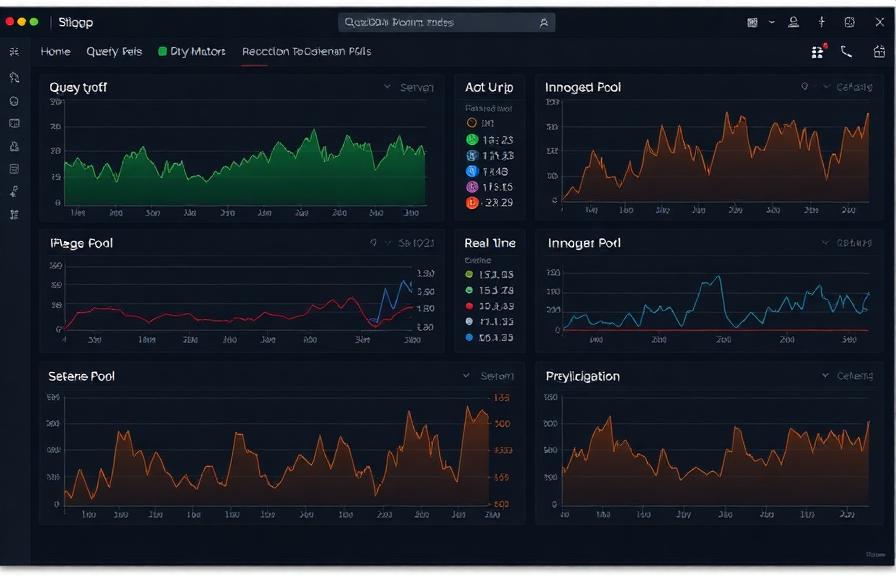
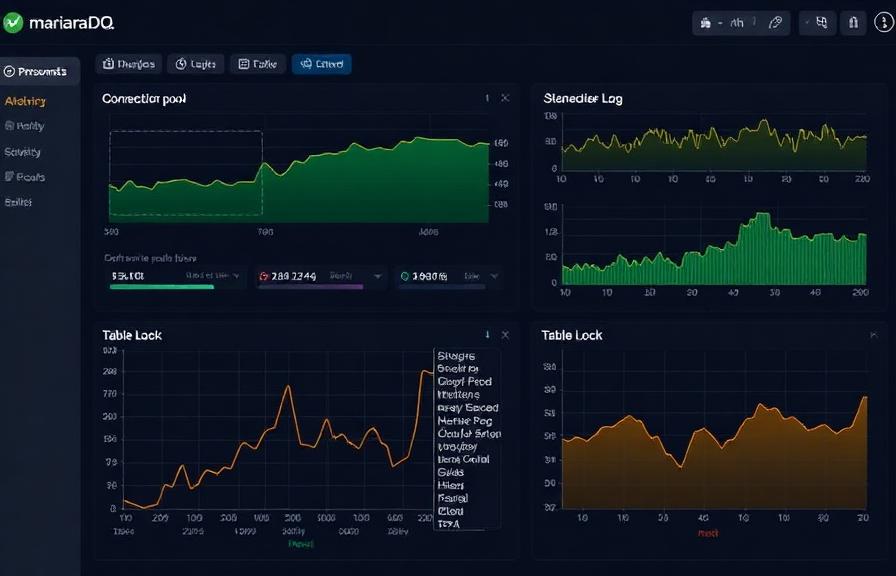
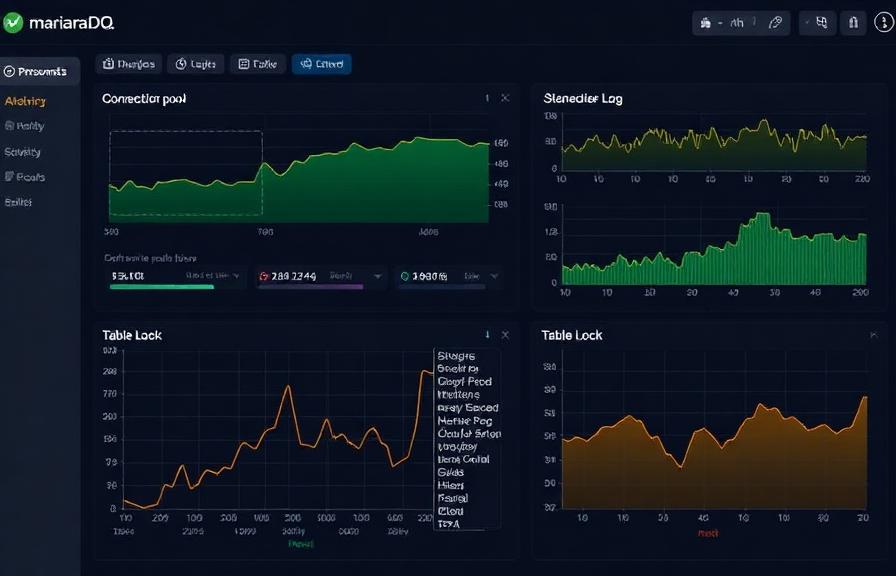
Queries per Second
Rate of SELECT, INSERT, UPDATE, and DELETE statements.
Slow Queries
Number of queries exceeding the configured long_query_time threshold.
InnoDB Buffer Pool Hit Rate
Percentage of page reads served from buffer pool vs disk.
InnoDB Row Operations
Rate of row reads, inserts, updates, and deletes in InnoDB.
Connections
Active threads, connected threads, and max_connections usage.
Thread States
Distribution of thread states (running, sleeping, locked, etc.).
Replication Lag
Seconds_Behind_Master and slave I/O/SQL thread status.
Table Locks
Table lock waits and immediate lock acquisitions.
Temporary Tables
Rate of temporary tables created on disk vs in memory.
Binary Log
Binary log size and event count for replication tracking.
Aborted Connections
Failed connection attempts and aborted client connections.
Handler Operations
Handler read/write rates indicating storage engine activity.
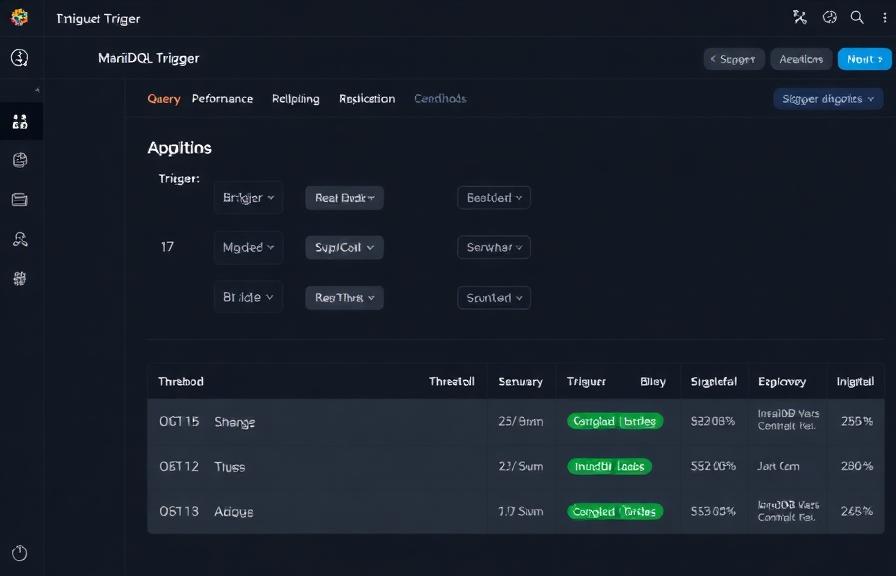
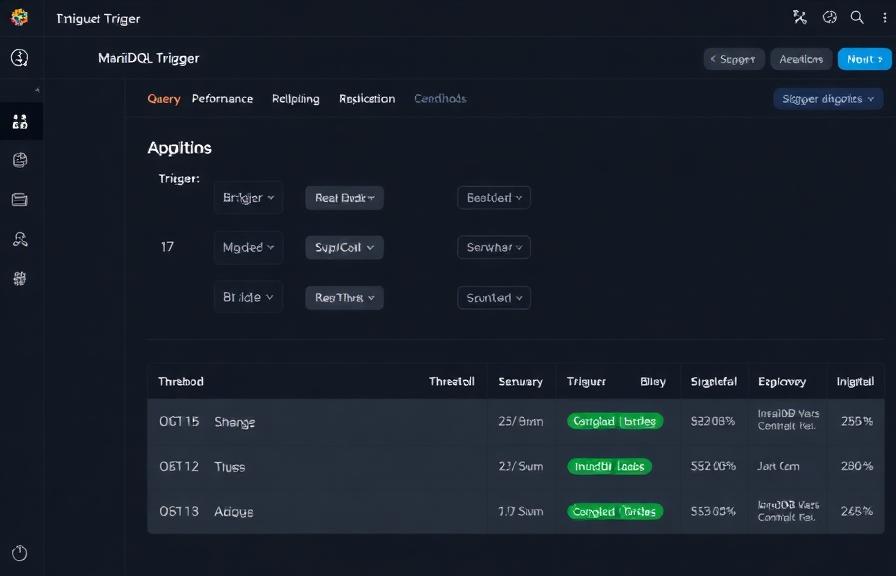
Configurable alert triggers
Set up custom triggers in your dashboard to get notified the moment MariaDB metrics cross your defined thresholds.
Replication Lag
criticalFires when slave falls behind master, risking data inconsistency and stale reads.
Slow Queries
warningTriggers when slow query rate exceeds threshold, indicating unoptimized queries or missing indexes.
Buffer Pool Hit Rate
warningAlerts when InnoDB buffer pool hit ratio drops, causing increased disk I/O.
Connection Usage
criticalFires when active connections approach max_connections, risking connection refused errors.
Table Lock Waits
warningTriggers when table lock contention increases, degrading concurrent query performance.
Aborted Connections
criticalAlerts when connection failures spike, indicating authentication issues or network problems.
Importance of MariaDB Monitoring
MariaDB handles critical data for web applications, e-commerce platforms, and enterprise systems. Without monitoring, slow queries, replication drift, and connection exhaustion can silently degrade user experience and risk data loss.
- Detect slow queries before they impact application response times
- Monitor InnoDB buffer pool efficiency to optimize memory allocation
- Track replication health to ensure read replicas stay consistent
- Identify connection pool exhaustion from application servers
- Prevent table lock contention in high-concurrency environments
Why Choose Xitoring
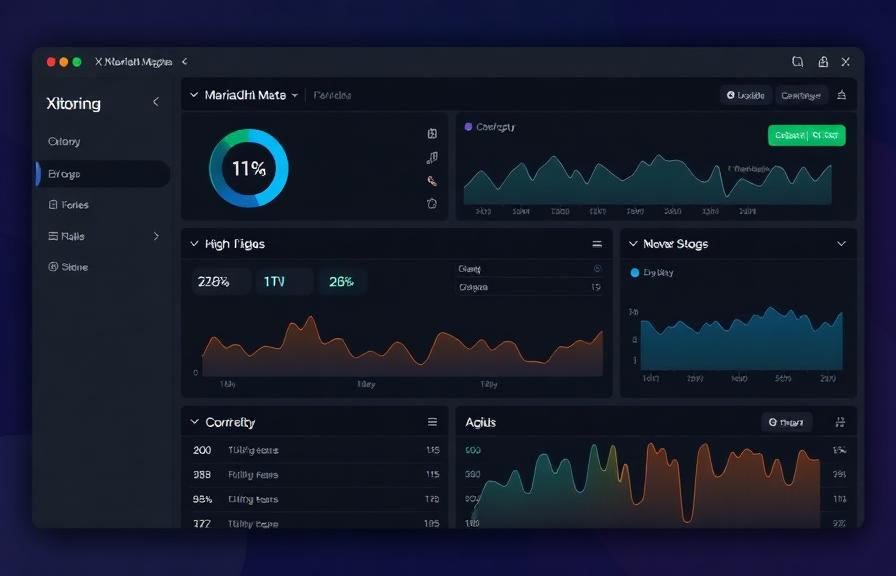
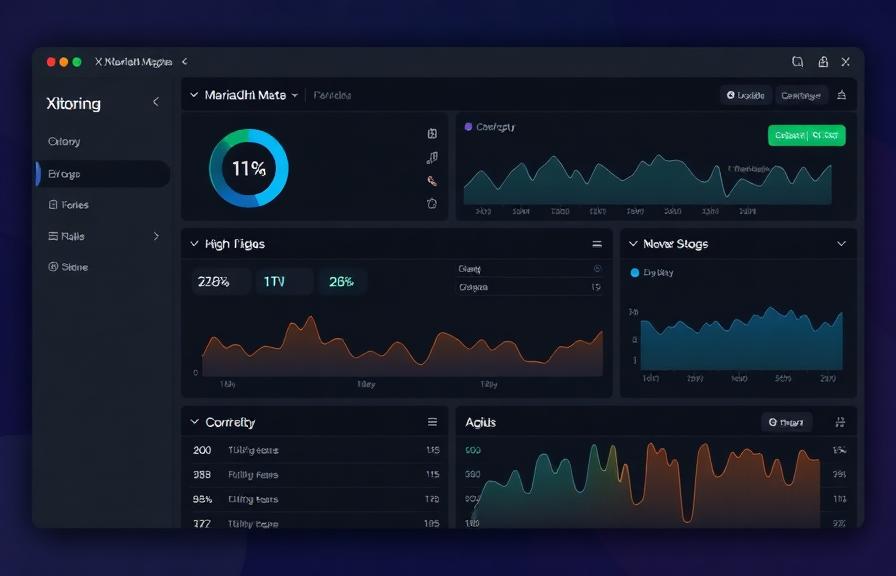
Xitoring delivers enterprise-grade MariaDB monitoring with zero-config setup. Our lightweight agent auto-discovers your MariaDB instances, starts collecting metrics in under 60 seconds, and integrates with your existing notification channels.
- One-command install — no complex YAML or config files
- 50+ global monitoring nodes for low-latency checks
- Unified dashboard for servers, databases, and uptime
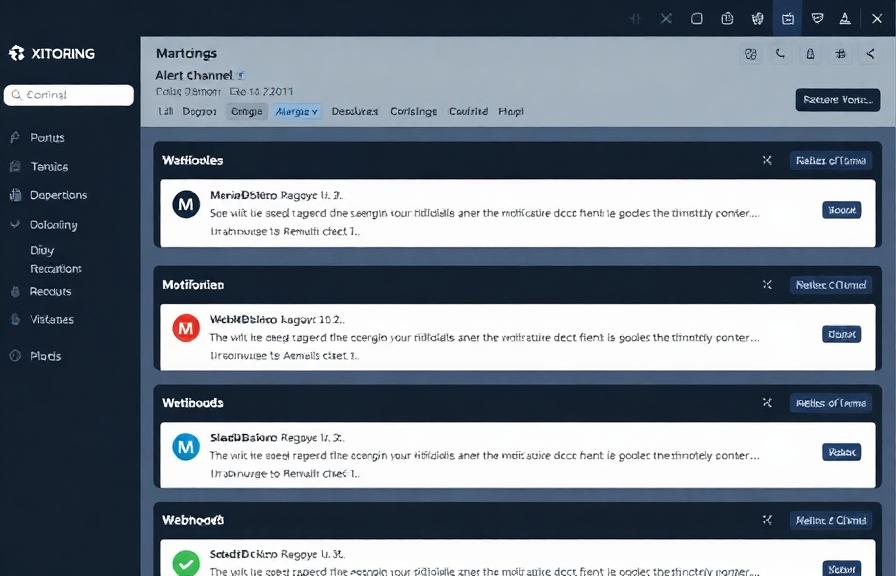
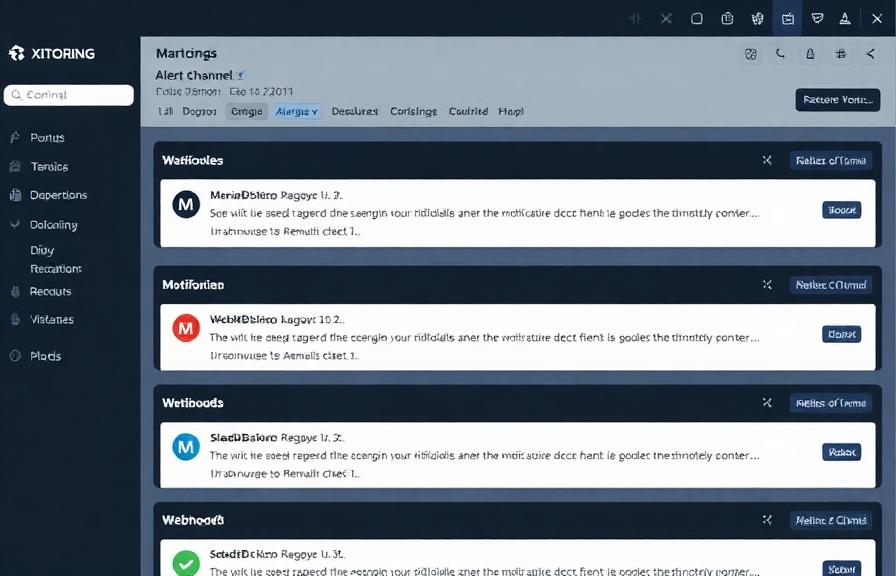
- Flexible alerting via Slack, PagerDuty, Telegram & more
- Historical data retention for capacity planning & audits
Get started in minutes
Install Xitogent on your server
If you haven't already, install the lightweight Xitogent monitoring agent on your server.
curl -s https://xitoring.com/install.sh | sudo bashCreate a monitoring user
Create a dedicated MariaDB user for metric collection with minimal privileges:
CREATE USER 'xitoring'@'localhost' IDENTIFIED BY 'your_password';
GRANT PROCESS, REPLICATION CLIENT ON *.* TO 'xitoring'@'localhost';Enable the MariaDB integration
Use the Xitoring dashboard or CLI to enable the MariaDB integration.
sudo xitogent integrate mariadb --enableConfigure alert thresholds (optional)
Set custom thresholds for query rate, buffer pool hit ratio, or replication lag to get notified when something needs attention.
Frequently asked questions
Start monitoring MariaDB today
Set up in under 60 seconds. No credit card required. Full metrics from day one.
Start Free TrialKeep exploring