
HAProxy Monitoring
Monitor HAProxy backend health, session rates, response times, and connection metrics in real time with zero configuration.
Why monitor HAProxy?
HAProxy is the industry-standard load balancer and reverse proxy, handling millions of connections for high-availability deployments. Monitoring HAProxy is essential to track backend server health, detect response time degradation, manage session limits, and ensure traffic distribution is balanced. Xitoring's HAProxy integration provides complete visibility into your load balancing infrastructure.
What we monitor
Session Rate
Number of new sessions per second across frontends and backends.
Active Sessions
Currently active sessions and connection count per proxy.
Backend Health
Health status (UP/DOWN) and check duration for each backend server.
Response Time
Average and max response time per backend server.
Error Rate
Connection errors, response errors, and denied requests.
Queue Length
Number of requests waiting in backend queues.
Bytes In/Out
Network throughput per frontend and backend.
HTTP 4xx/5xx
Distribution of HTTP response codes indicating client and server errors.
Retries
Connection retry count indicating backend instability.
Session Limit
Current sessions vs configured session limits per proxy.
Connection Rate
New TCP connections per second to each frontend.
Denied Requests
Requests denied by ACLs or rate limiting rules.
Configurable alert triggers
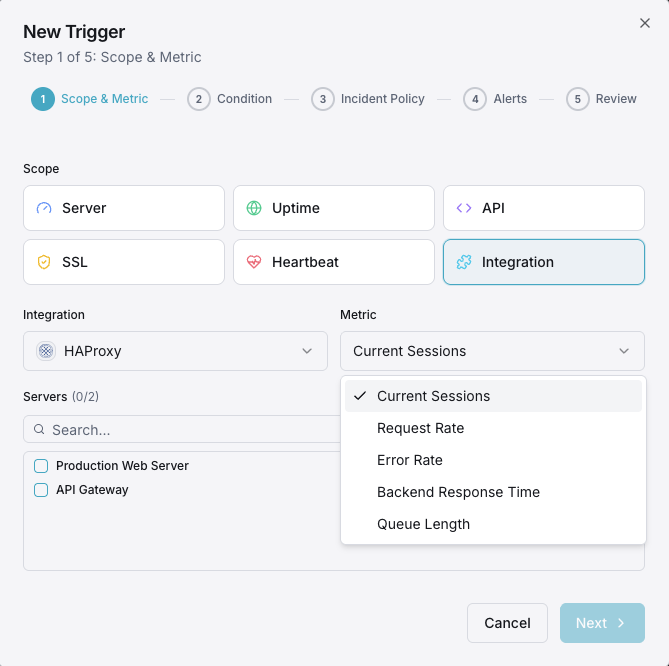
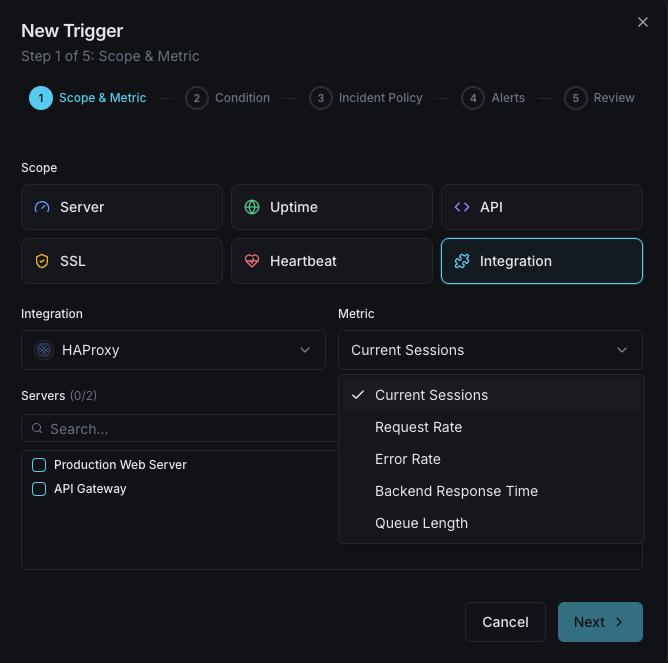
Set up custom triggers in your dashboard to get notified the moment HAProxy metrics cross your defined thresholds.
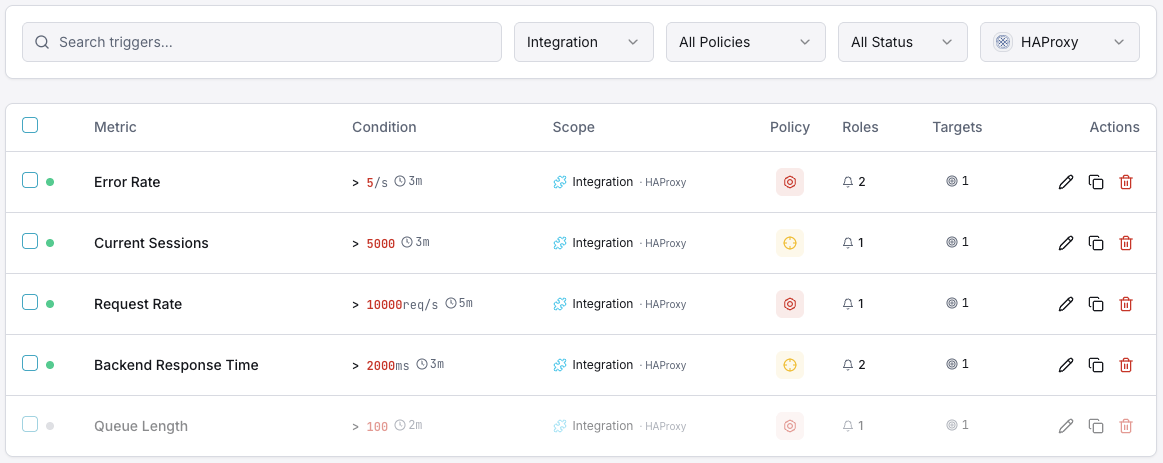
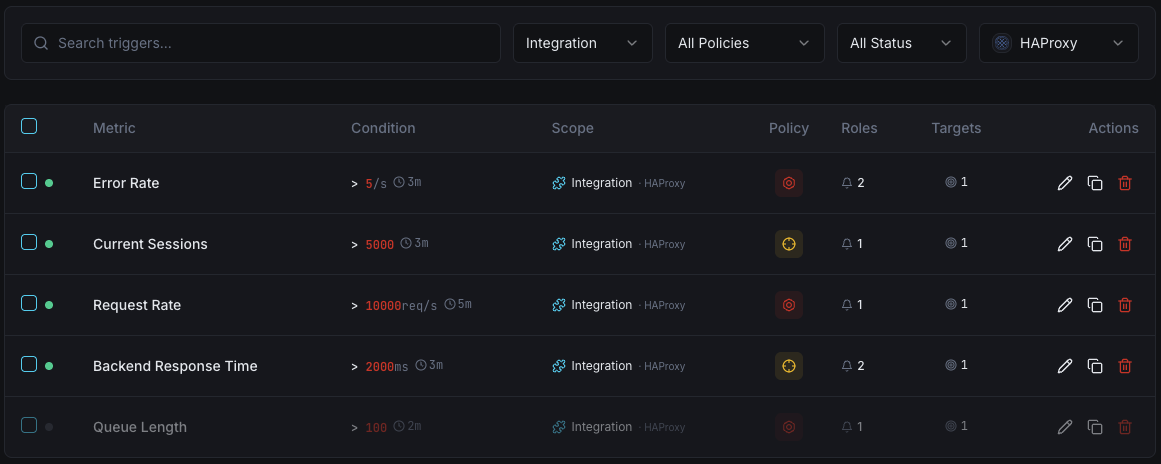
Backend Down
criticalFires when a backend server goes DOWN, reducing capacity and risking overload on remaining servers.
Response Time
warningTriggers when average response time exceeds threshold, indicating backend performance degradation.
Session Rate
warningAlerts when session rate spikes beyond normal baseline, indicating traffic surges.
Error Rate
criticalFires when connection or response error rate exceeds threshold across backends.
Queue Length
warningTriggers when requests queue up waiting for backend capacity.
Session Limit
criticalAlerts when active sessions approach the configured maximum limit.
Importance of HAProxy Monitoring
HAProxy sits at the critical path of your traffic — every request passes through it. Without monitoring, backend failures, session saturation, and response time spikes can silently degrade your entire application's availability and user experience.
- Detect backend server failures before they impact users
- Monitor response times to catch performance degradation early
- Track session rates to plan capacity for traffic surges
- Identify error patterns across backends and frontends
- Ensure load distribution remains balanced across servers
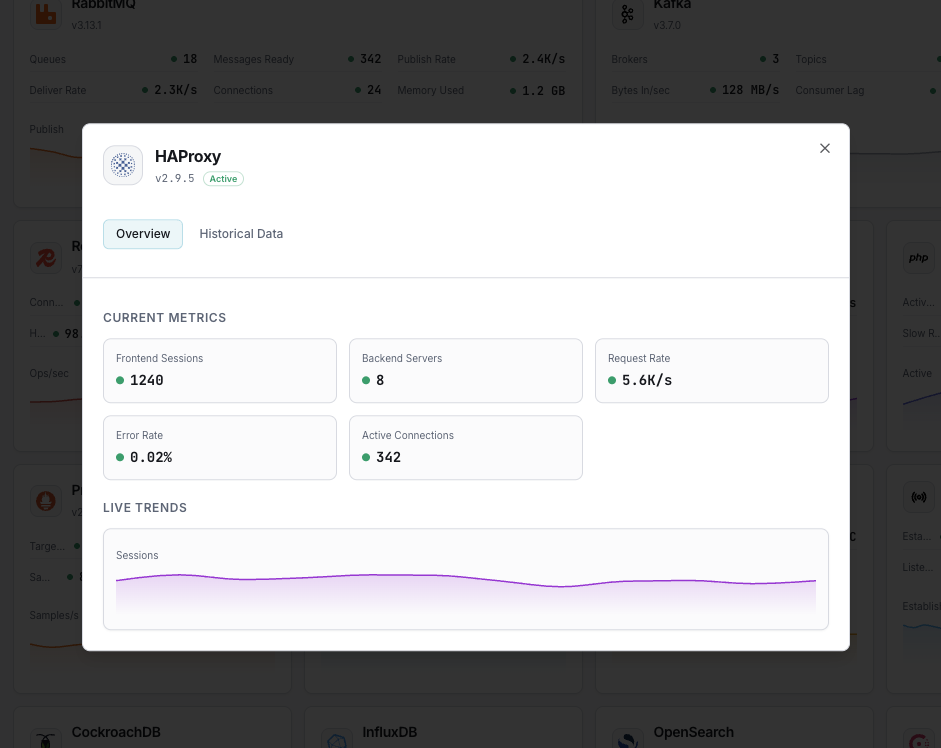
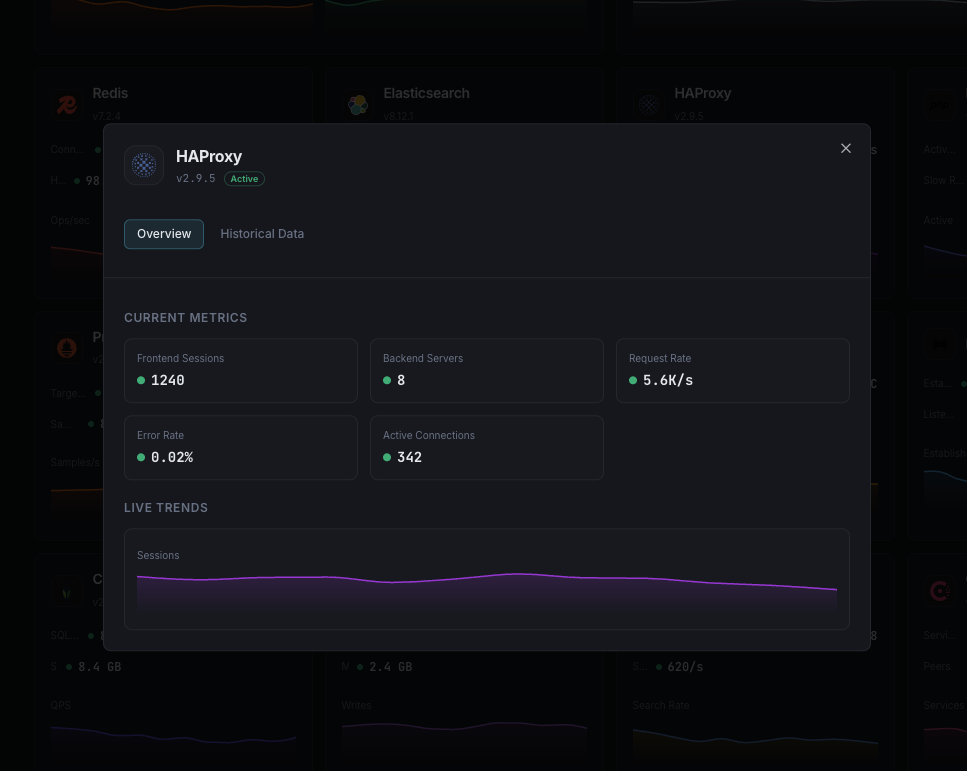
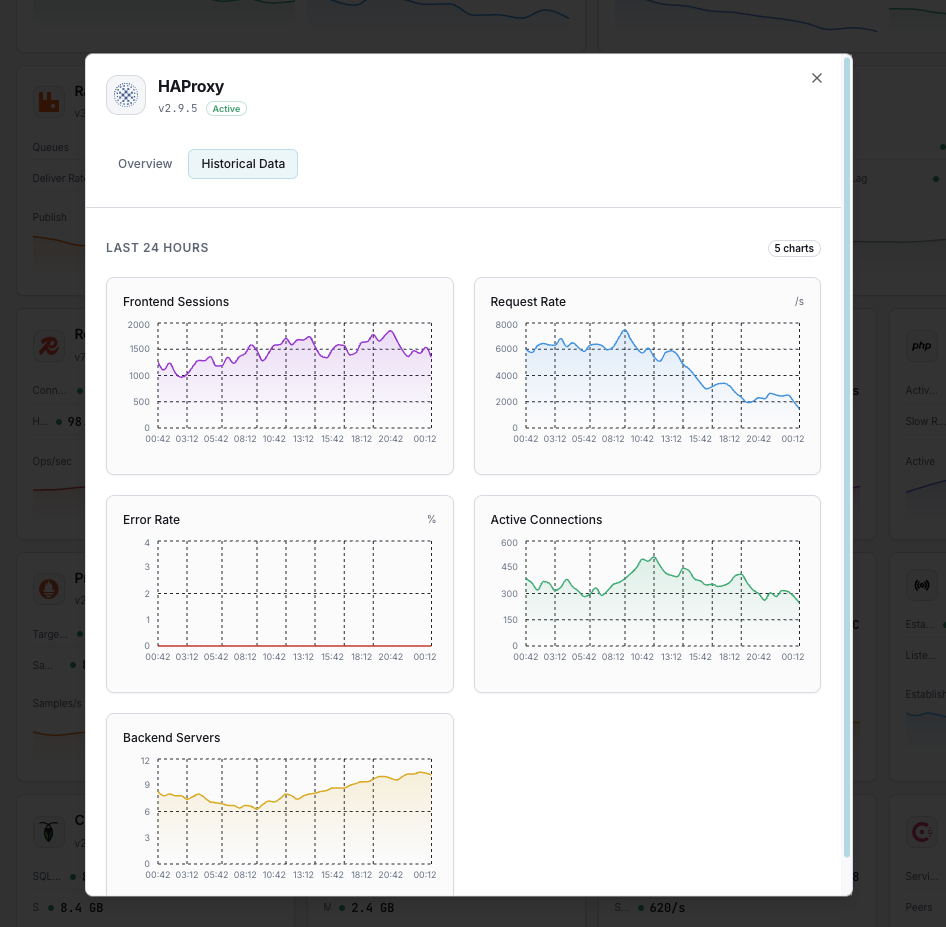
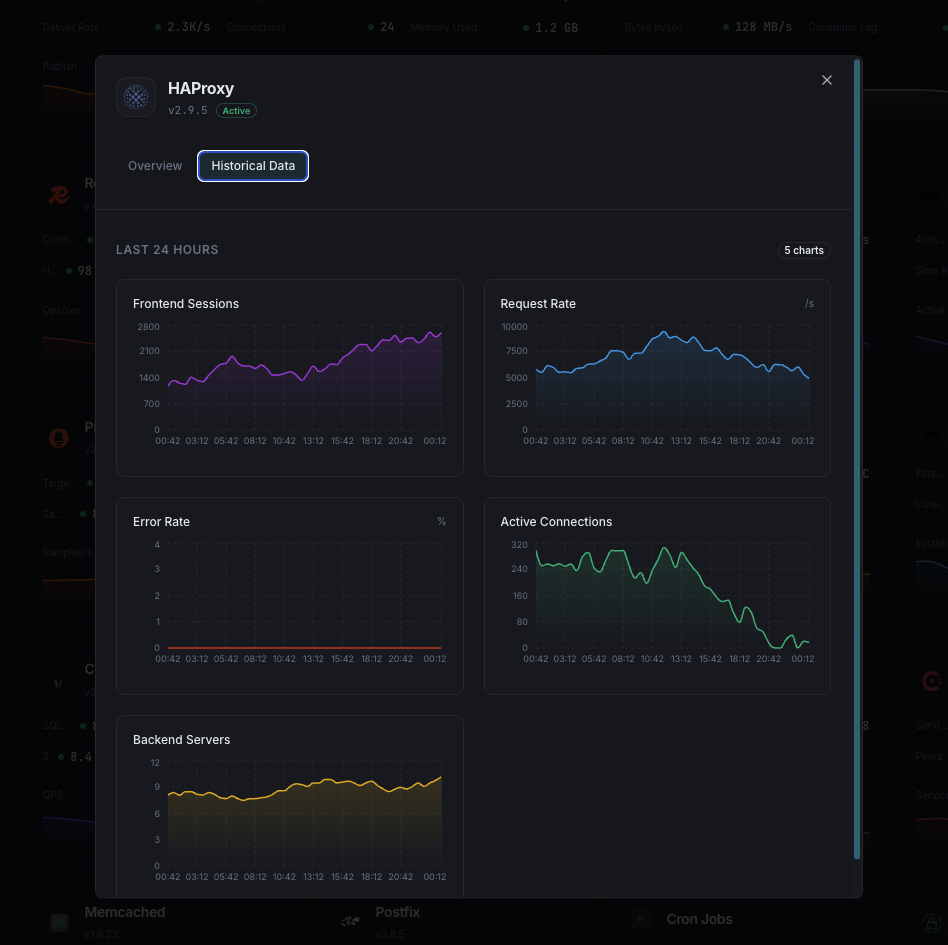
Why Choose Xitoring
Xitoring delivers enterprise-grade HAProxy monitoring with zero-config setup. Our lightweight agent auto-discovers your HAProxy instance, starts collecting metrics in under 60 seconds, and integrates with your existing notification channels.
- One-command install — no complex YAML or config files
- 50+ global monitoring nodes for low-latency checks
- Unified dashboard for servers, proxies, and uptime
- Flexible alerting via Slack, PagerDuty, Telegram & more
- Historical data retention for capacity planning & audits
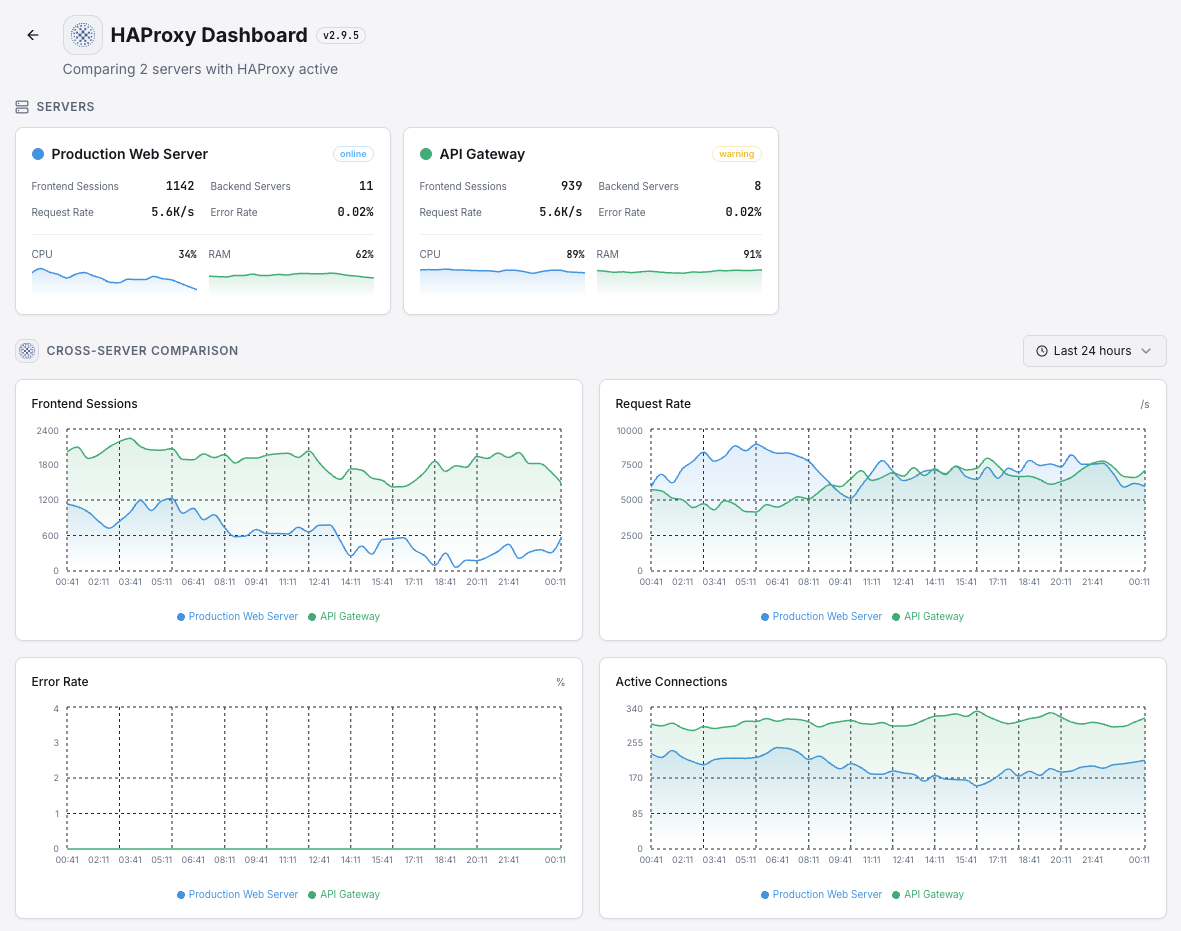
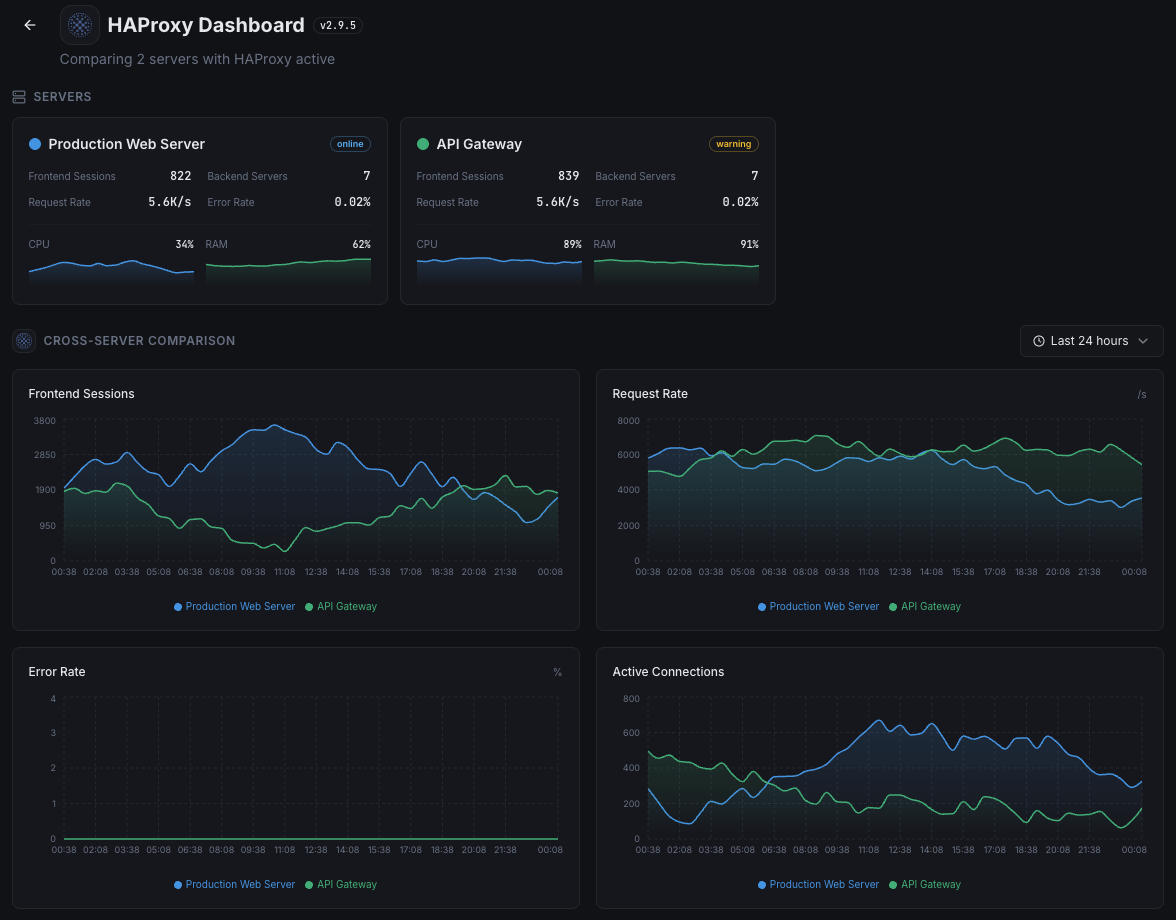
Get started in minutes
Install Xitogent on your server
If you haven't already, install the lightweight Xitogent monitoring agent on your server.
curl -s https://xitoring.com/install.sh | sudo bashEnable the HAProxy stats socket or page
Xitogent collects metrics via the HAProxy stats interface. Ensure the stats socket is configured:
# In haproxy.cfg:
stats socket /var/run/haproxy.sock mode 666 level adminEnable the HAProxy integration
Use the Xitoring dashboard or CLI to enable the HAProxy integration. Xitogent will auto-detect your instance.
sudo xitogent integrate haproxy --enableConfigure alert thresholds (optional)
Set custom thresholds for backend health, response time, or session count to get notified when something needs attention.
Frequently asked questions
Start monitoring HAProxy today
Set up in under 60 seconds. No credit card required. Full metrics from day one.
Start Free Trial