Docker Monitoring
Monitor Docker container health, resource usage, restart events, and network I/O in real time with zero configuration.
Why monitor Docker?
Docker is the industry standard for containerization, running microservices, CI/CD pipelines, and production workloads across millions of servers. Monitoring Docker containers is critical to detect resource leaks, prevent OOM kills, track restart loops, and ensure container health. Xitoring's Docker integration provides full visibility into every container running on your host.
What we monitor
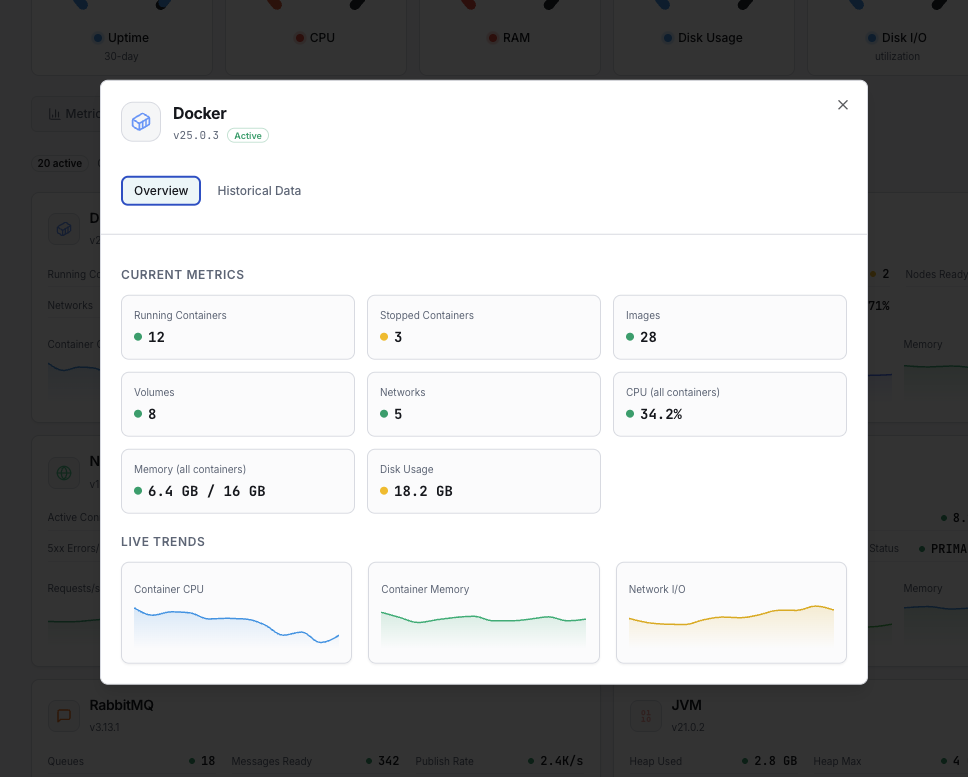
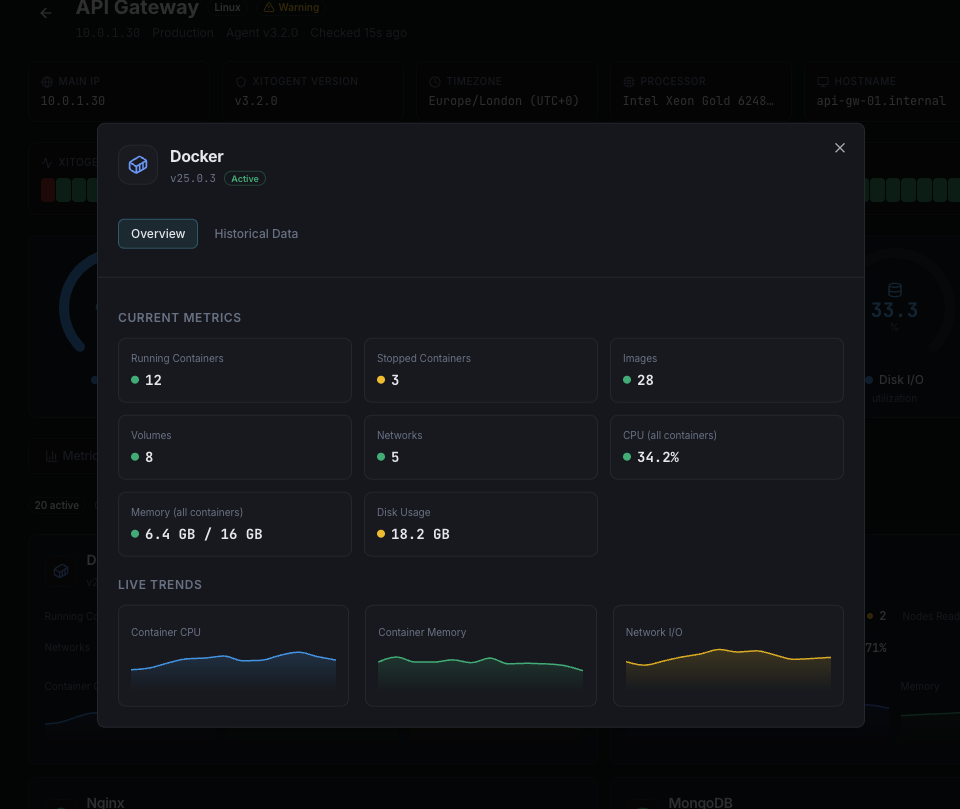
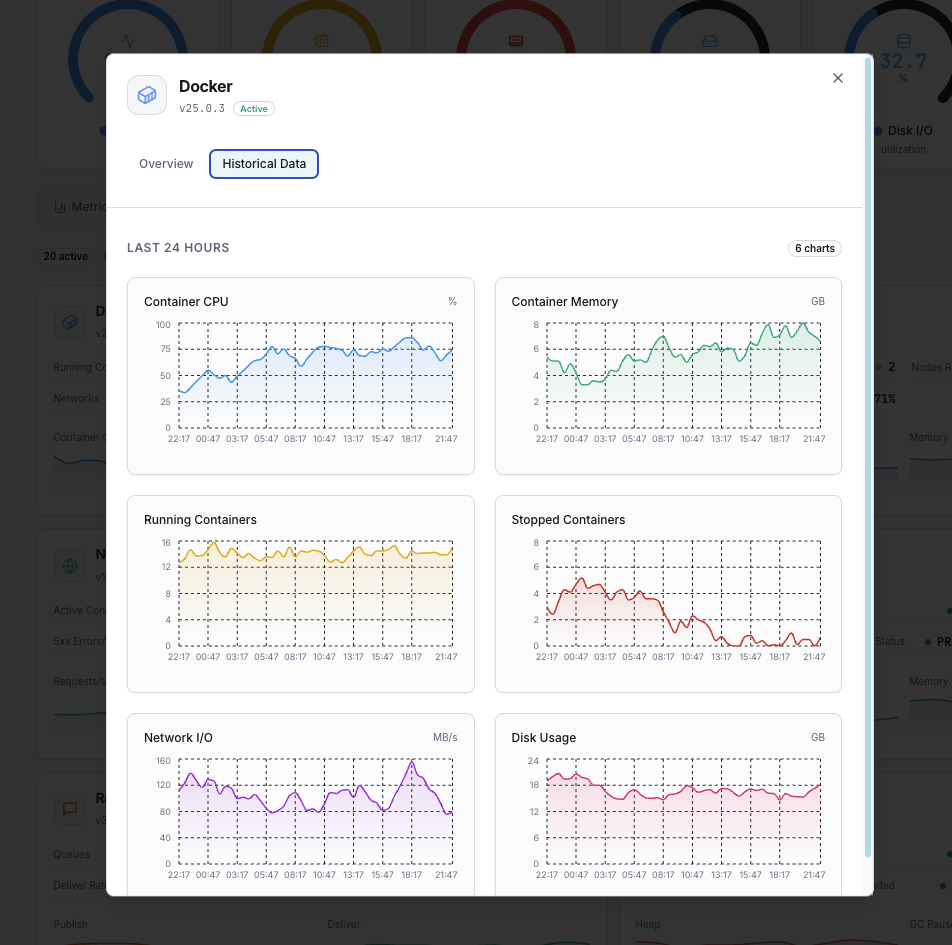
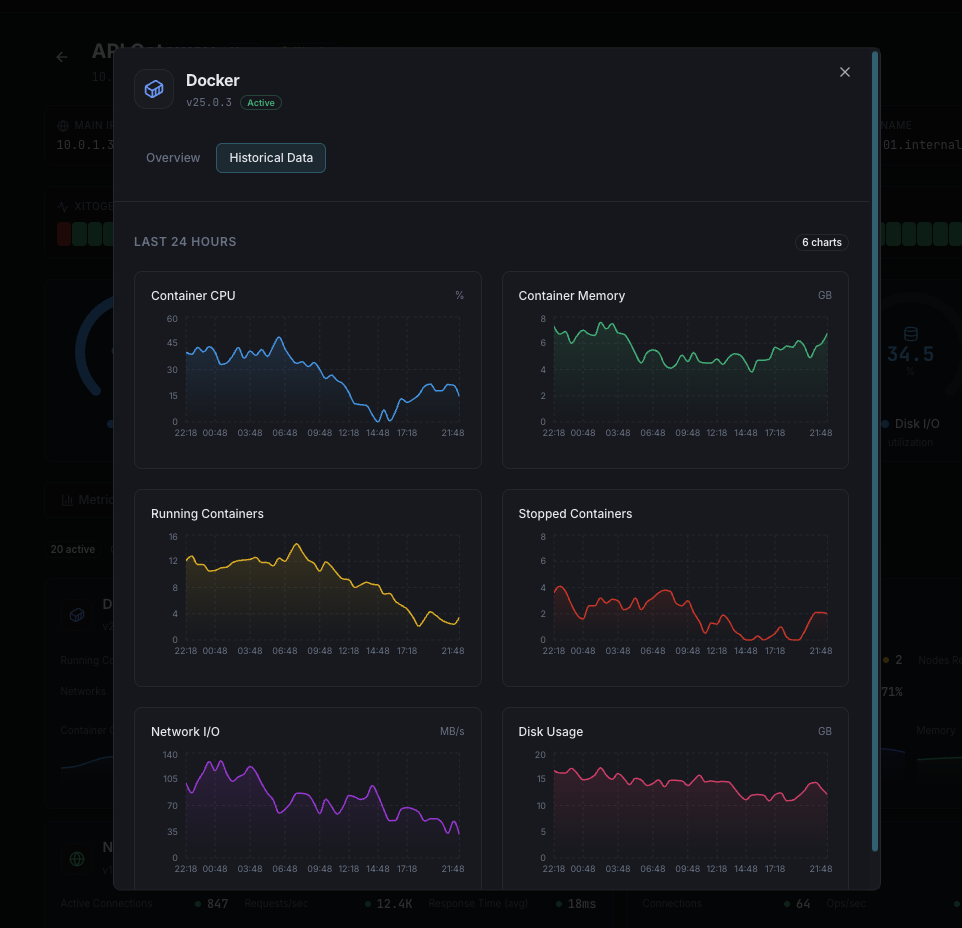
Container CPU Usage
CPU utilization percentage for each running container.
Container Memory Usage
Memory consumed by each container vs its memory limit.
Memory Limit
Configured memory limit and current usage percentage for each container.
Network RX/TX
Incoming and outgoing network traffic per container.
Block I/O Read/Write
Disk read and write operations per container.
Container Count
Total number of running, stopped, and paused containers.
Container Restarts
Number of restart events per container, indicating stability issues.
Container Health
Health check status for containers with configured HEALTHCHECK.
PIDs
Number of processes running inside each container.
Container Uptime
How long each container has been running since last start.
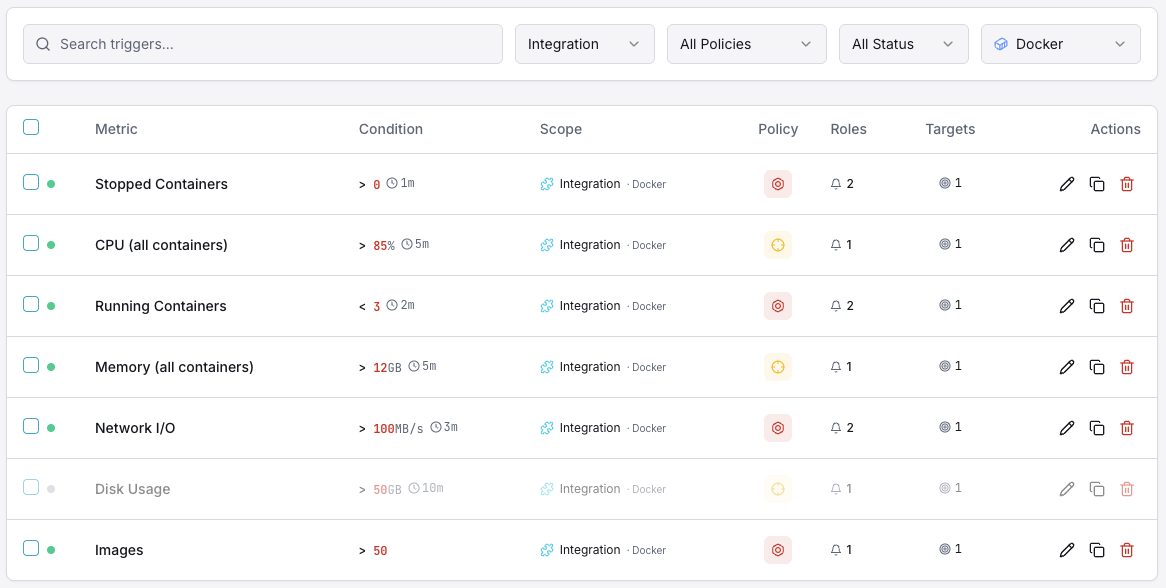
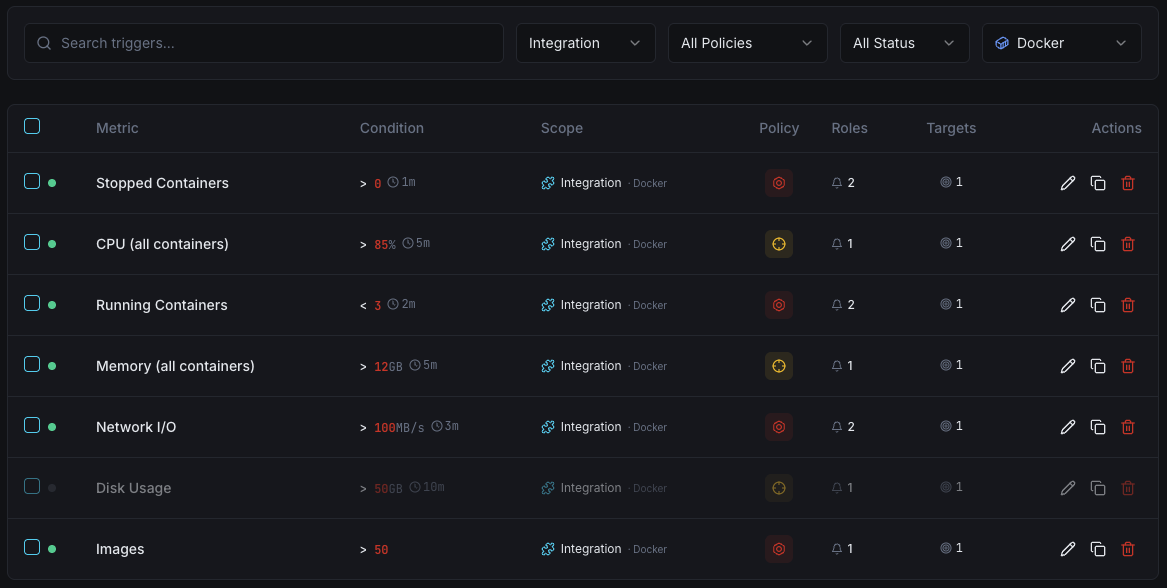
Configurable alert triggers
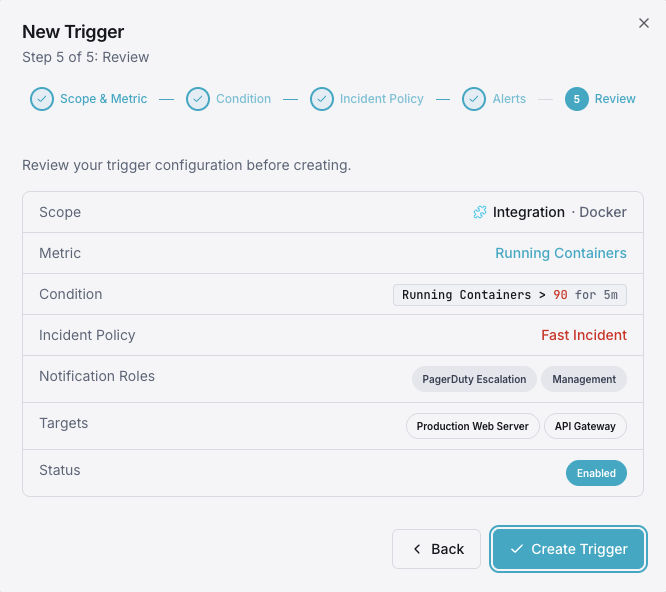
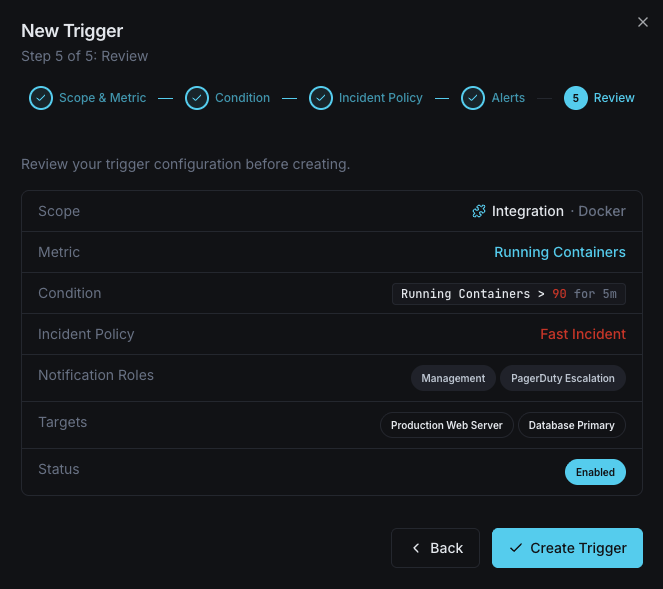
Set up custom triggers in your dashboard to get notified the moment Docker metrics cross your defined thresholds.
Container CPU Usage
warningFires when a container's CPU usage exceeds your threshold, indicating resource contention or runaway processes.
Container Memory Usage
criticalTriggers when memory approaches the container limit, risking OOM kills and container crashes.
Container Restarts
criticalAlerts when a container exceeds your restart count threshold, indicating instability or crash loops.
Container Health
criticalFires when a container's HEALTHCHECK reports unhealthy status.
Network I/O Spike
warningTriggers on abnormal network traffic patterns, which may indicate data exfiltration or DDoS.
Container Stopped
criticalAlerts when an expected container stops running unexpectedly.
Importance of Docker Monitoring
Docker containers are ephemeral by nature — they can crash, restart, and consume unbounded resources without warning. Without monitoring, memory leaks, CPU throttling, and crash loops can silently degrade your entire infrastructure.
- Detect memory leaks before containers hit OOM limits
- Identify crash loops and unstable containers immediately
- Monitor resource allocation vs actual usage per container
- Track network I/O for security and performance analysis
- Ensure container health checks are passing consistently
Why Choose Xitoring
Xitoring delivers enterprise-grade Docker monitoring with zero-config setup. Our lightweight agent auto-discovers all containers on your host, starts collecting metrics in under 60 seconds, and integrates with your existing notification channels.
- One-command install — no sidecar containers needed
- 50+ global monitoring nodes for low-latency checks
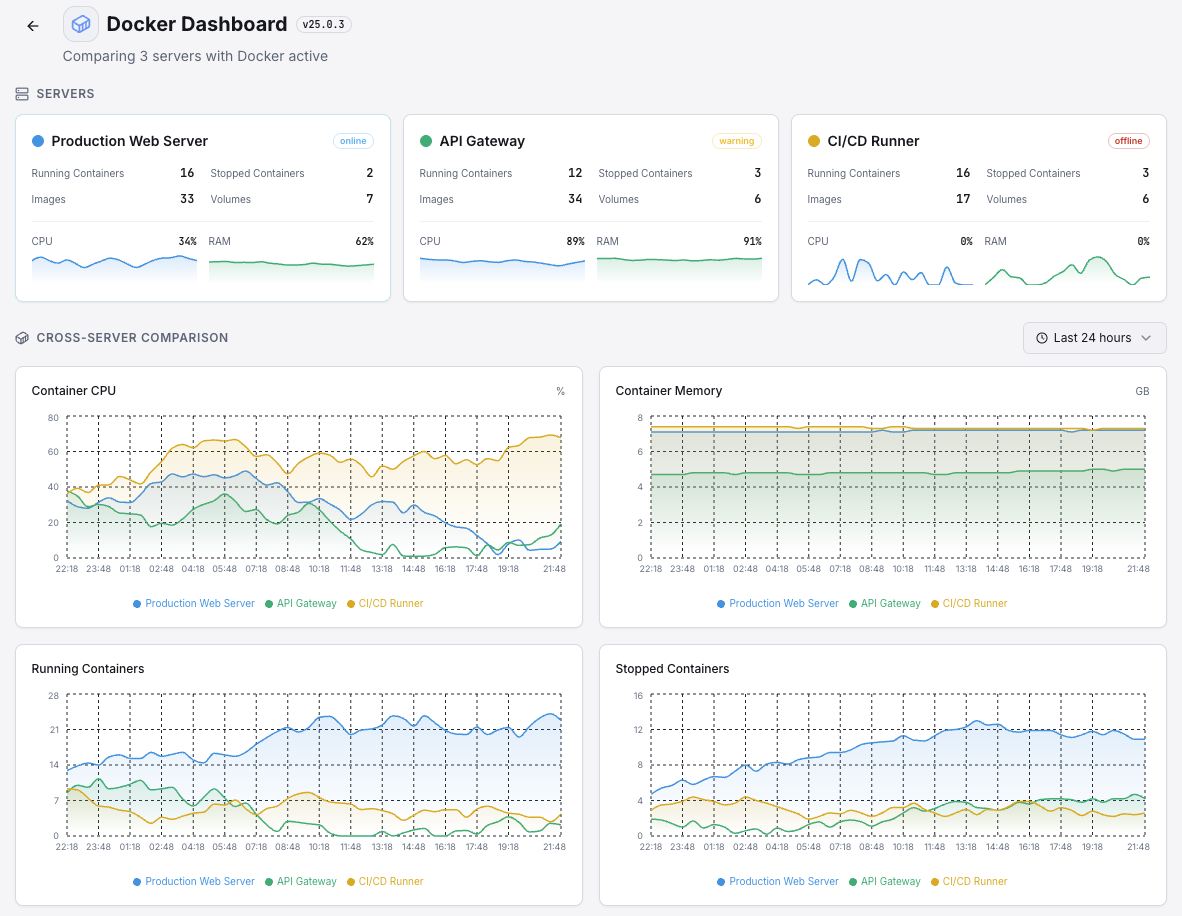
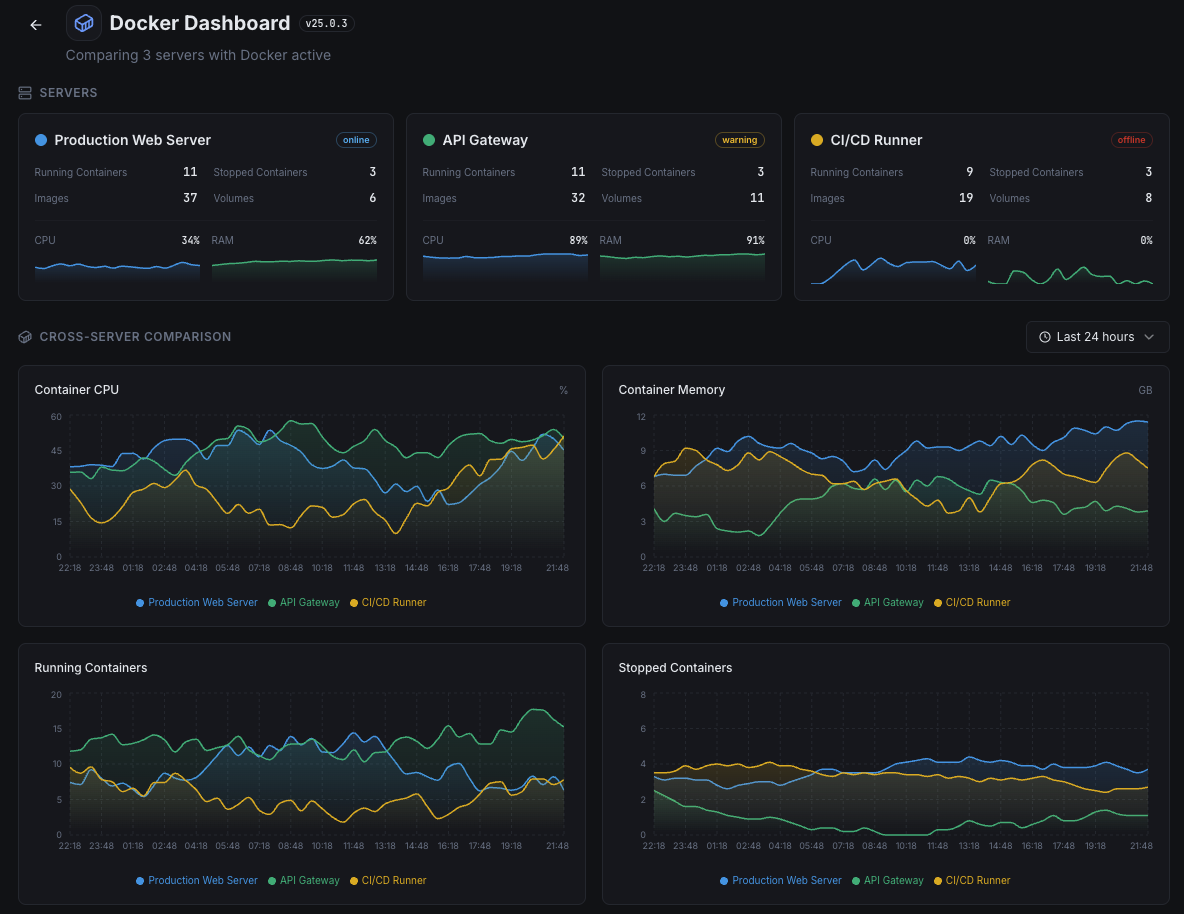
- Unified dashboard for hosts, containers, and services
- Flexible alerting via Slack, PagerDuty, Telegram & more
- Historical data retention for capacity planning & audits
Get started in minutes
Install Xitogent on your Docker host
Install the lightweight Xitogent monitoring agent on the host machine running Docker.
curl -s https://xitoring.com/install.sh | sudo bashEnsure Docker socket access
Xitogent needs read access to the Docker socket to collect container metrics:
sudo usermod -aG docker xitogentEnable the Docker integration
Use the Xitoring dashboard or CLI to enable the Docker integration. Xitogent will auto-discover all running containers.
sudo xitogent integrate docker --enableConfigure alert thresholds (optional)
Set custom thresholds for container CPU, memory, restart counts, or health status to get notified when something needs attention.
Frequently asked questions
Start monitoring Docker today
Set up in under 60 seconds. No credit card required. Full metrics from day one.
Start Free TrialKeep exploring