
OpenLiteSpeed Monitoring
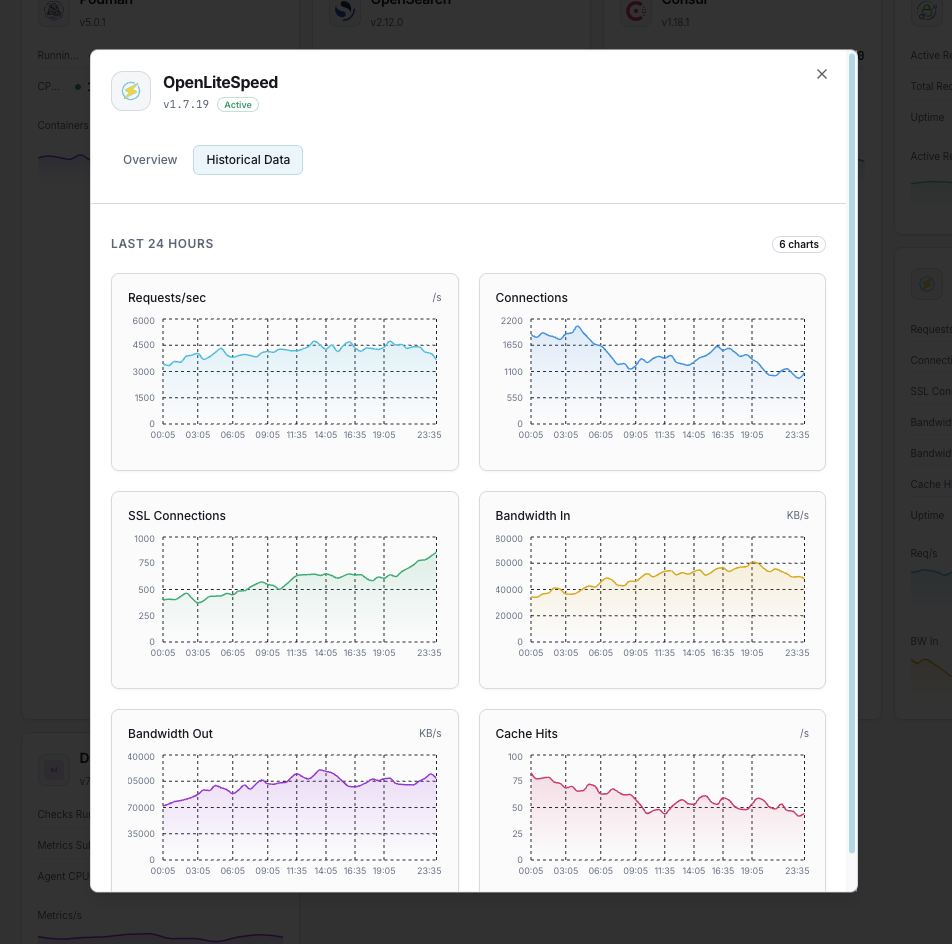
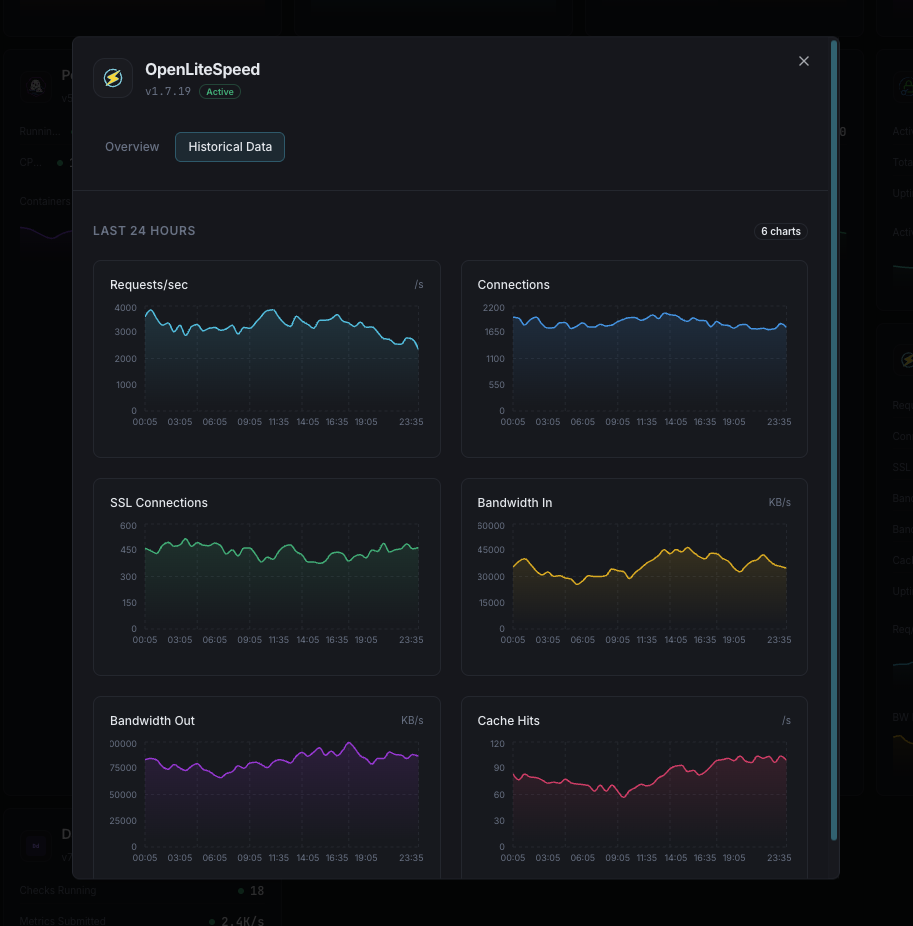
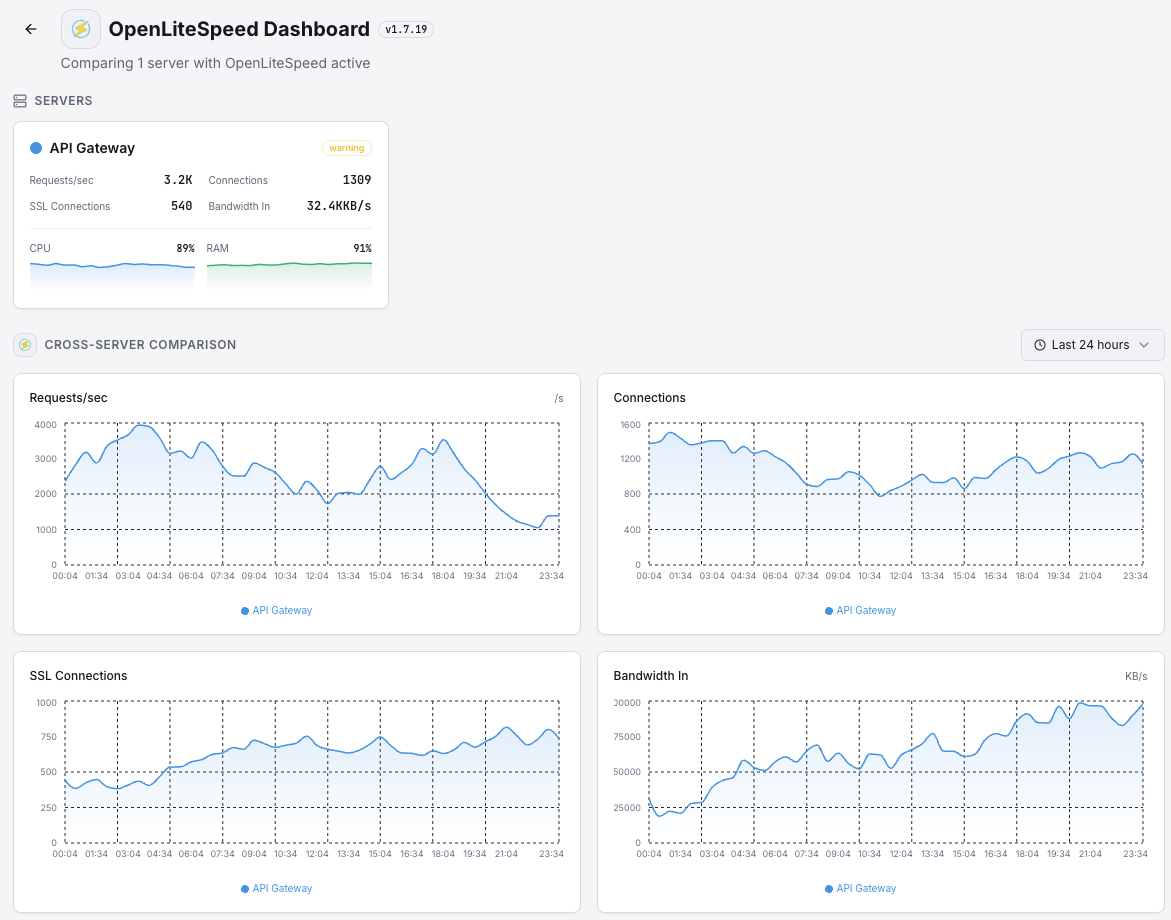
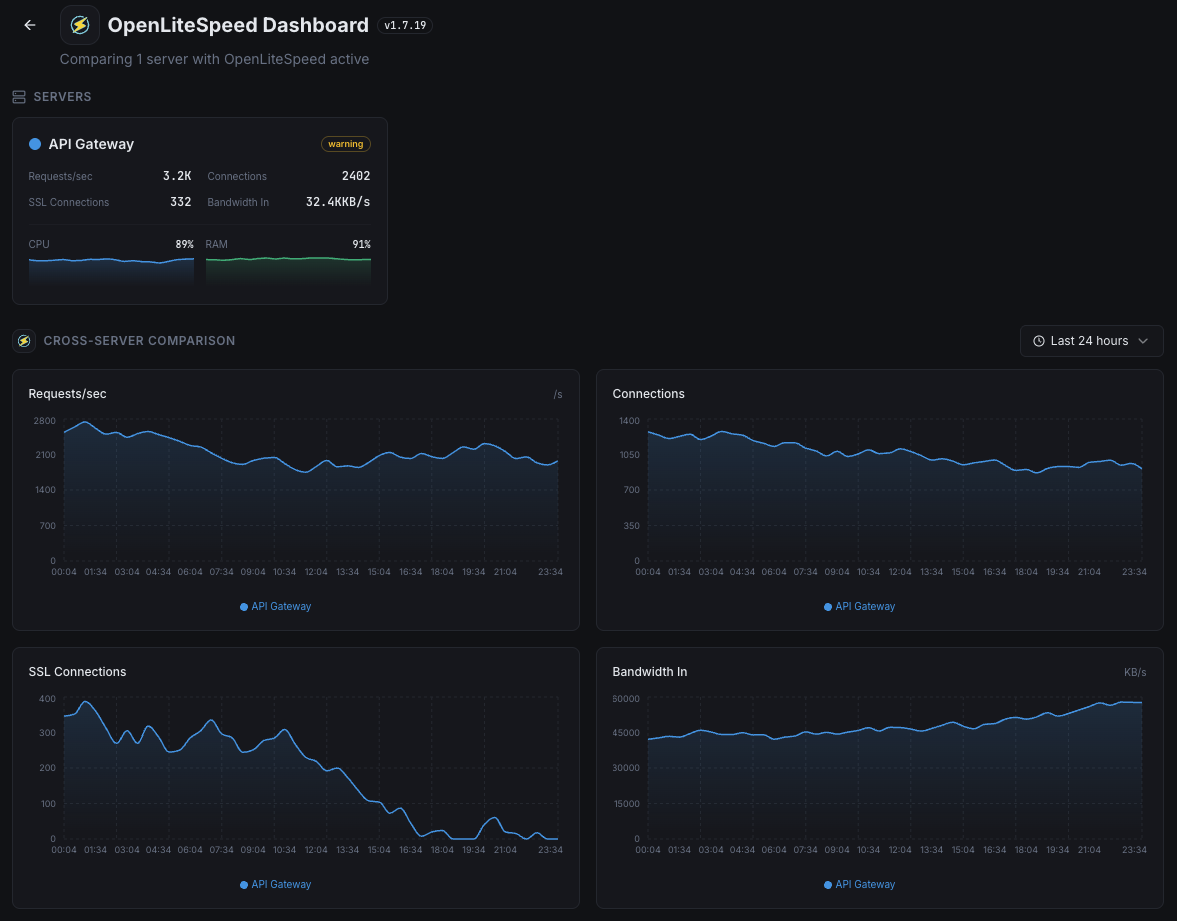
Monitor OpenLiteSpeed request throughput, cache hit rates, connection states, and response times in real time with zero configuration.
Why monitor OpenLiteSpeed?
OpenLiteSpeed is the open-source edition of LiteSpeed, offering high performance with built-in cache support. Monitoring OpenLiteSpeed ensures optimal request handling, cache efficiency, and connection management for your web applications.
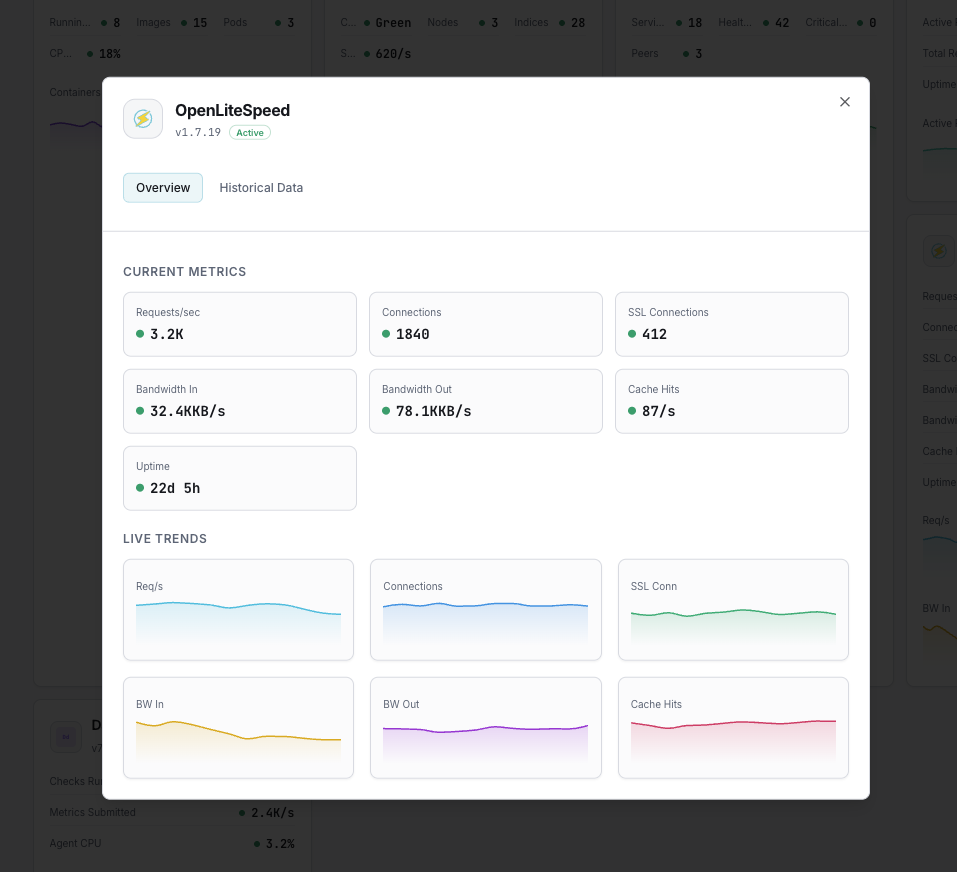
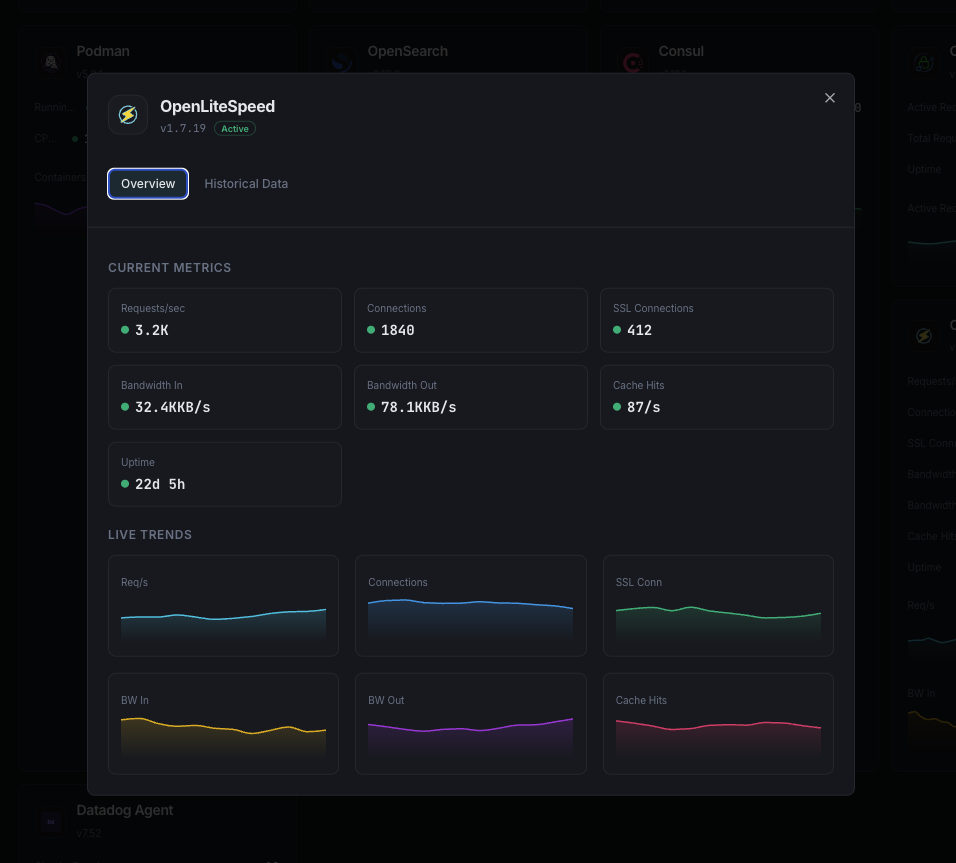
What we monitor
Requests/sec
Current HTTP request rate.
Cache Hit Ratio
Percentage of cache-served requests.
Response Time
Average response latency.
Active Connections
Currently active connections.
Bandwidth
Data throughput in bytes/sec.
SSL Connections
Active SSL/TLS connections.
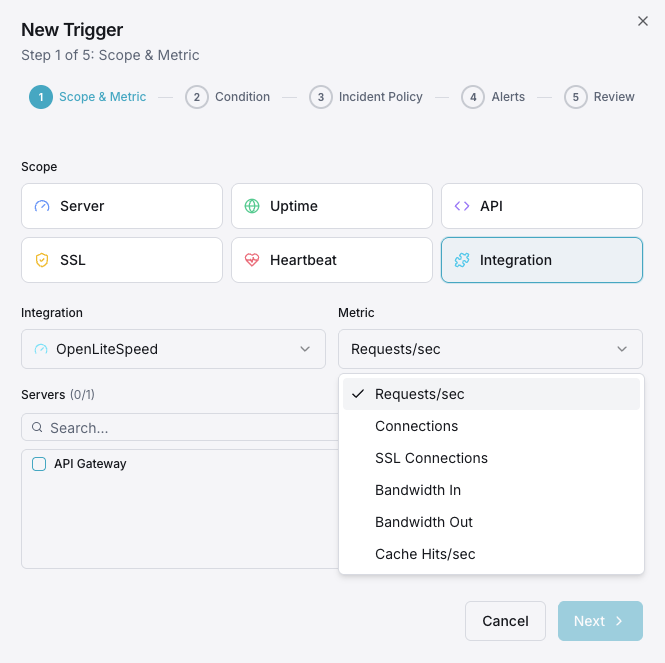
Configurable alert triggers
Set up custom triggers in your dashboard to get notified the moment OpenLiteSpeed metrics cross your defined thresholds.
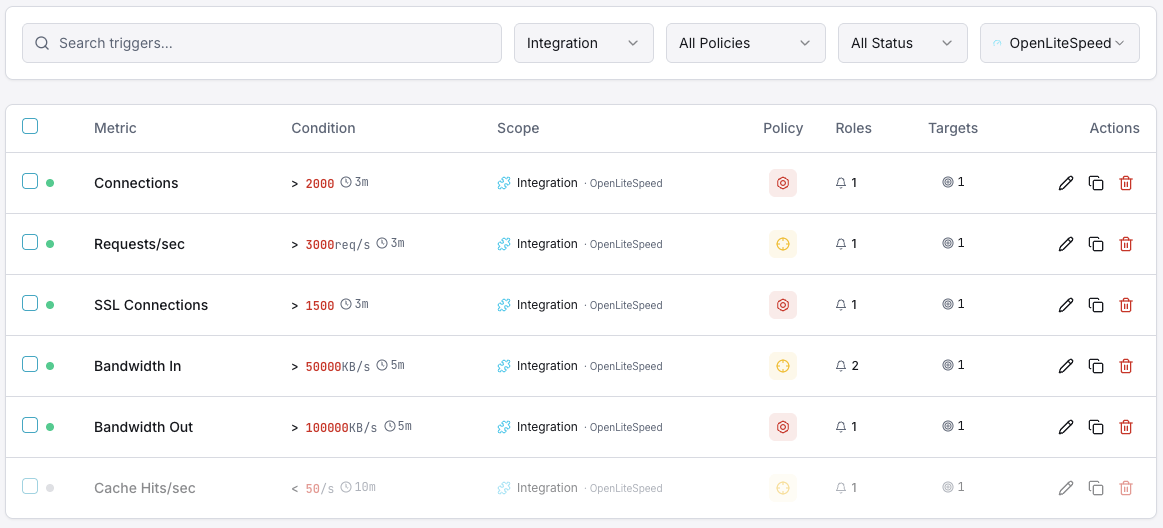
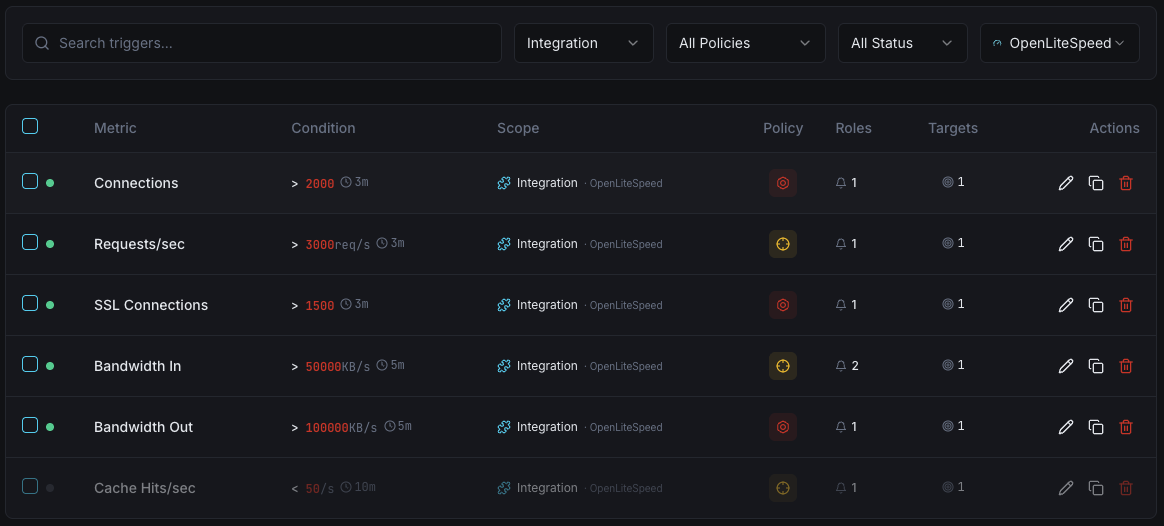
Request Rate
warningFires when request rate exceeds threshold.
Cache Hit Ratio
warningTriggers when cache ratio drops.
Response Time
criticalAlerts on high response latency.
Connections
criticalFires when connections approach limits.
Importance of OpenLiteSpeed Monitoring
OpenLiteSpeed powers cost-effective, high-performance web hosting. Without monitoring, cache inefficiencies and connection issues go undetected.
- Track cache performance to maximize speed
- Monitor connections to prevent bottlenecks
- Detect response time degradation early
- Ensure optimal resource utilization
Why Choose Xitoring
Zero-config setup with instant metric collection and flexible alerting.
- One-command install
- 50+ global monitoring nodes
- Unified dashboard
- Multi-channel alerting
- Historical data retention
Get started in minutes
Install Xitogent
Install the monitoring agent.
curl -s https://xitoring.com/install.sh | sudo bashEnable OpenLiteSpeed integration
Enable via dashboard or CLI.
sudo xitogent integrate openlitespeed --enableConfigure alerts (optional)
Set thresholds for key metrics.
Frequently asked questions
Start monitoring OpenLiteSpeed today
Set up in under 60 seconds. No credit card required. Full metrics from day one.
Start Free Trial