
Netstat Monitoring
Monitor active connections, open ports, listened services, routing tables, and network interfaces in real time with zero configuration.
Why monitor Netstat?
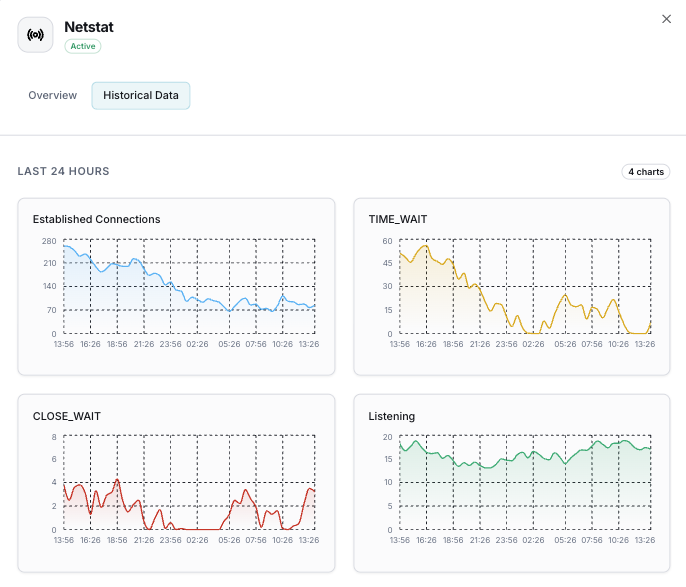
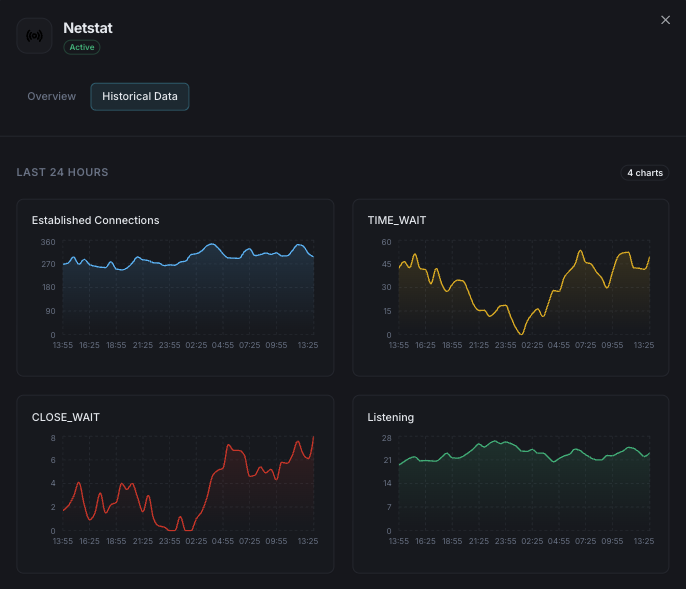
Netstat is a powerful command-line network utility that provides detailed information about network connections, routing tables, and interface statistics. Xitoring's Netstat integration gives you deep visibility into your server's network activity, helping you identify security threats, performance bottlenecks, and unauthorized access — all from a unified dashboard.
What we monitor
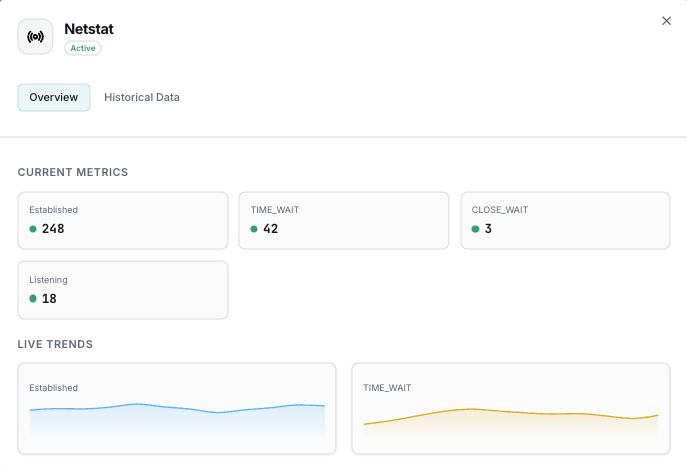
Active Connections
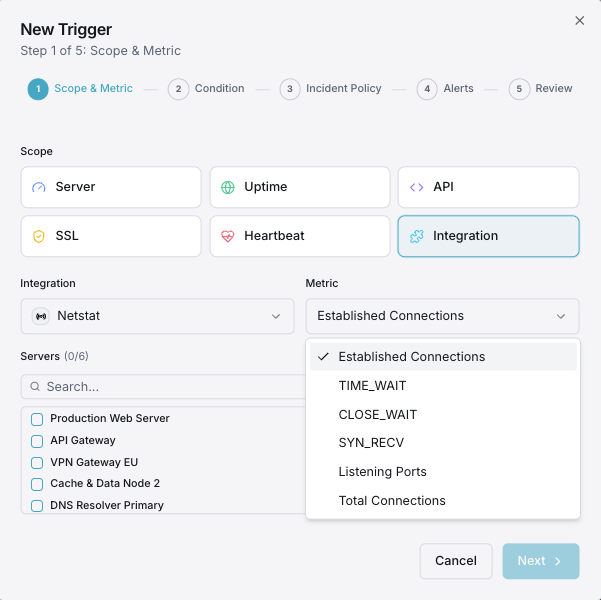
Number of currently active TCP connections.
Listened Ports
Ports actively listening for incoming connections.
TCP States
Distribution of TCP connection states (ESTABLISHED, TIME_WAIT, etc.).
Network Interfaces
Traffic and error statistics per network interface.
Routing Table
Kernel IP routing table entries and gateways.
Connection Rate
Rate of new connections being established.
Configurable alert triggers
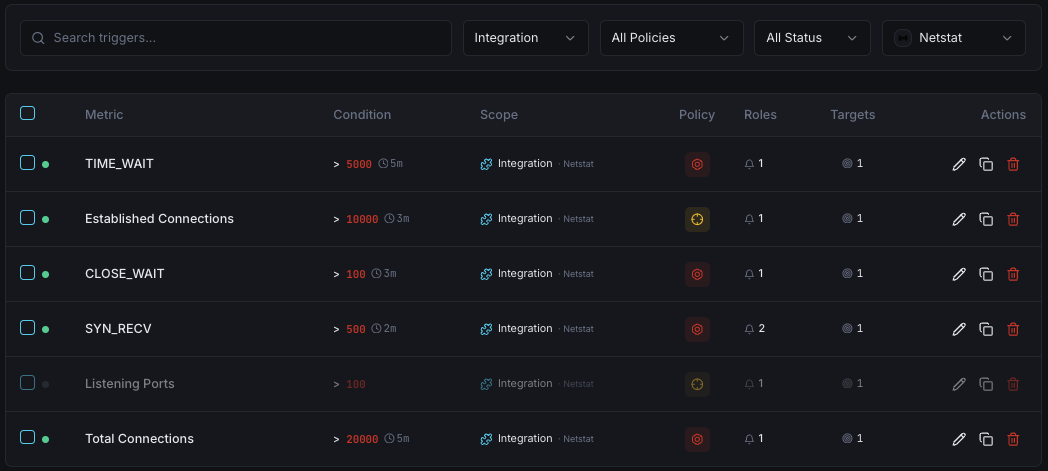
Set up custom triggers in your dashboard to get notified the moment Netstat metrics cross your defined thresholds.
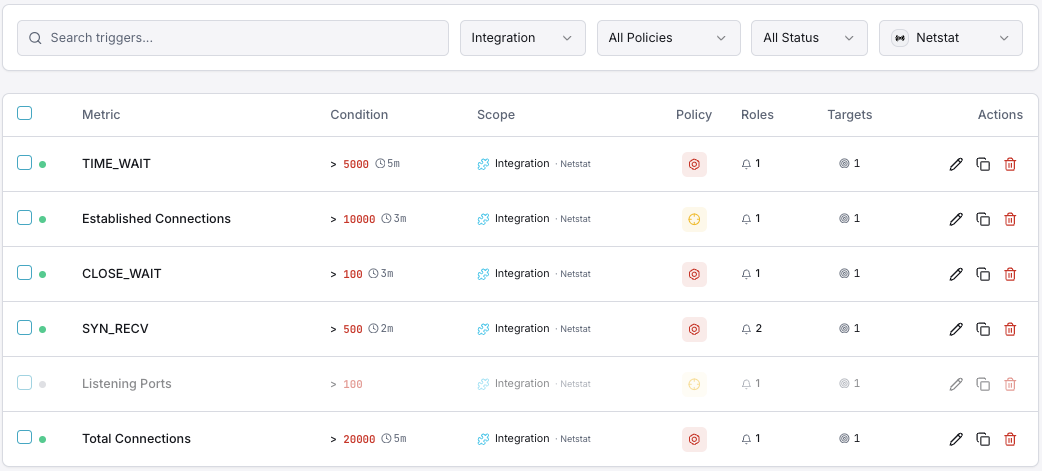
Unauthorized Port
criticalFires when an unexpected port is detected listening.
Connection Spike
warningAlerts on sudden increase in active connections.
Firewall Change
criticalTriggers when firewall rules are modified.
Interface Errors
warningFires on network interface error rate increase.
Importance of Netstat Monitoring
Network visibility is critical for security and performance. Monitoring active connections, open ports, and routing helps you detect unauthorized access, identify bottlenecks, and ensure your firewall rules are intact.
- Detect unauthorized open ports instantly
- Identify suspicious network connections
- Monitor firewall rule changes in real time
- Track network interface health and errors
Why Choose Xitoring
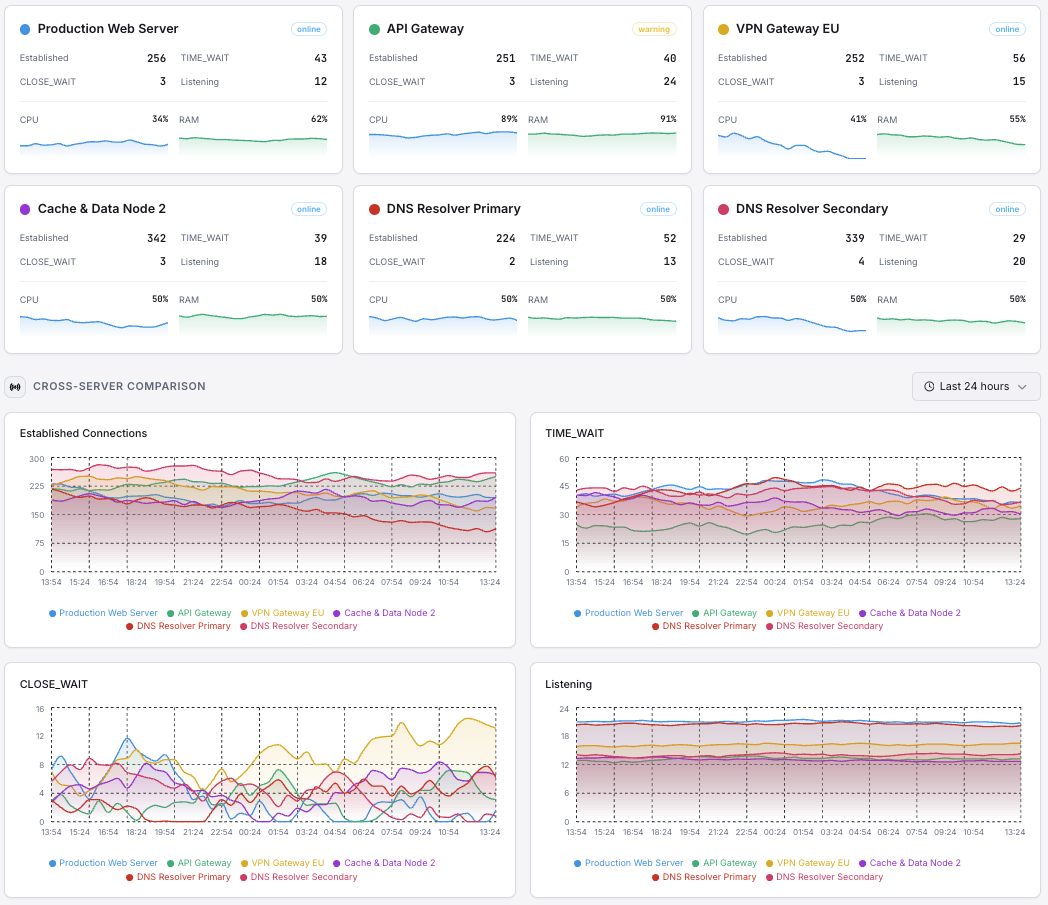
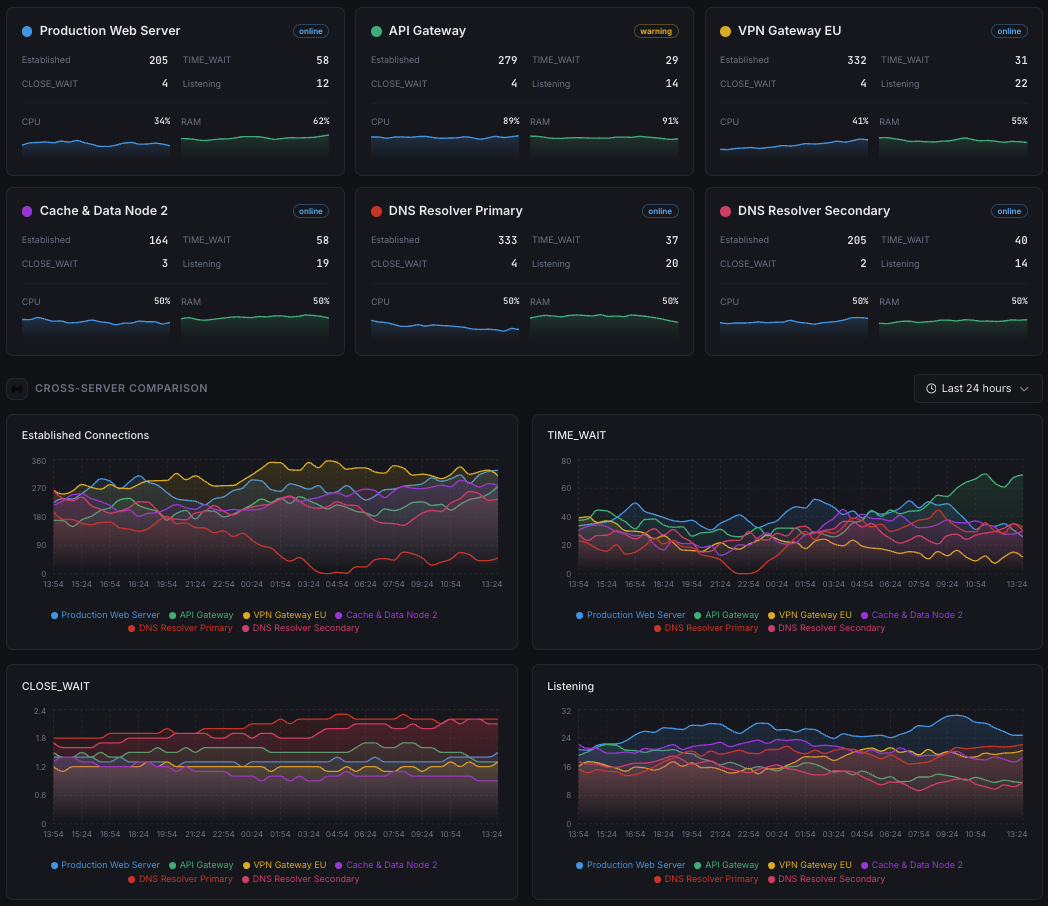
Xitoring provides effortless Netstat monitoring with zero dependencies. The agent reads network statistics directly from the OS — no netstat CLI installation required. Get historical trends, real-time alerts, and full visibility into your network stack.
- Zero-dependency setup
- Historical network data & trends
- Unified dashboard for all servers
- Multi-channel alerting on anomalies
Get started in minutes
Install Xitogent
Install the Xitoring agent on your Linux or Windows server.
curl -s https://xitoring.com/install.sh | sudo bashEnable Netstat integration
Run the integrate command and select Netstat. Xitogent reads statistics directly from the operating system — the netstat CLI is not required to be installed.
xitogent integrateFrequently asked questions
Start monitoring Netstat today
Set up in under 60 seconds. No credit card required. Full metrics from day one.
Start Free Trial