InfluxDB Monitoring
Monitor InfluxDB write throughput, query performance, storage engine metrics, and retention policy health in real time with zero configuration.
Why monitor InfluxDB?
InfluxDB is the leading time-series database for metrics, events, and real-time analytics. Monitoring InfluxDB ensures healthy write ingestion, optimal query performance, and proper retention management.
What we monitor
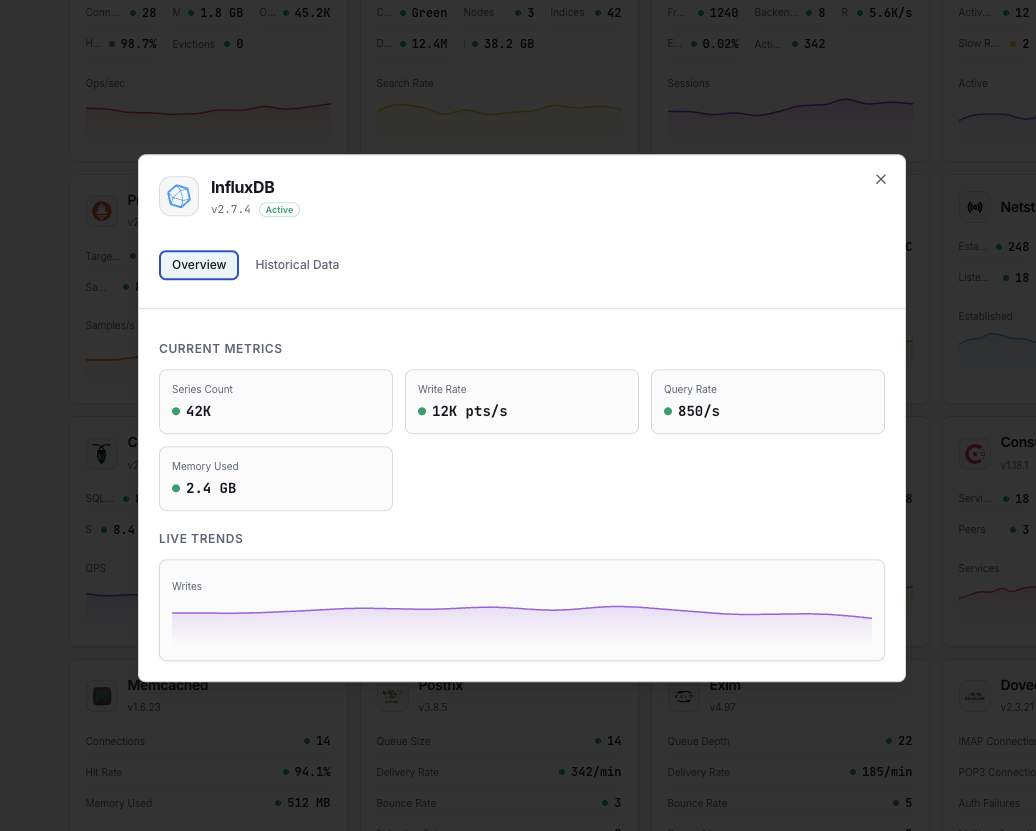
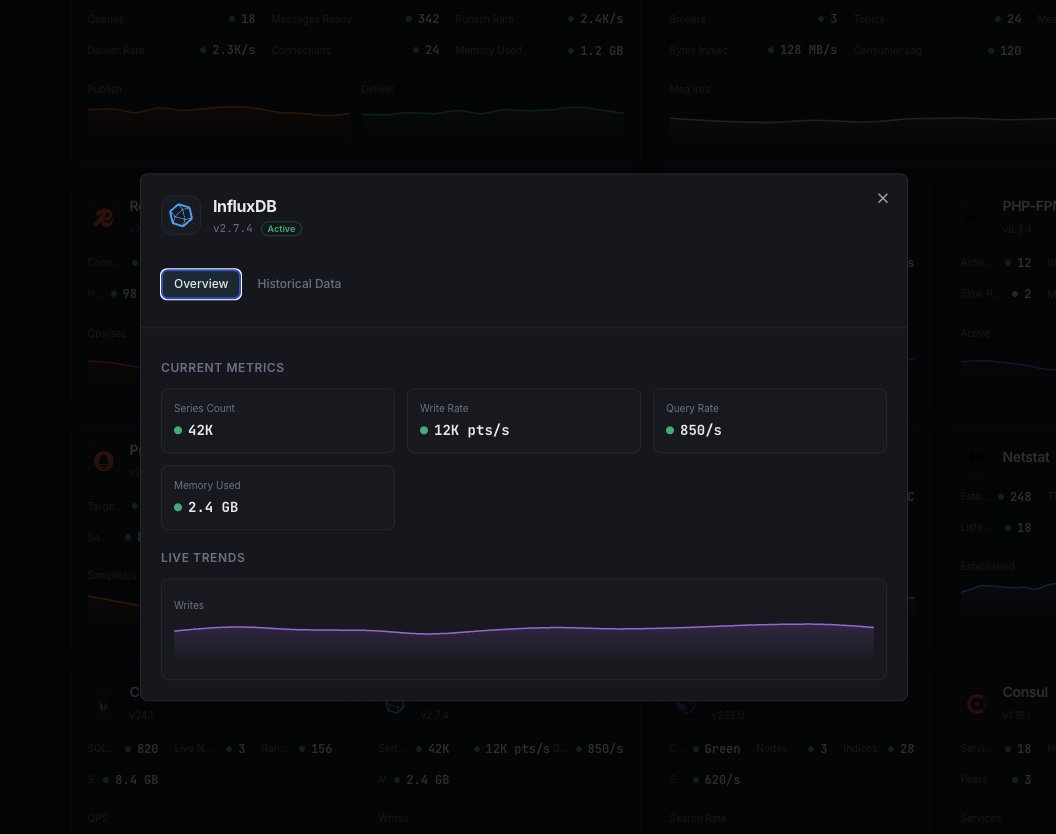
Write Points/sec
Rate of data points written.
Query Duration
Average query execution time.
Series Cardinality
Total unique time series.
Storage Size
TSM storage on disk.
Compaction Rate
TSM compaction throughput.
Cache Size
In-memory write cache usage.
Configurable alert triggers
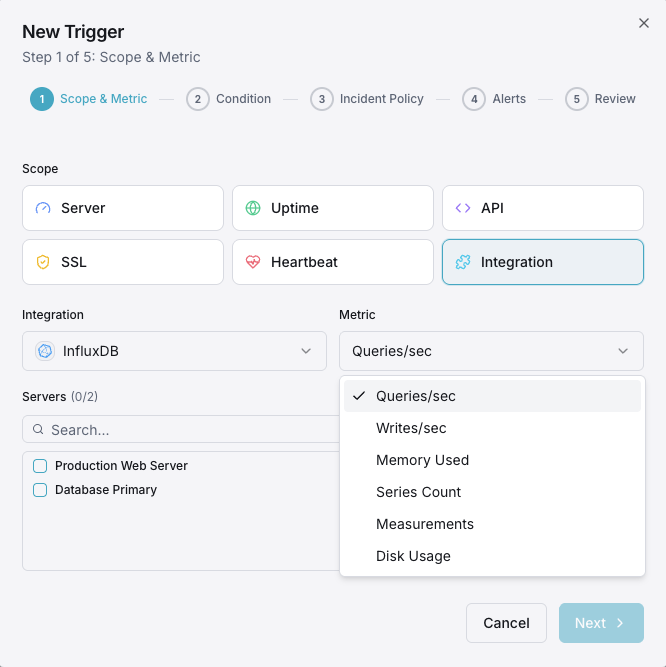
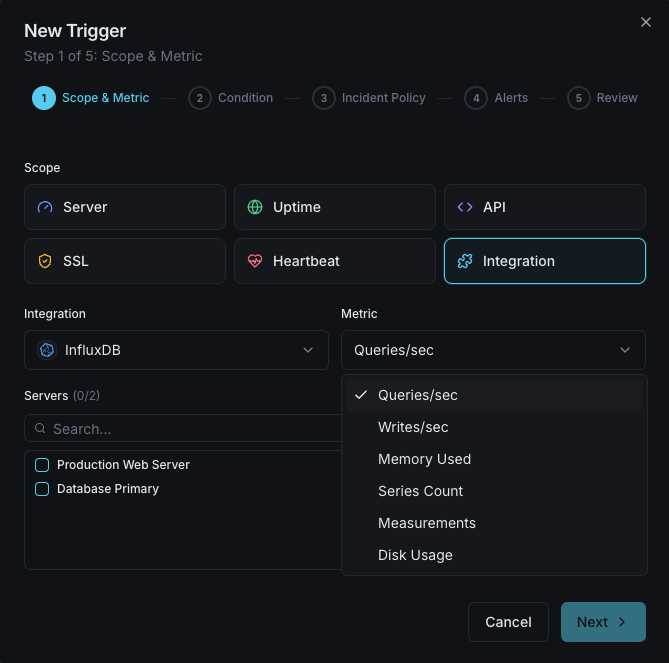
Set up custom triggers in your dashboard to get notified the moment InfluxDB metrics cross your defined thresholds.
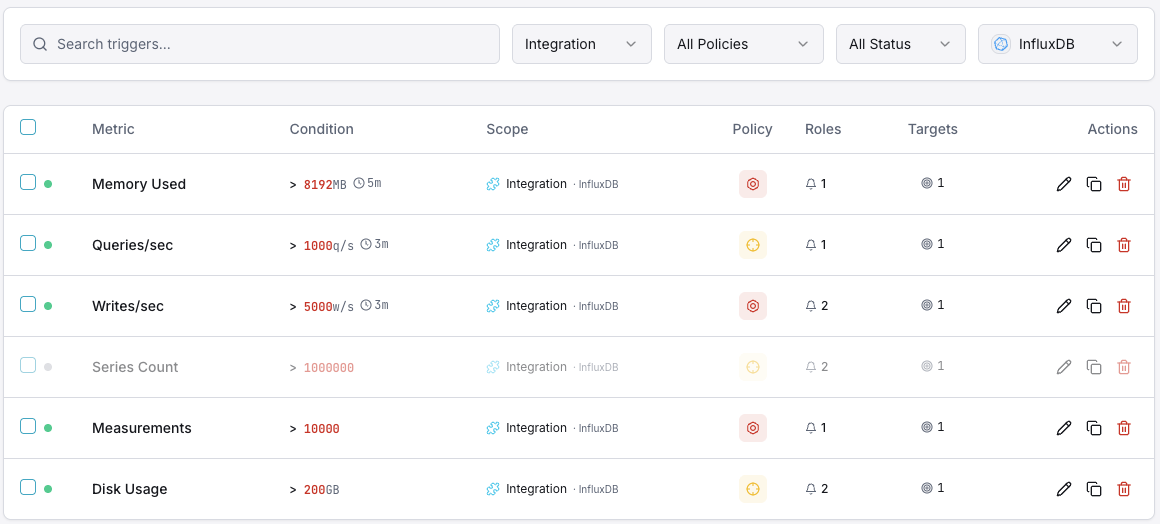
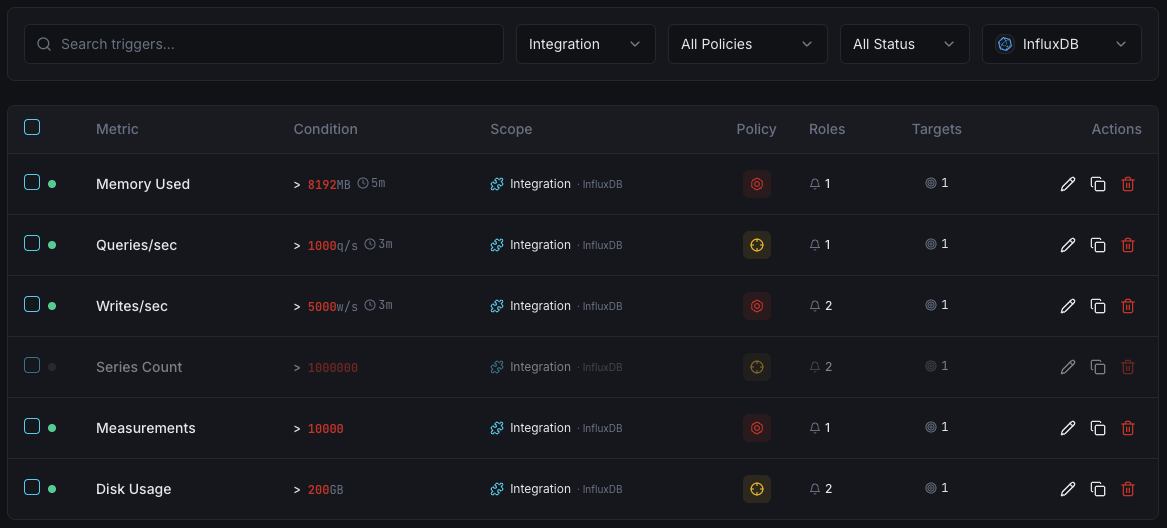
Write Throughput
warningFires on write rate anomalies.
Query Duration
warningAlerts on slow queries.
Series Cardinality
criticalTriggers when cardinality is too high.
Storage Size
criticalFires when storage exceeds threshold.
Importance of InfluxDB Monitoring
InfluxDB handles high-velocity time-series data. High cardinality, write pressure, and compaction delays can degrade performance.
- Track write throughput for ingestion health
- Monitor series cardinality to prevent OOM
- Detect slow queries early
- Ensure compaction keeps up
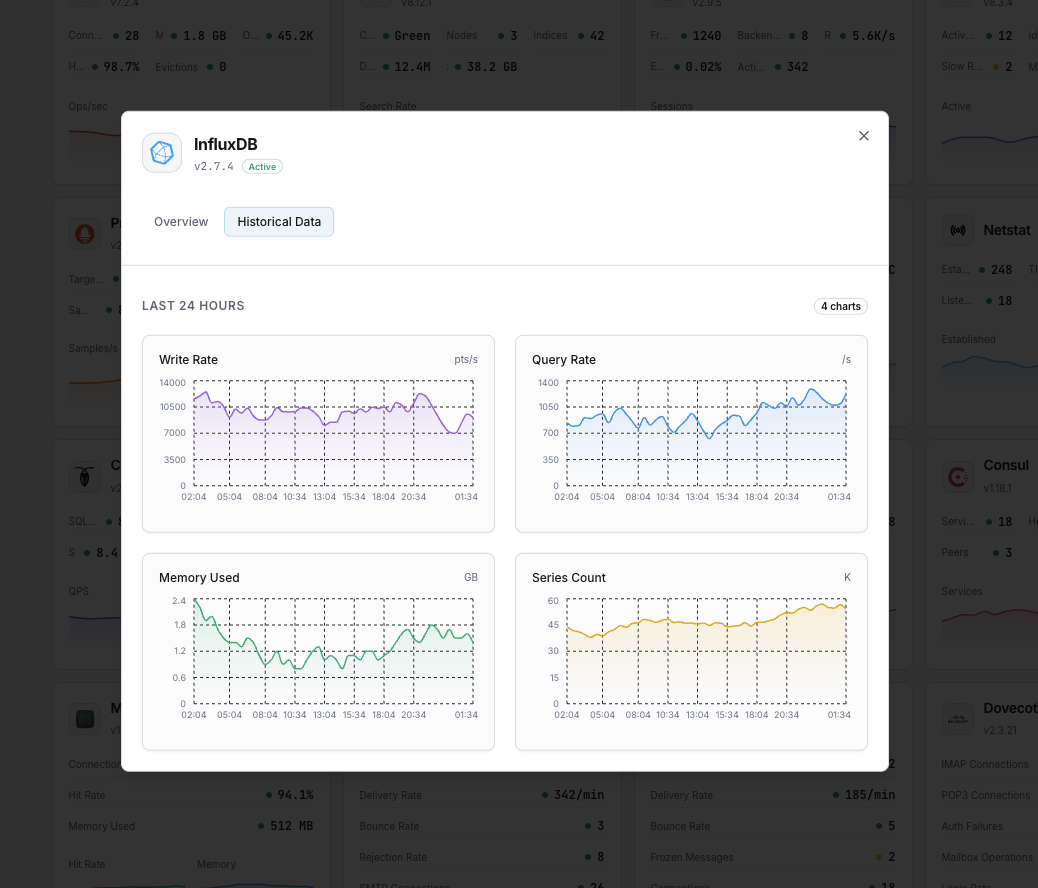
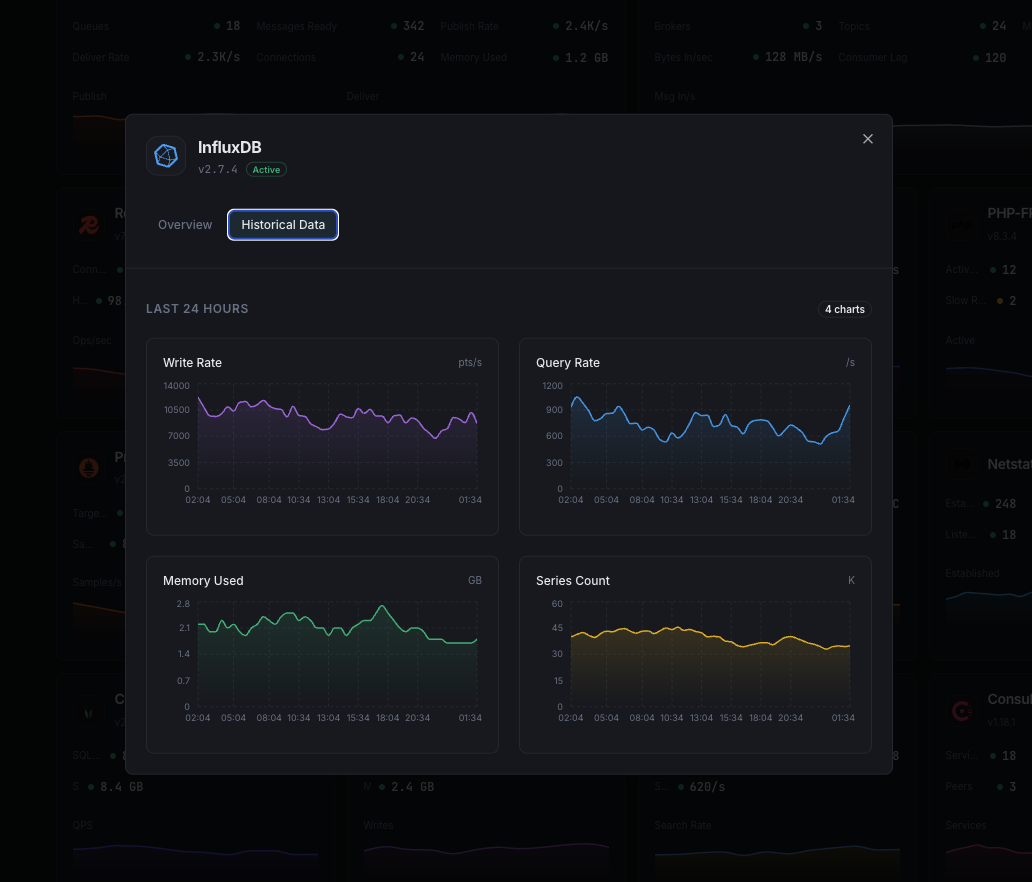
Why Choose Xitoring
Zero-config InfluxDB monitoring.
- One-command install
- Global nodes
- Unified dashboard
- Multi-channel alerts
- Historical retention
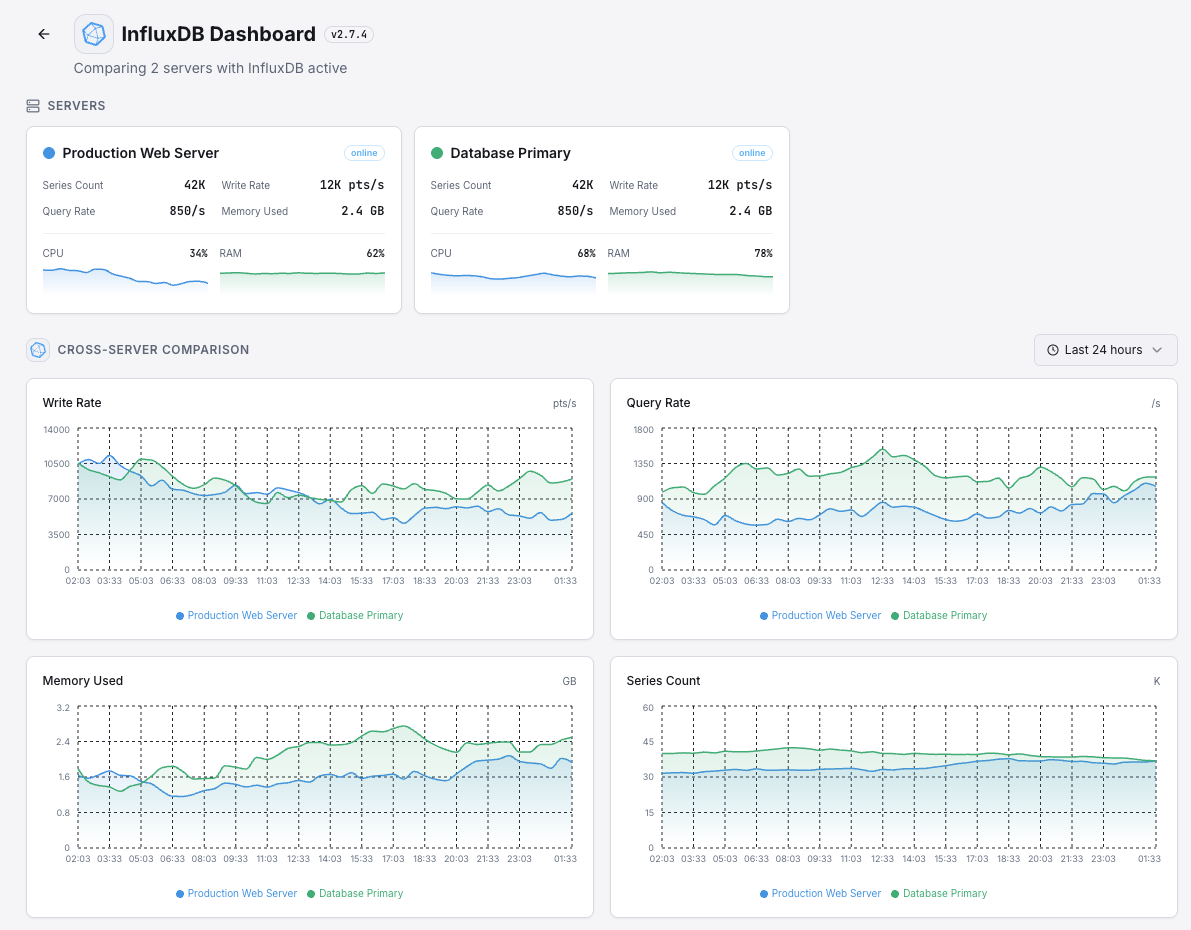
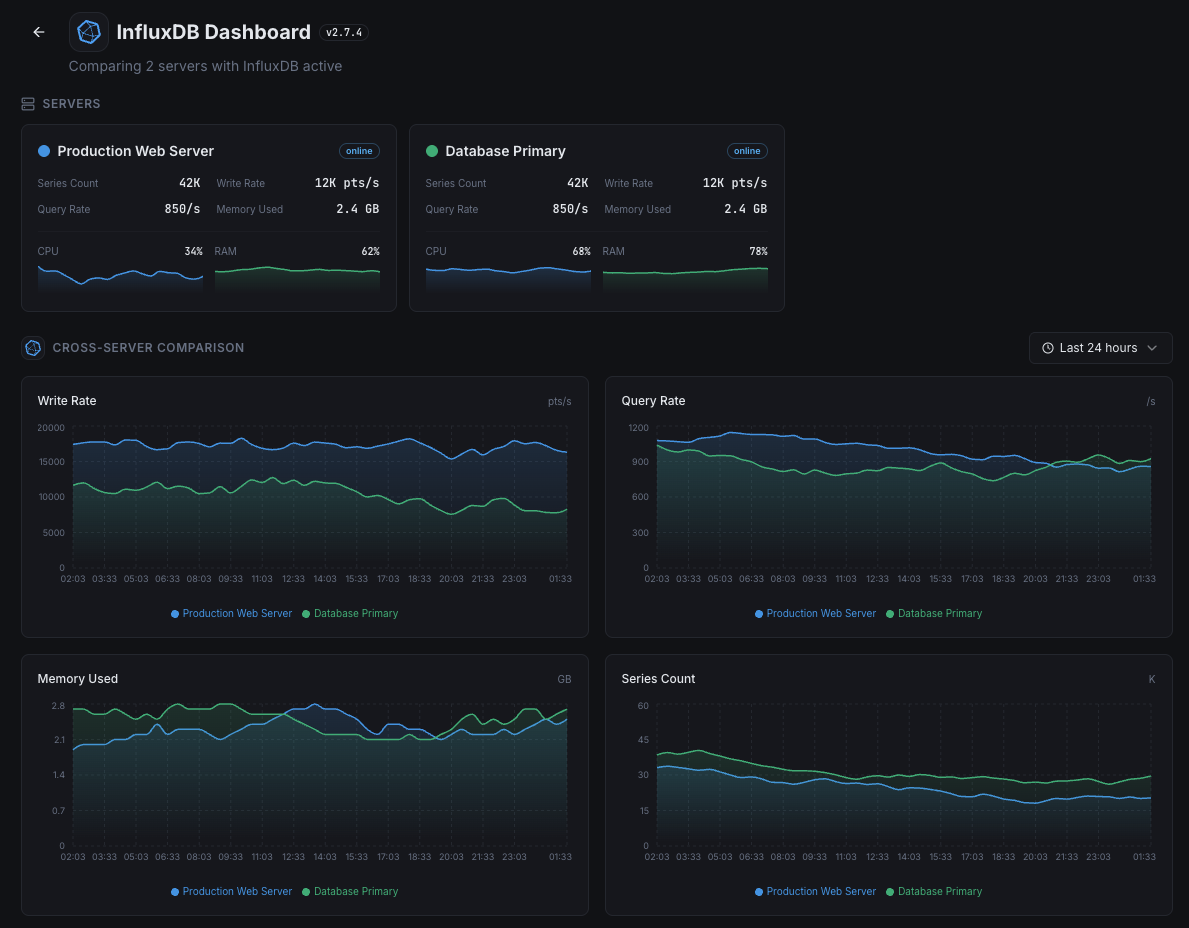
Get started in minutes
Install Xitogent
Install the agent.
curl -s https://xitoring.com/install.sh | sudo bashEnable InfluxDB integration
Enable via CLI.
sudo xitogent integrate influxdb --enableFrequently asked questions
Start monitoring InfluxDB today
Set up in under 60 seconds. No credit card required. Full metrics from day one.
Start Free TrialKeep exploring