
Disk Health Monitoring
Monitor disk SMART attributes, temperature, reallocated sectors, and predictive failure indicators across SSDs and HDDs in real time.
Why monitor Disk Health?
Disk failures are one of the leading causes of data loss and unplanned downtime. Xitoring's Disk Health monitoring leverages SMART (Self-Monitoring, Analysis, and Reporting Technology) to give you early warnings before drives fail, covering SSDs, HDDs, and RAID setups on both Linux and Windows.
What we monitor
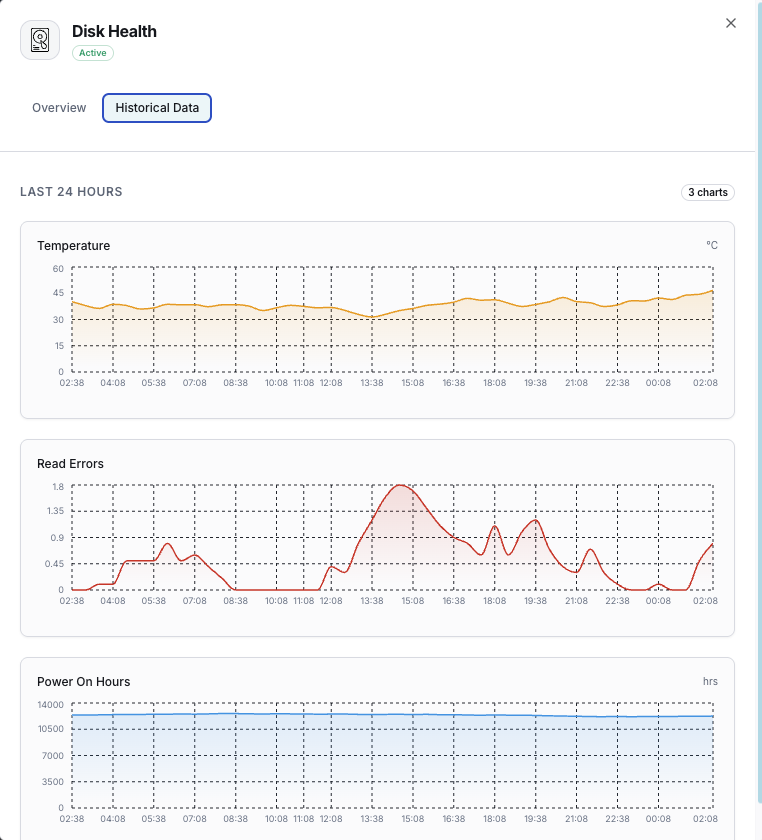
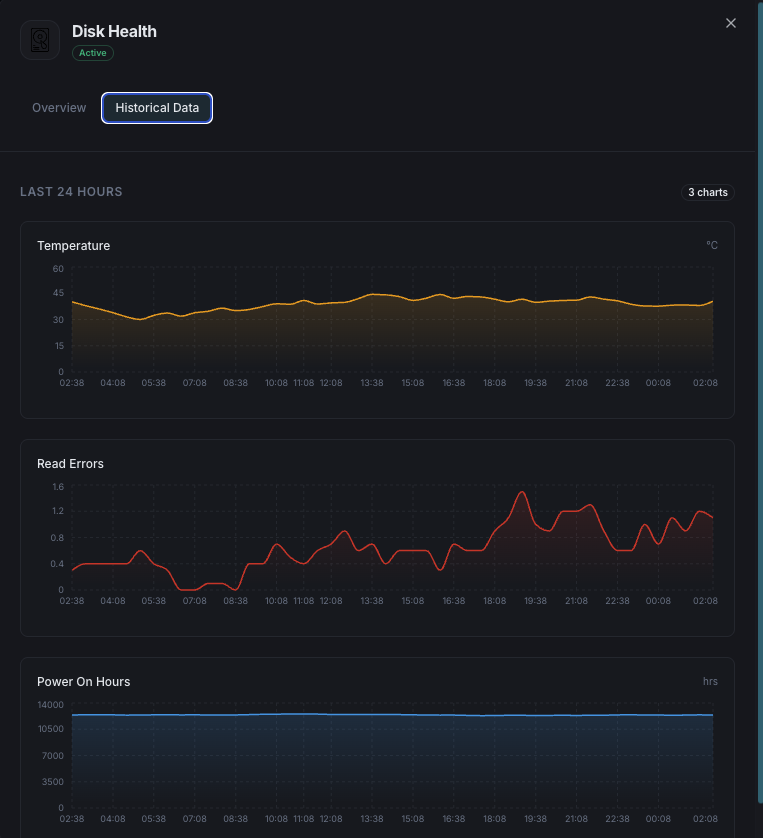
SMART Health Status
Overall disk health pass/fail indicator.
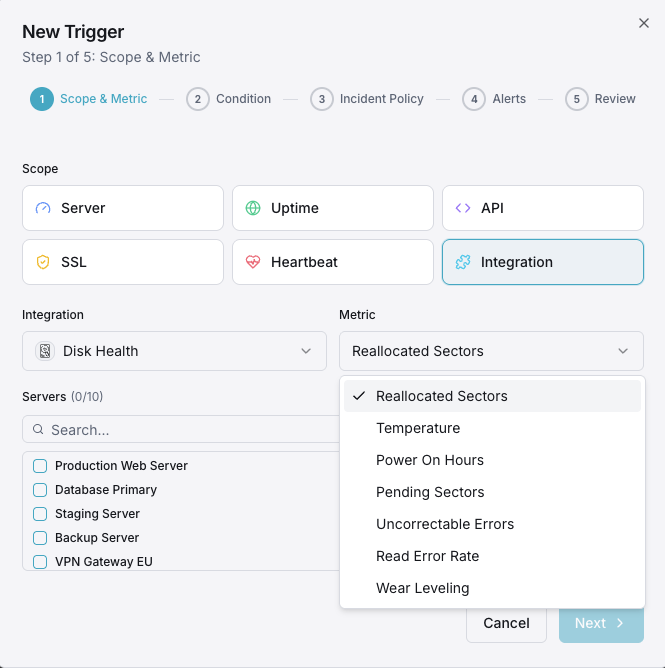
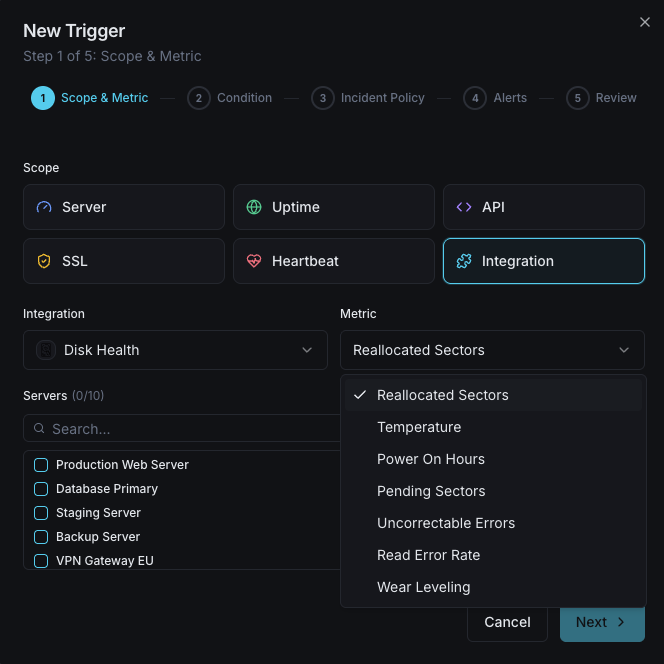
Temperature
Current disk temperature in Celsius.
Reallocated Sectors
Count of remapped bad sectors.
Power-On Hours
Total operational hours of the disk.
Read Error Rate
Rate of read errors encountered.
Pending Sectors
Sectors waiting to be remapped.
Configurable alert triggers
Set up custom triggers in your dashboard to get notified the moment Disk Health metrics cross your defined thresholds.
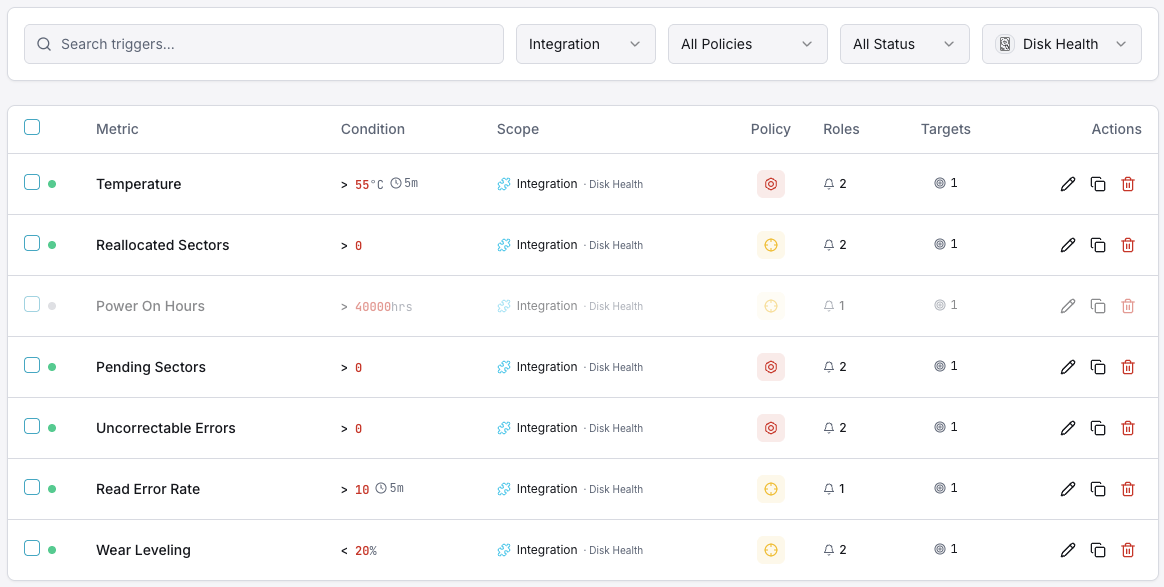
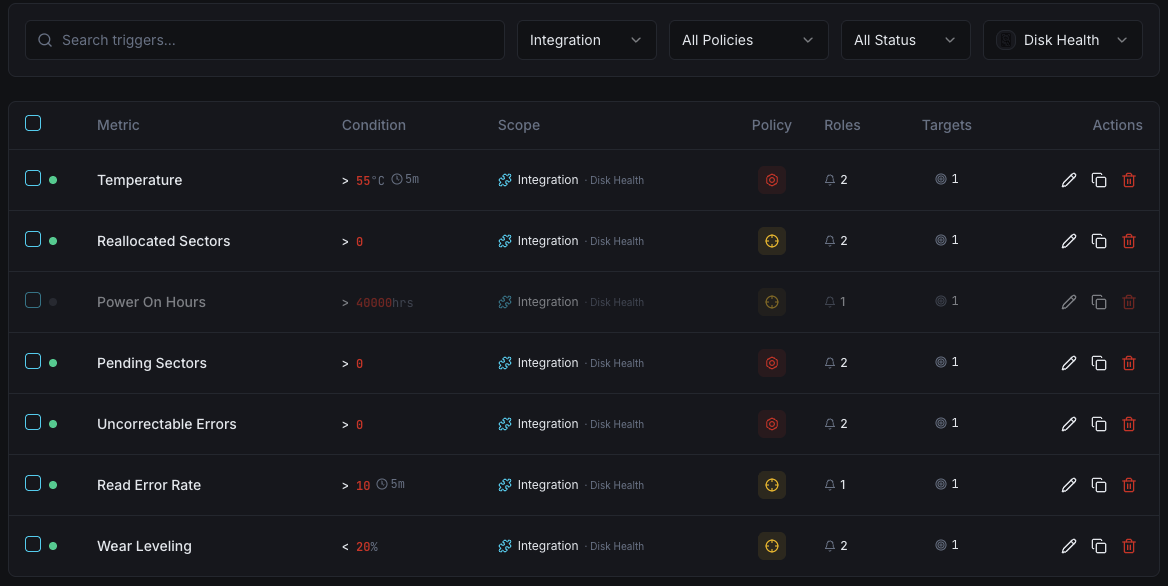
SMART Health Status
criticalFires when SMART reports a failing health status.
Reallocated Sectors
criticalAlerts when reallocated sector count exceeds threshold.
Disk Temperature
warningTriggers when disk temperature exceeds safe operating range.
Pending Sectors
warningFires when pending sector count indicates potential failure.
Importance of Disk Health Monitoring
Disk failures can result in data loss and costly downtime. SMART monitoring provides early warning signs — from rising temperatures and increasing reallocated sectors to read error spikes — so you can act before a drive fails.
- Prevent data loss with early failure detection
- Optimize performance by identifying bottlenecks
- Plan capacity with historical trend analysis
- Maintain compliance with data integrity monitoring
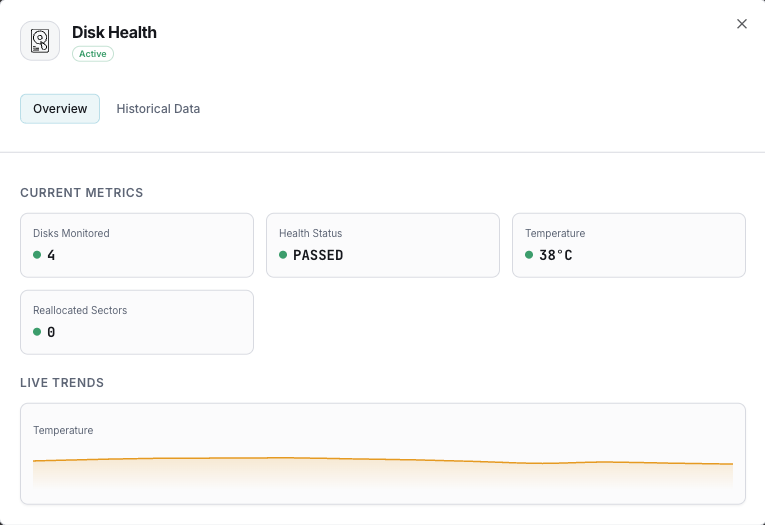
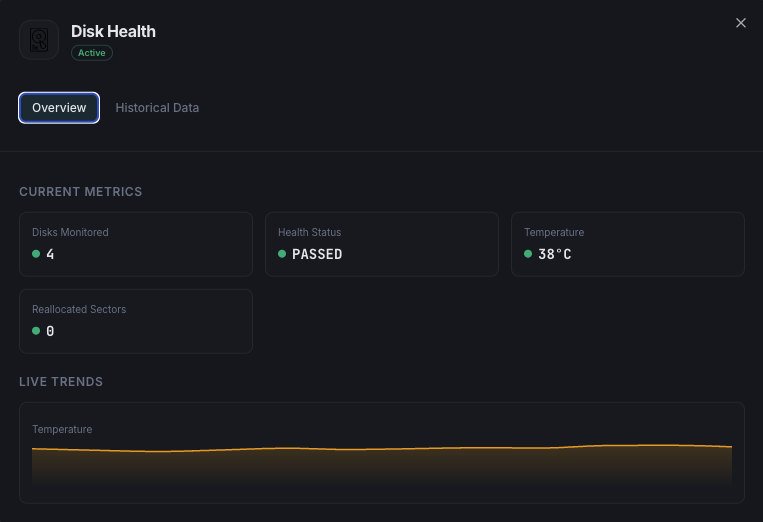
Why Choose Xitoring
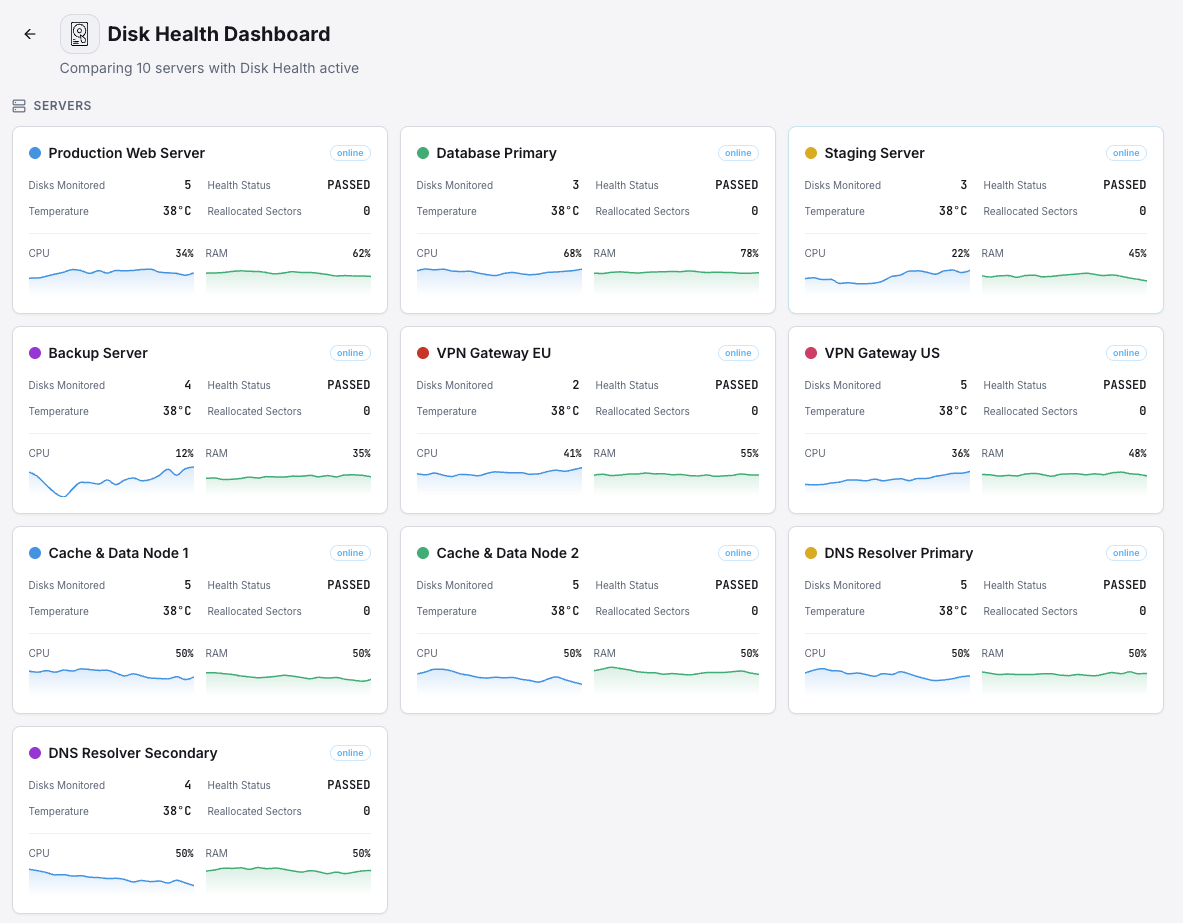
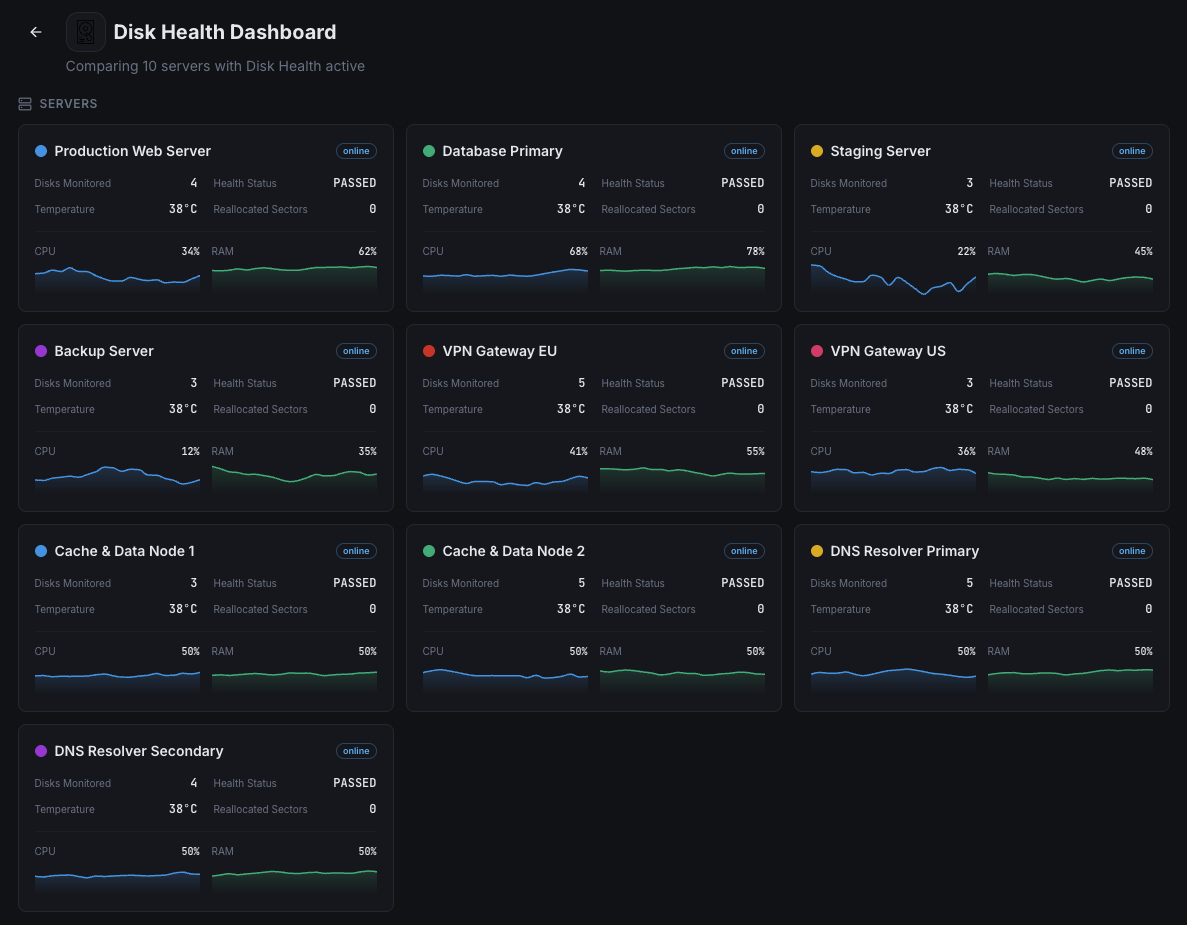
Xitoring provides zero-config disk health monitoring with SMART integration for all disk types. Get real-time alerts, historical trends, and predictive failure indicators in a unified dashboard.
- Supports SSDs, HDDs, and RAID arrays
- One-command setup on Linux & Windows
- Customizable SMART attribute thresholds
- Multi-channel alerting for critical disk events
Get started in minutes
Install prerequisites (Linux)
Install smartmontools to enable SMART data collection. Ensure lsblk is available on your system.
# Ubuntu/Debian
sudo apt-get install smartmontools

# CentOS/RHEL
sudo yum install smartmontoolsEnable Disk Health integration
Run the integrate command and select Disk Health. Xitogent will auto-detect your disks and start collecting SMART data. No prerequisites needed on Windows.
xitogent integrateFrequently asked questions
Start monitoring Disk Health today
Set up in under 60 seconds. No credit card required. Full metrics from day one.
Start Free Trial