
CoreDNS Monitoring
Monitor CoreDNS query rates, cache hit ratios, resolution latency, and error rates in real time with zero configuration.
Why monitor CoreDNS?
CoreDNS is the default DNS server for Kubernetes and cloud-native environments. Monitoring CoreDNS ensures fast DNS resolution, healthy cache performance, and reliable service discovery for your infrastructure.
What we monitor
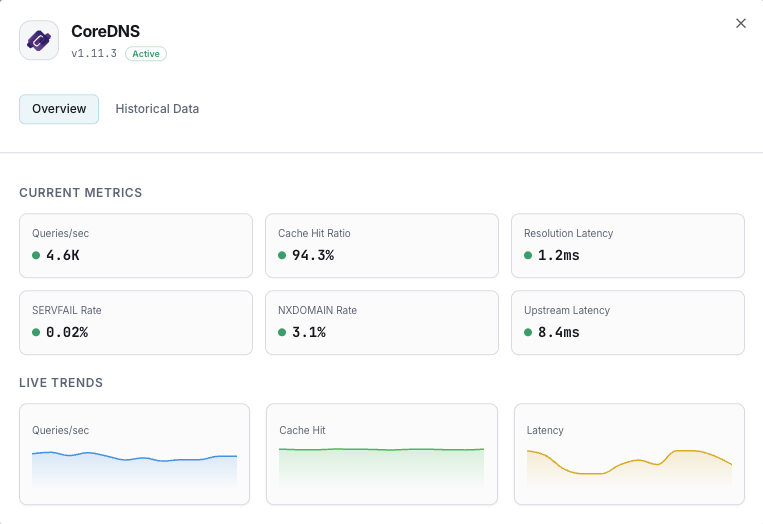
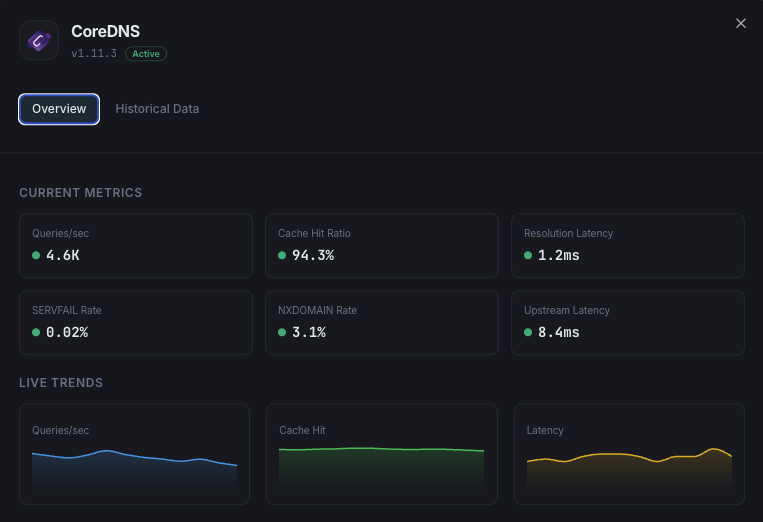
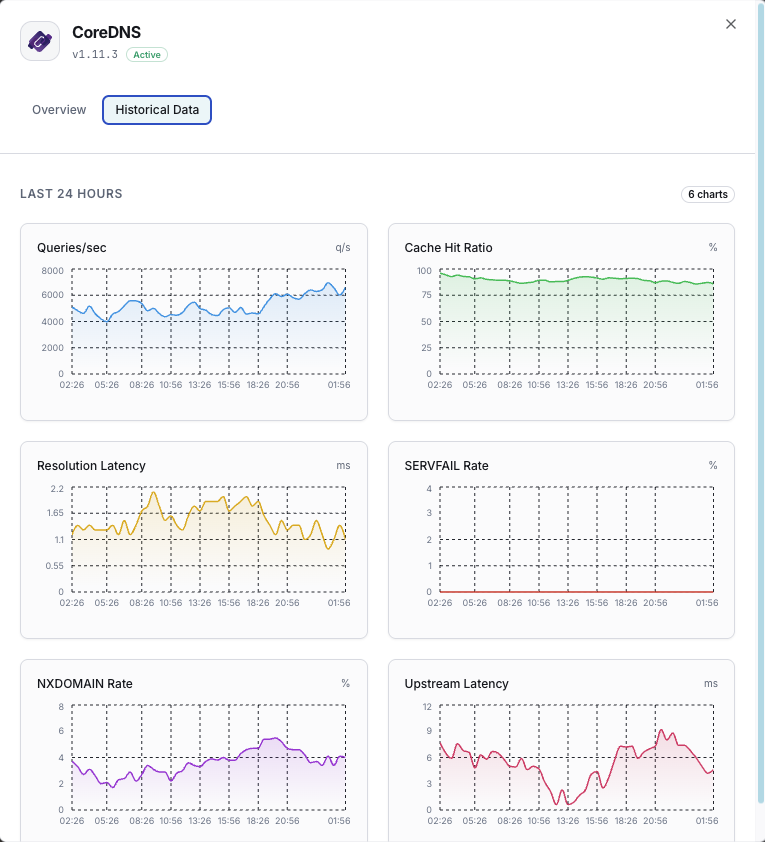
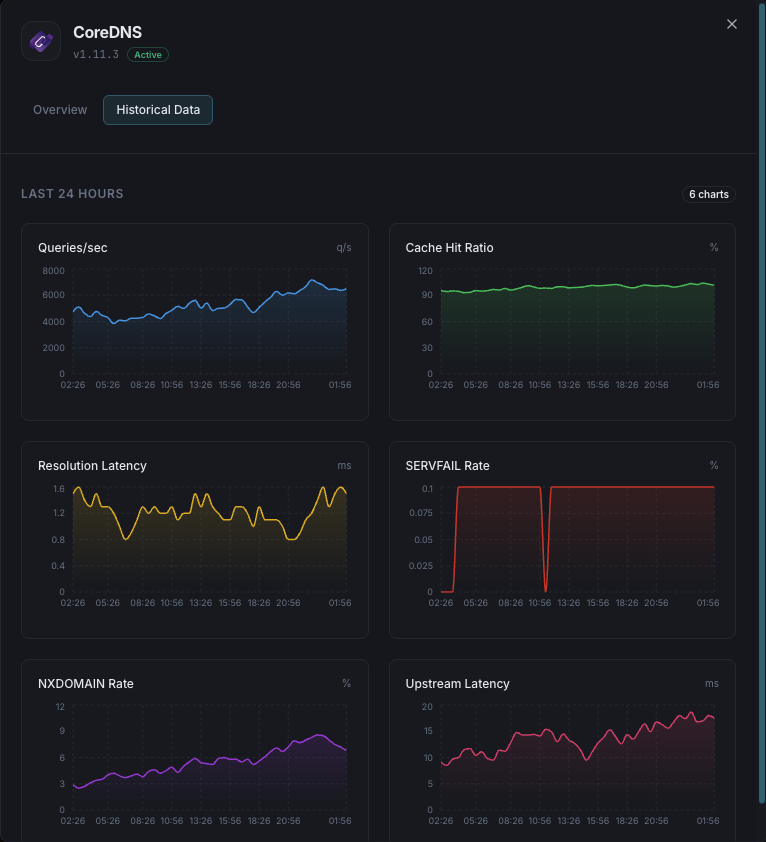
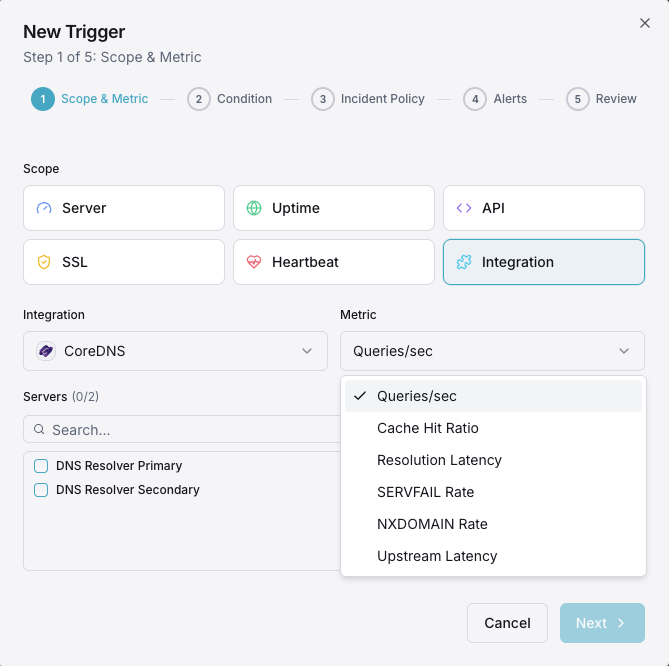
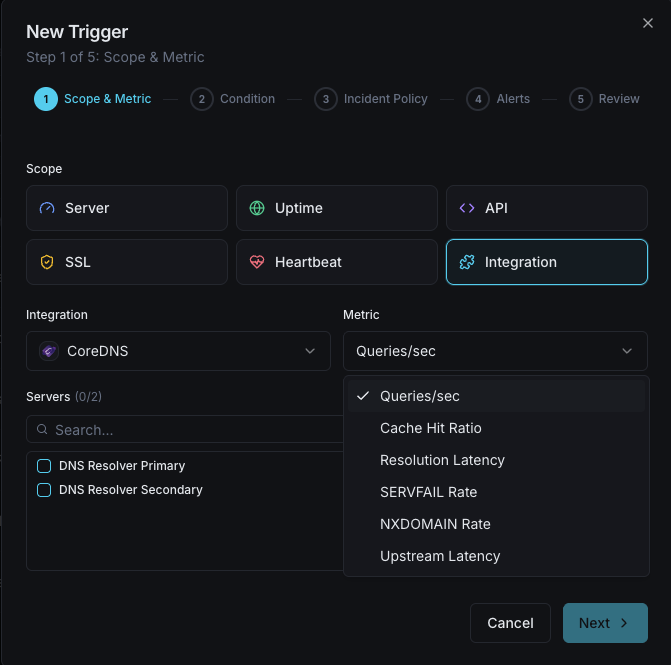
Queries/sec
DNS query rate.
Cache Hit Ratio
Percentage of cache-served queries.
Resolution Latency
Average DNS resolution time.
SERVFAIL Rate
Failed resolution percentage.
NXDOMAIN Rate
Non-existent domain query rate.
Upstream Latency
Forwarded query response time.
Configurable alert triggers
Set up custom triggers in your dashboard to get notified the moment CoreDNS metrics cross your defined thresholds.
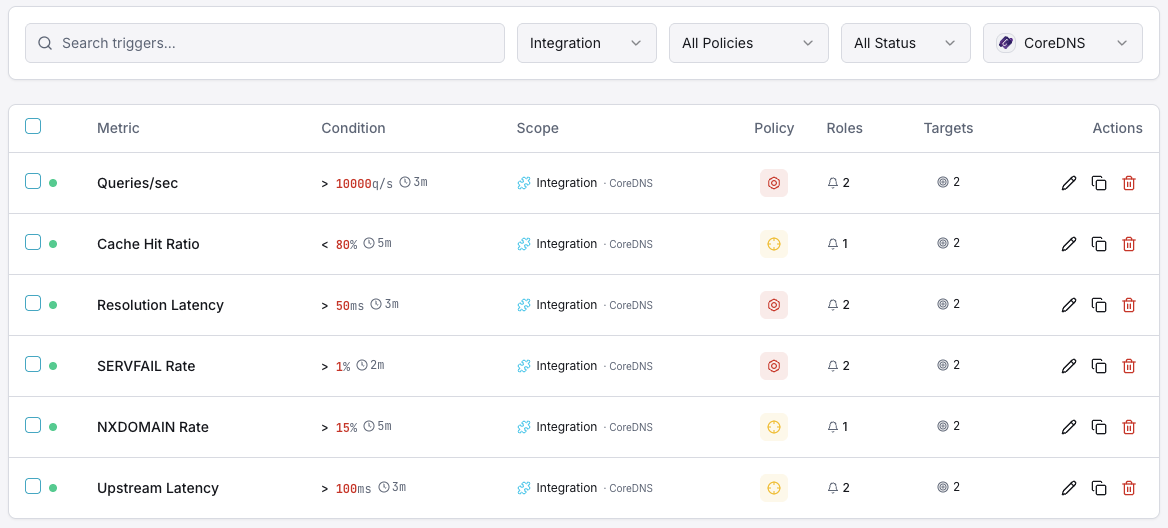
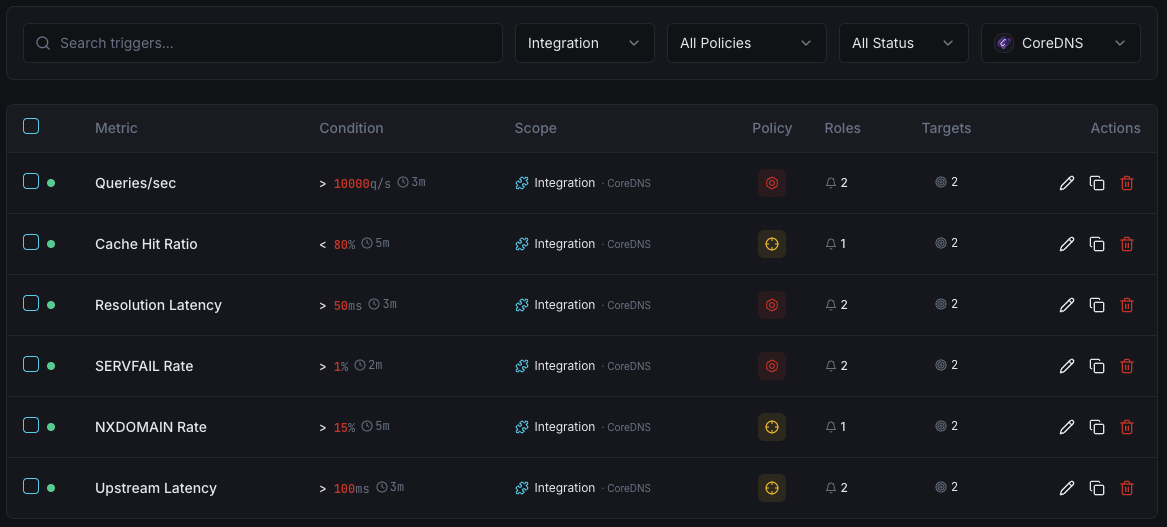
SERVFAIL Rate
criticalFires on high resolution failure rate.
Cache Hit Ratio
warningAlerts when cache effectiveness drops.
Resolution Latency
warningTriggers on slow DNS resolution.
Query Rate
warningFires on unusual query volume.
Importance of CoreDNS Monitoring
DNS is the foundation of network connectivity. Slow or failing DNS resolution impacts every service in your infrastructure.
- Ensure fast DNS resolution
- Detect SERVFAIL spikes immediately
- Monitor cache for optimal performance
- Track upstream resolver health
Why Choose Xitoring
Zero-config CoreDNS monitoring.
- One-command install
- Global nodes
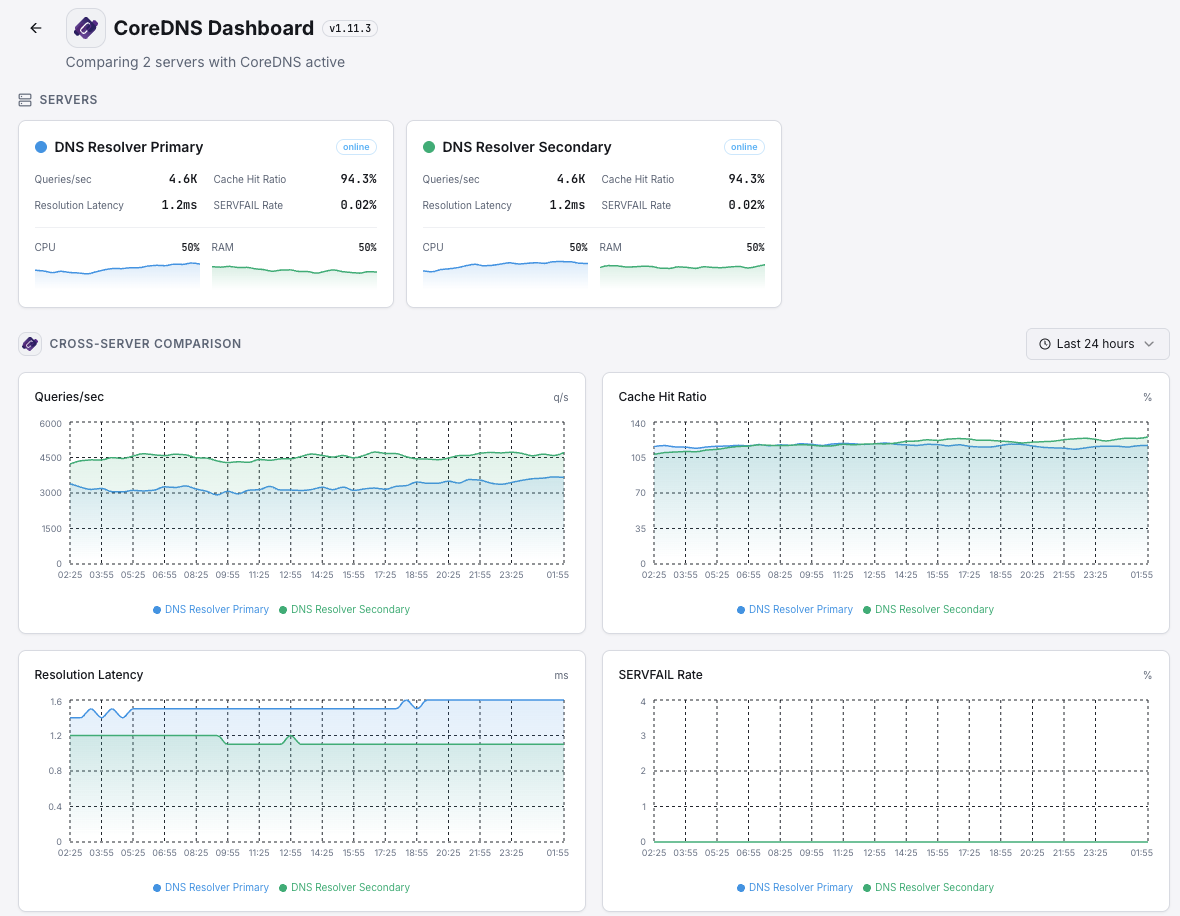
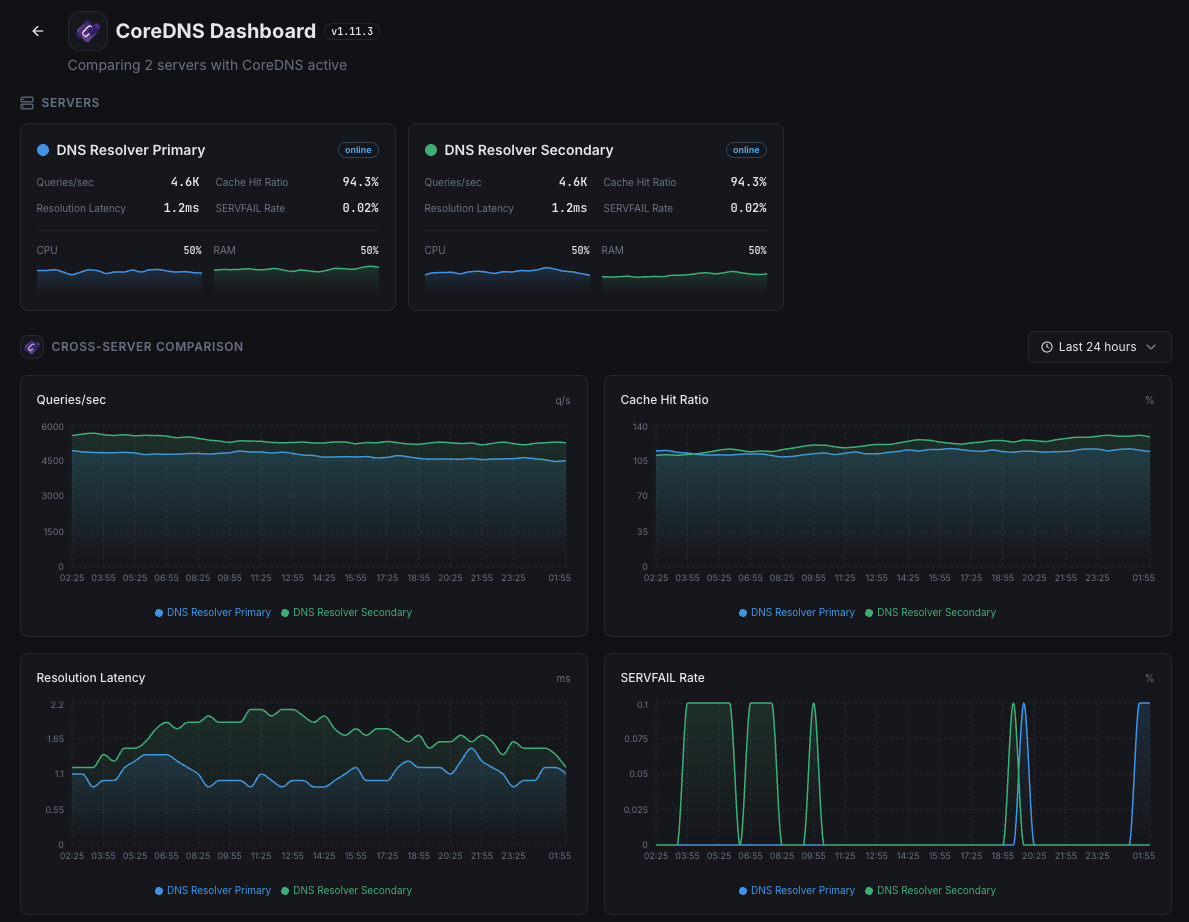
- Unified dashboard
- Multi-channel alerts
Get started in minutes
Install Xitogent
Install the agent.
curl -s https://xitoring.com/install.sh | sudo bashEnable CoreDNS integration
Enable via CLI.
sudo xitogent integrate coredns --enableFrequently asked questions
Start monitoring CoreDNS today
Set up in under 60 seconds. No credit card required. Full metrics from day one.
Start Free Trial