
Exim Monitoring
Monitor Exim mail queue depth, delivery rates, bounce statistics, and connection metrics in real time with zero configuration.
Why monitor Exim?
Exim is a highly configurable mail transfer agent used on millions of servers. Monitoring Exim is critical to track queue health, delivery performance, and detect issues before they impact email communication.
What we monitor
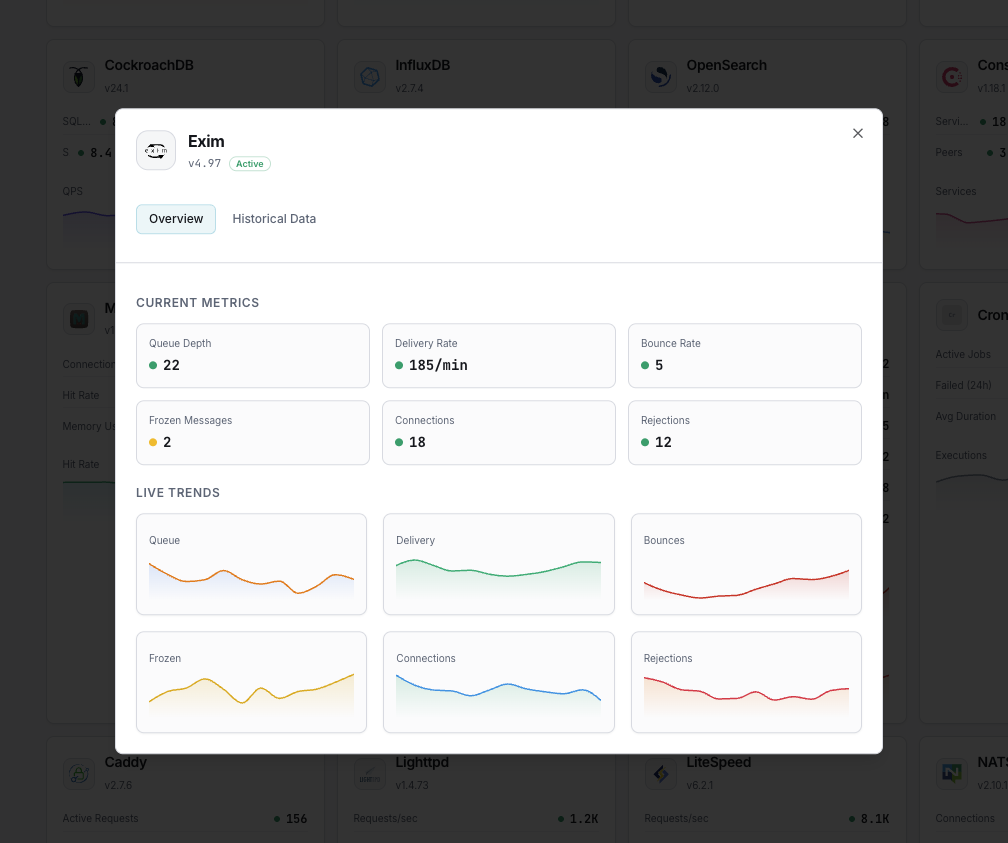
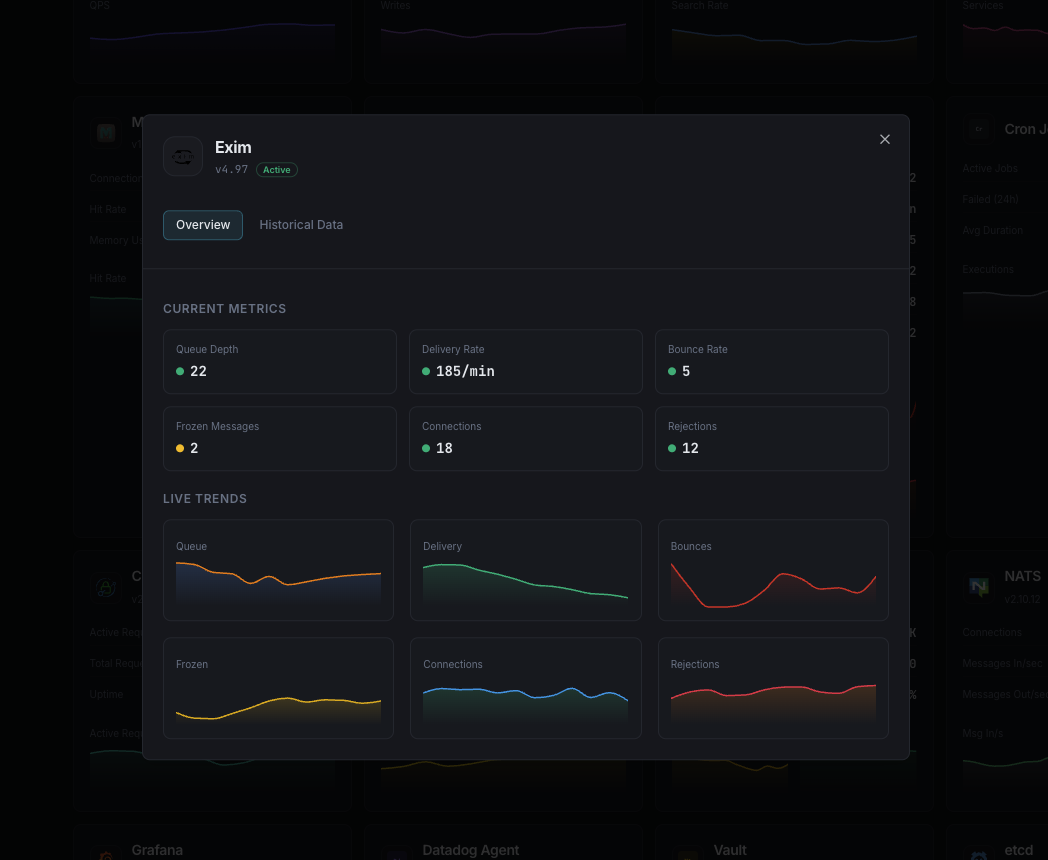
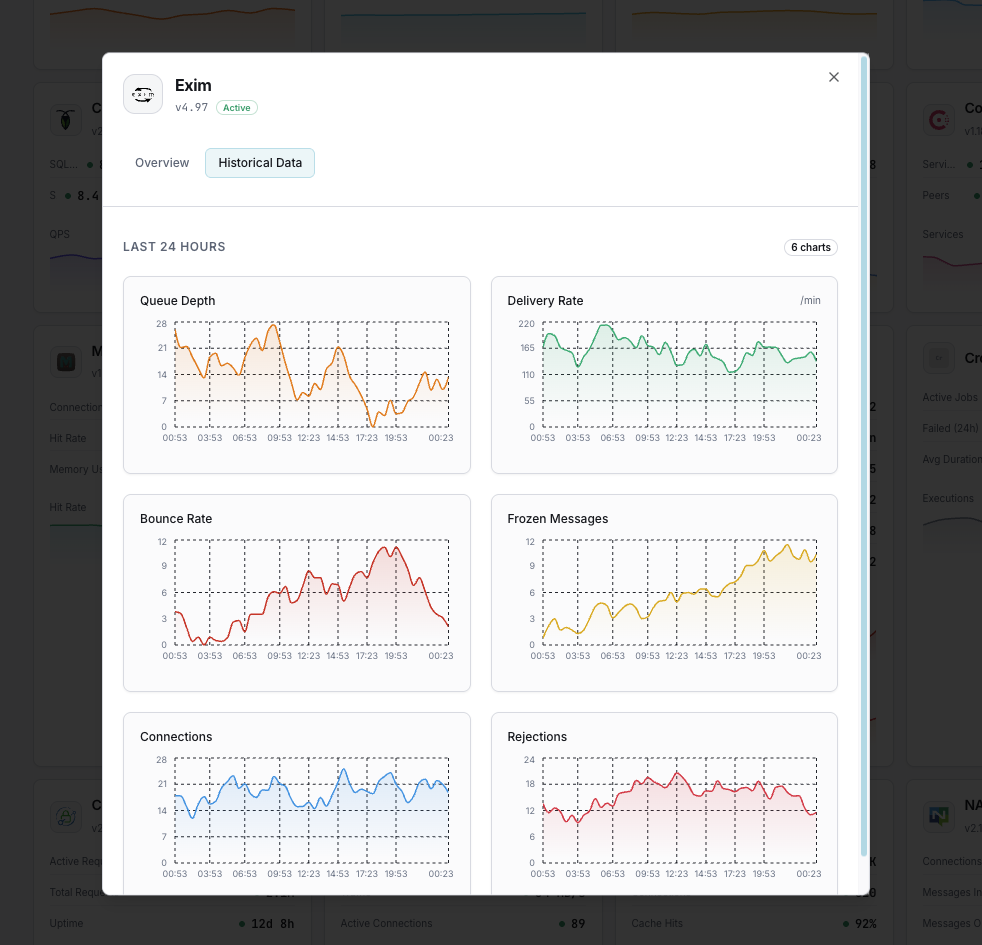
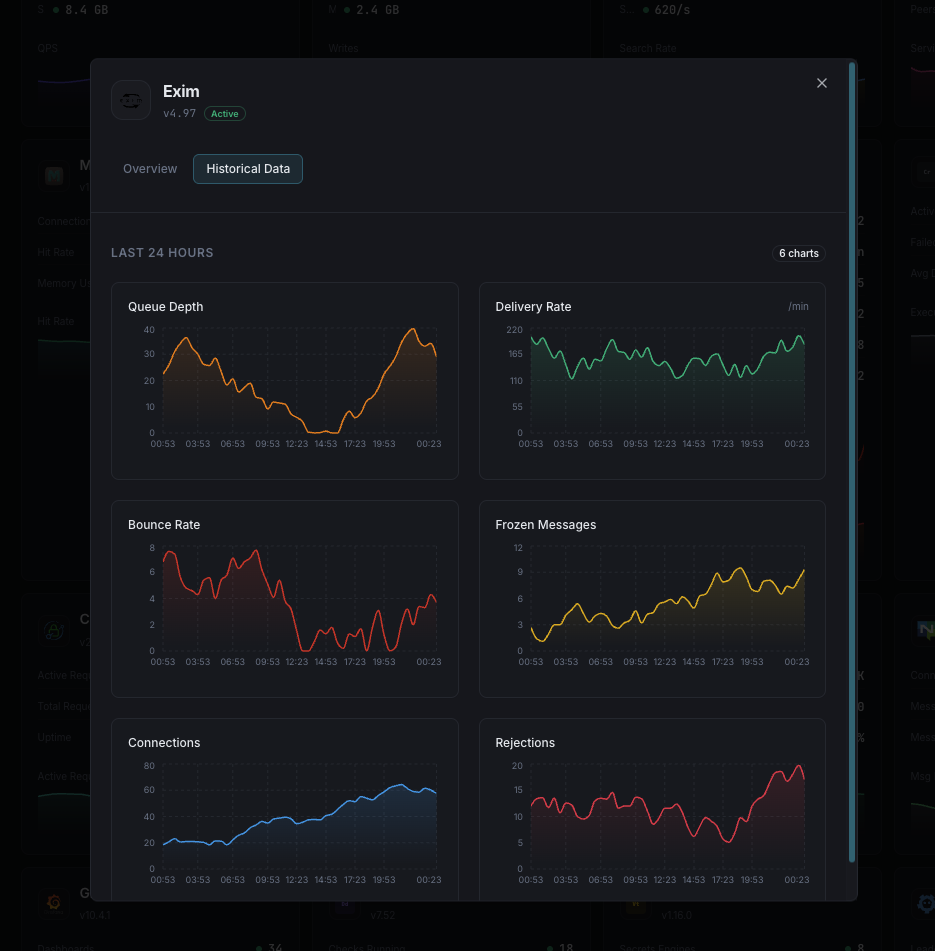
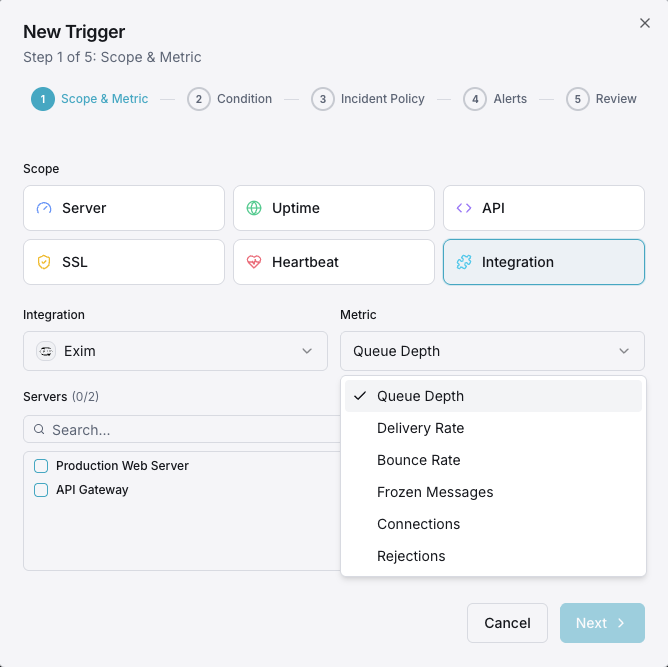
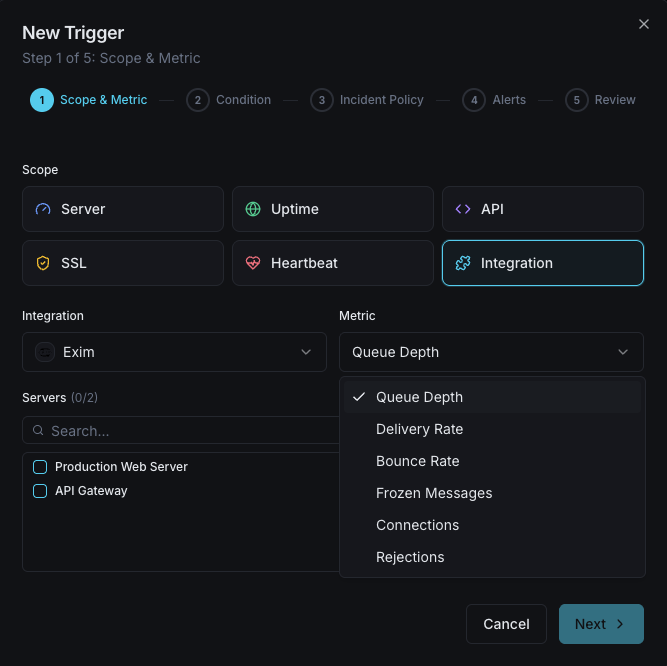
Queue Depth
Total messages in the mail queue.
Delivery Rate
Messages delivered per minute.
Bounce Rate
Hard and soft bounce counts.
Frozen Messages
Messages stuck in frozen state.
Connections
Active SMTP connections.
Rejections
Rejected connection attempts.
Configurable alert triggers
Set up custom triggers in your dashboard to get notified the moment Exim metrics cross your defined thresholds.
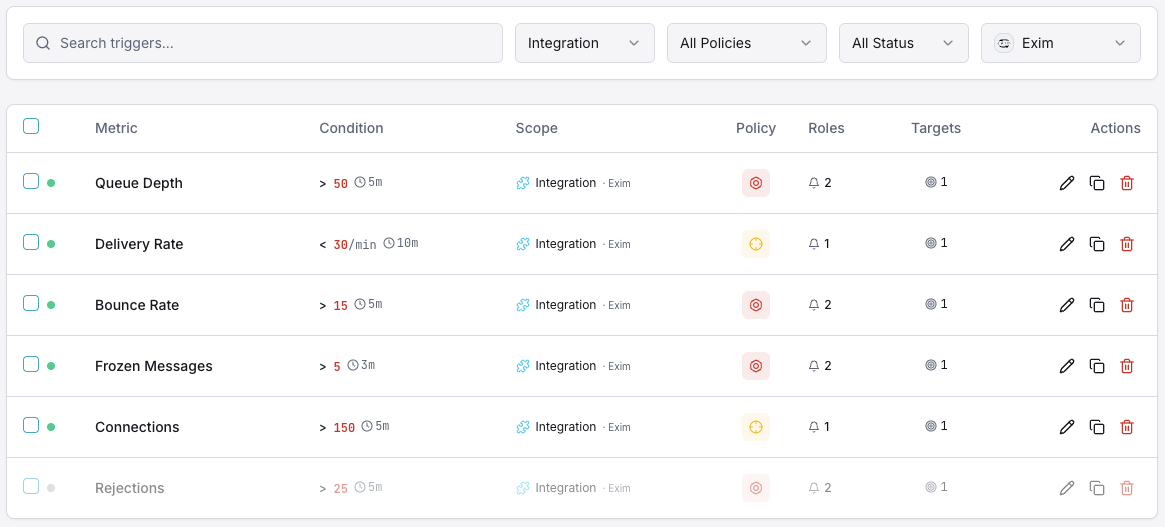
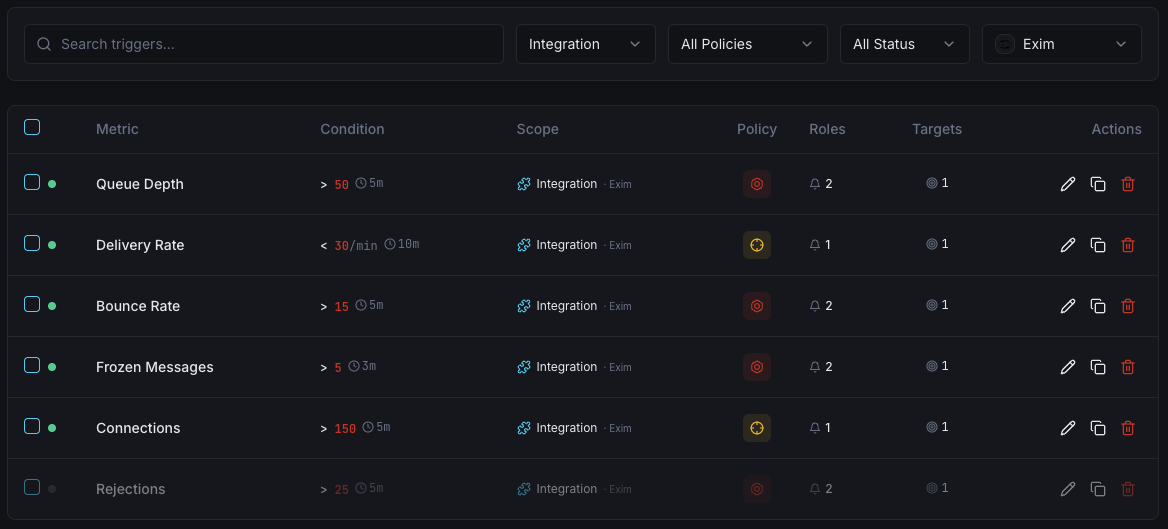
Queue Depth
criticalFires when queue grows beyond threshold.
Frozen Messages
warningAlerts on frozen message accumulation.
Bounce Rate
warningTriggers on high bounce rates.
Delivery Failures
criticalFires on delivery failure spikes.
Importance of Exim Monitoring
Exim is the default MTA on many hosting platforms. Queue buildup and delivery failures can cascade into reputation damage.
- Detect queue buildup immediately
- Track frozen messages
- Monitor delivery rates
- Prevent reputation damage
Why Choose Xitoring
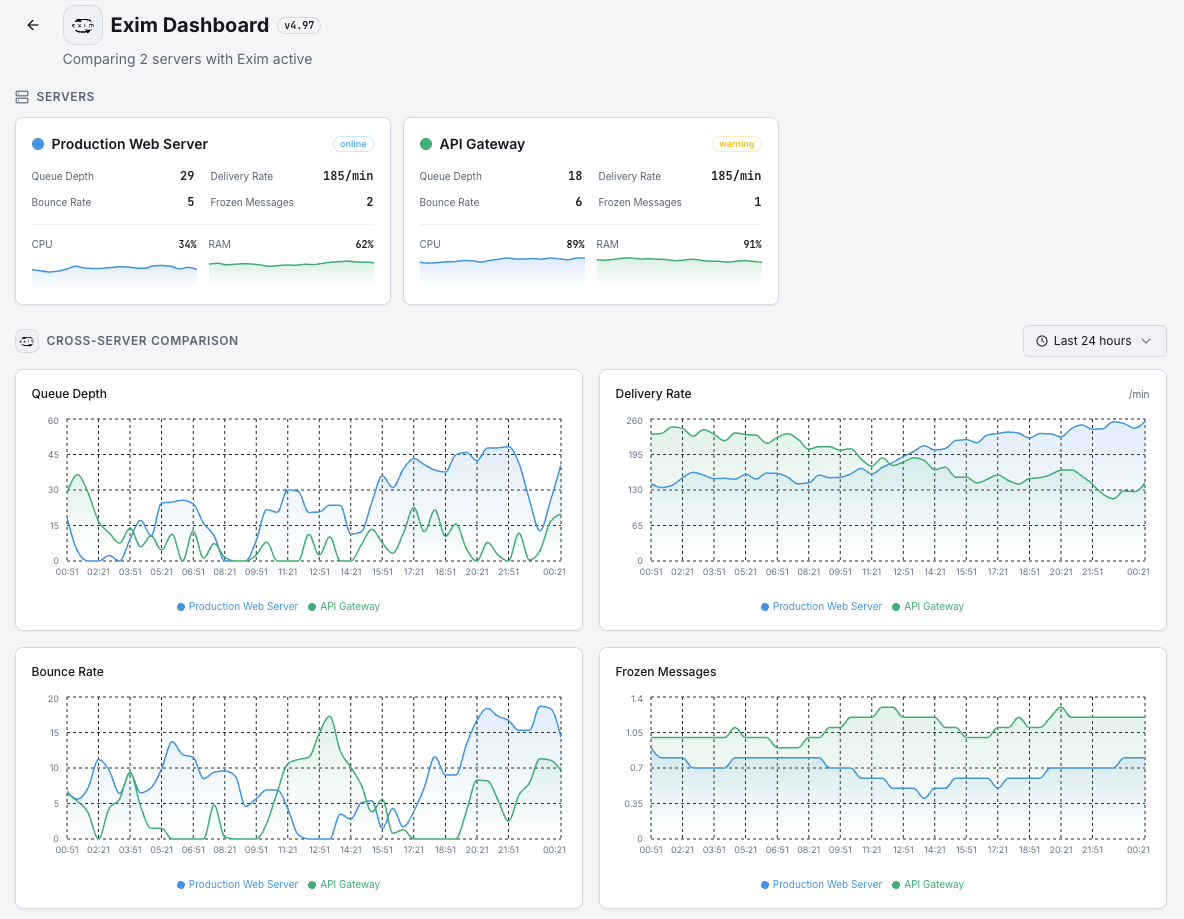
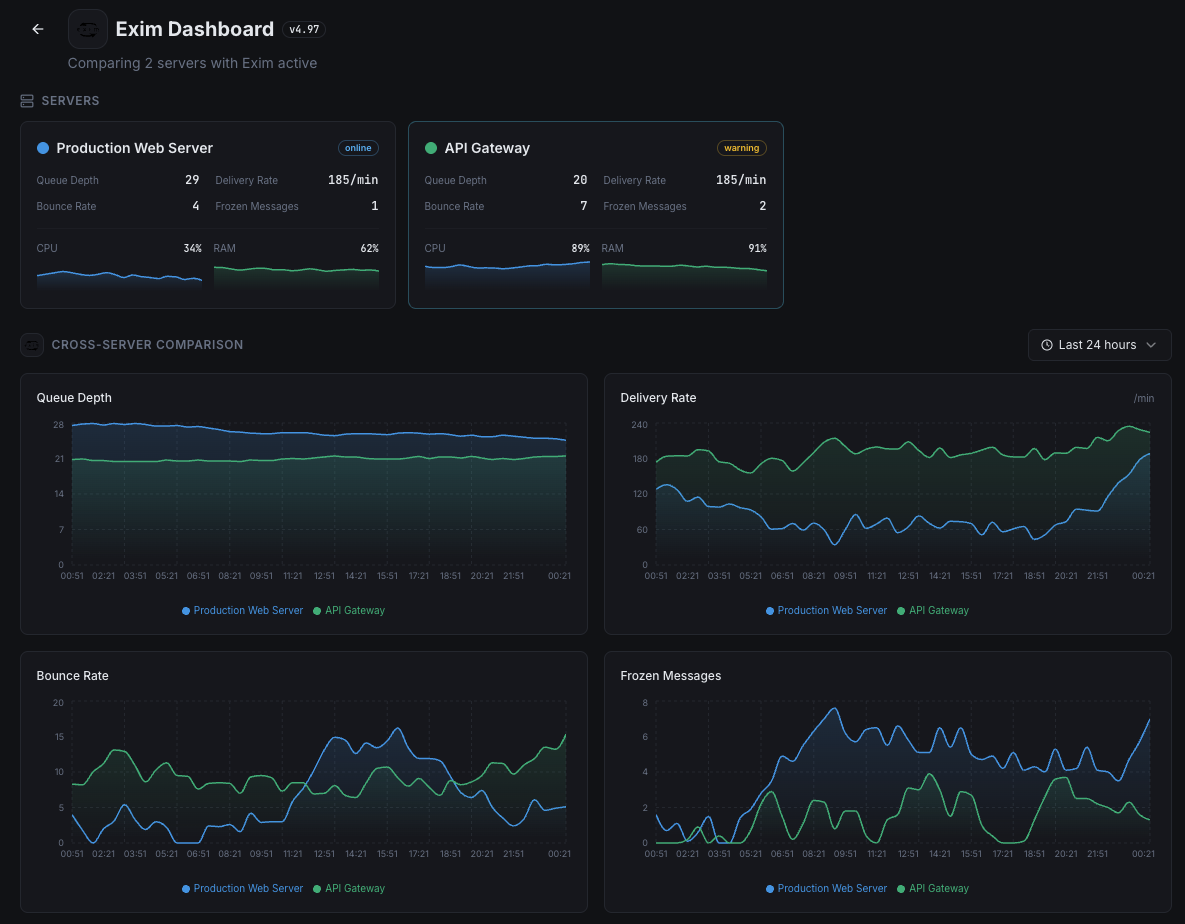
Zero-config Exim monitoring.
- One-command install
- Global monitoring nodes
- Unified dashboard
- Multi-channel alerts
Get started in minutes
Install Xitogent
Install the agent.
curl -s https://xitoring.com/install.sh | sudo bashEnable Exim integration
Enable via CLI.
sudo xitogent integrate exim --enableFrequently asked questions
Start monitoring Exim today
Set up in under 60 seconds. No credit card required. Full metrics from day one.
Start Free Trial